Pricing pages with no prices (114)
The 114 pricing pages here that hide at least one price behind a contact form, so a visitor has to ask before they can compare.
Key takeaways
- Say what each plan includes, feature by feature, since there's no price to compare.
- Name the top tier and say who it's for, so visitors know what they're asking sales about.
- Answer the price question in the FAQ, even if the answer is a range or a starting price.
Showing 1–24 of 114 pricing pages
What the best pricing pages with no prices do
When a page doesn't show a price, the rest of it has to help visitors decide whether to get in touch.
Explain what each plan includes
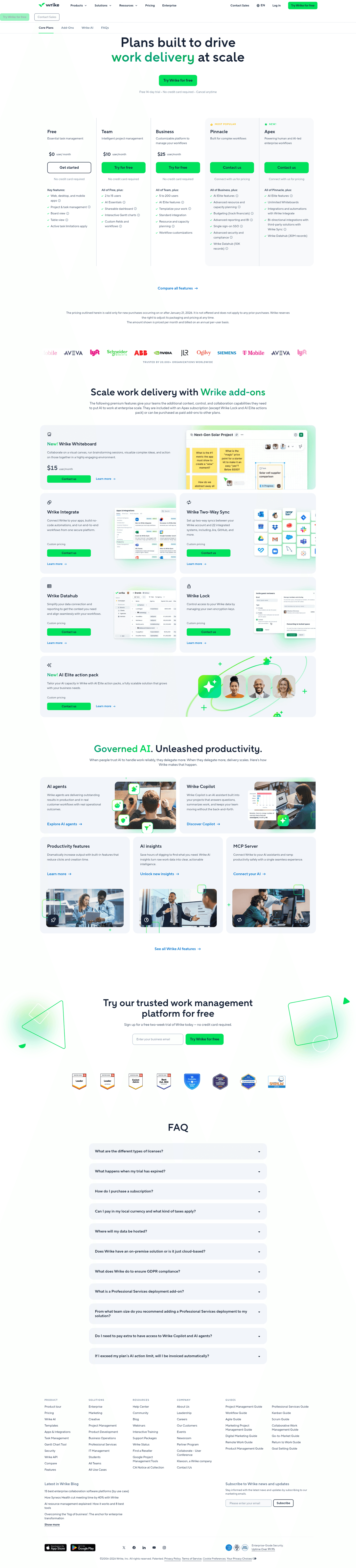
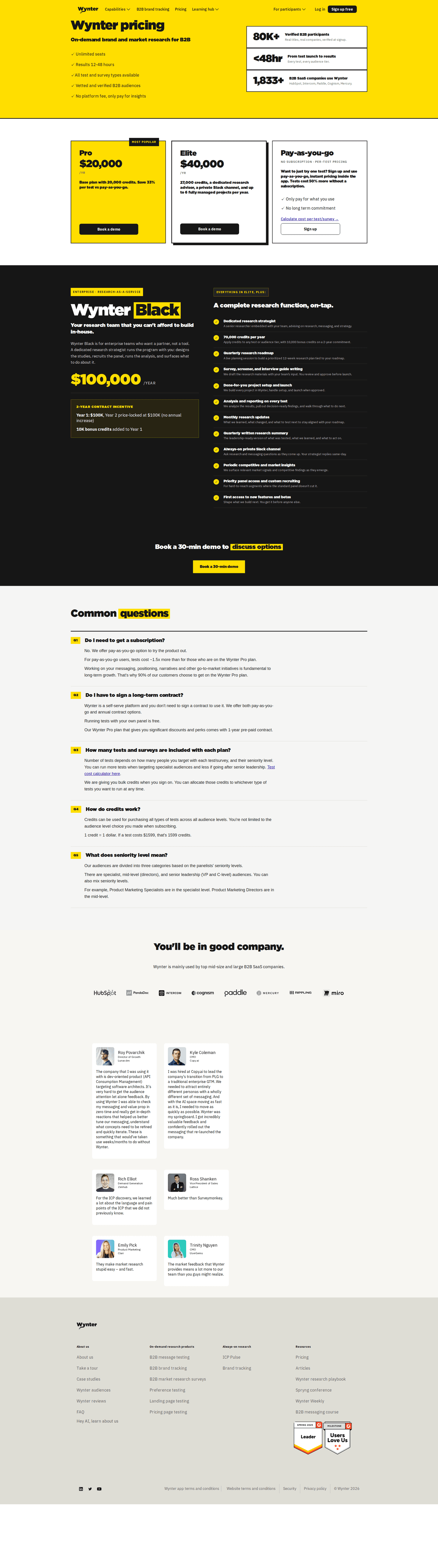
47% of the best pricing pages explain features in tooltips, and 30% list what costs extra. With no price to compare, people look at what each plan includes, so spell out the limits on each one.
Name the top tier
80% of the best pricing pages name an enterprise tier. A blank box with a "contact us" button doesn't say who it's for. When the tier has a name and a short description, visitors can tell whether it fits them before anyone books a call.
Answer the price question in the FAQ
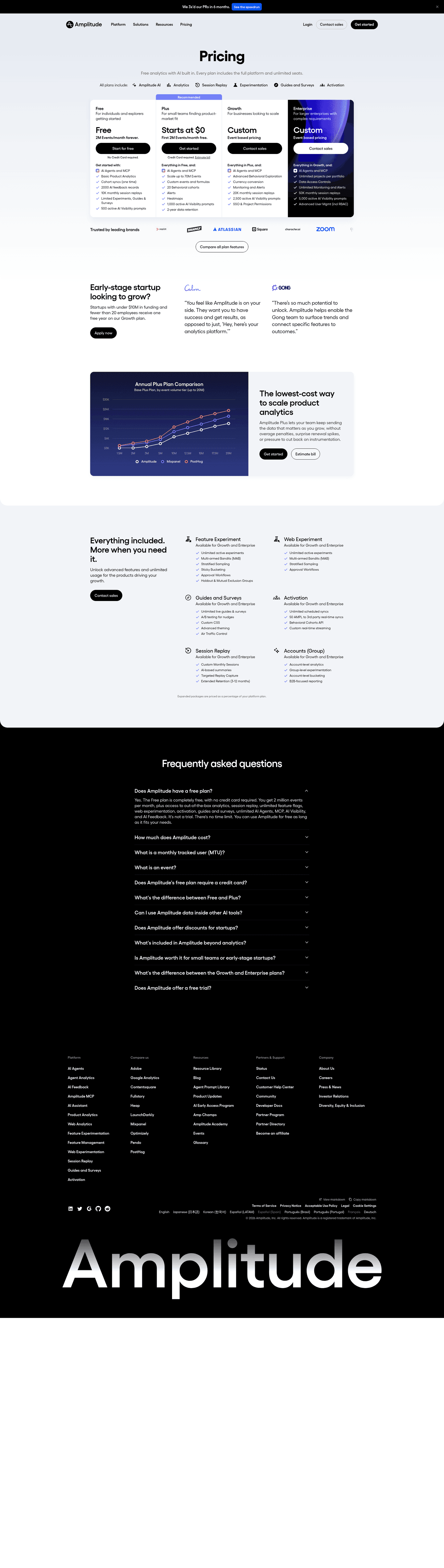
91% of the best pricing pages have an FAQ. It's the last place where "how much?" can get an answer, like a starting price or a range. Without one, the visitor's only option is to ask sales.

Curated by
Gabriel Amzallag , Founder, Web Anatomy
5 years CRO + SEO at Qonto (2021–2025). After advising 15+ SaaS on their websites (Payfit, Pigment…), the same patterns kept breaking, so I decided to build the source of truth on what works on the web: the intelligence layer every tool, builder, and team uses to ship sites that perform.
Go further than pricing pages
MCP
Section ideas, from inside your editor
Ask your coding agent for the strongest sections of a pricing page in your industry. It answers from this benchmark, section by section.
Library
The analysis behind every page here
Each pricing page on this page, section by section, with what works and what does not. Free account.
Browse more pricing pages
Pick another group below, see every pricing page, or browse the sections these pages are built from.
Is hiding the price costing you the visit?
Paste your pricing page. Get a scored breakdown against the same best practices these pages were measured on, with the fixes ranked by impact. Free, no signup.
Hidden pricing, answered
What the best pricing pages do when they cannot show a number, from the 114 here.
How many pricing pages hide their prices?
01Quite a few, though most pricing pages still show every price. It's rarer to hide every price than to hide only the top tier, which is what most of these pages do: they name an enterprise plan and link it to a form.
What does a page lose by hiding the price?
02Usually a lot more than the price. Compared with pricing pages that show their prices, these rarely have a billing toggle, and a free tier or a free trial is far less common too. A page with no price usually has no way to sign up without talking to sales either, and that's a bigger change than the missing number.
What replaces the number on the best of these pages?
03More detail about the plans. Many of the best pages here explain individual features in a tooltip, and nearly as many list what costs extra. If visitors can't compare prices, they need enough detail to compare everything else.
Does a billing toggle help on a page with no prices?
04Barely. On pricing pages in general it's the single strongest signal, yet few of the best pages here have one. With no prices on the page, a monthly and annual switch has nothing to change.
Should the FAQ give a number?
05Yes, a range or a starting price. Almost all of the best pages here have an FAQ, and it's the last place on the page where a visitor can read an answer to how much it costs before they're sent to a form.