Integration page examples (169)
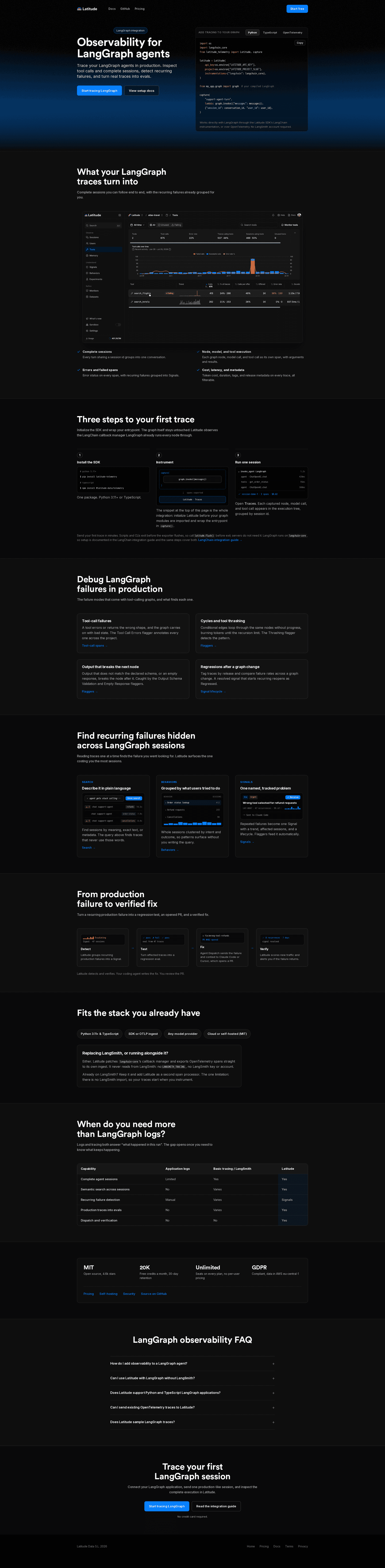
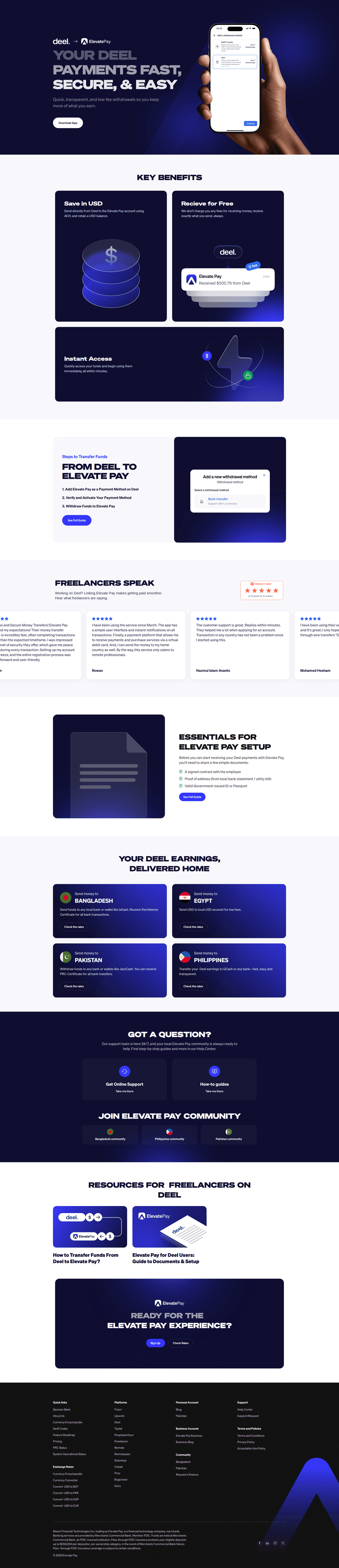
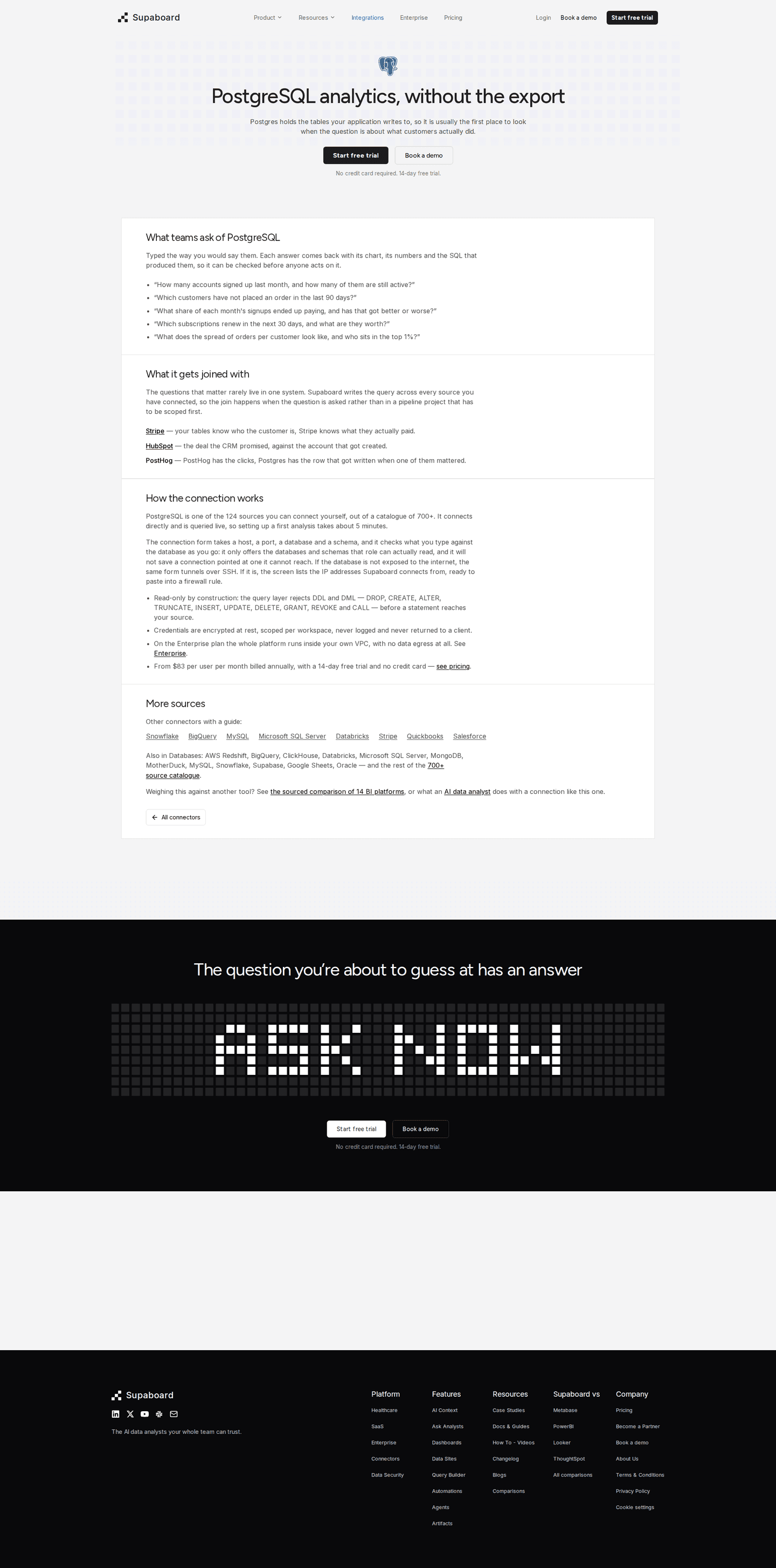
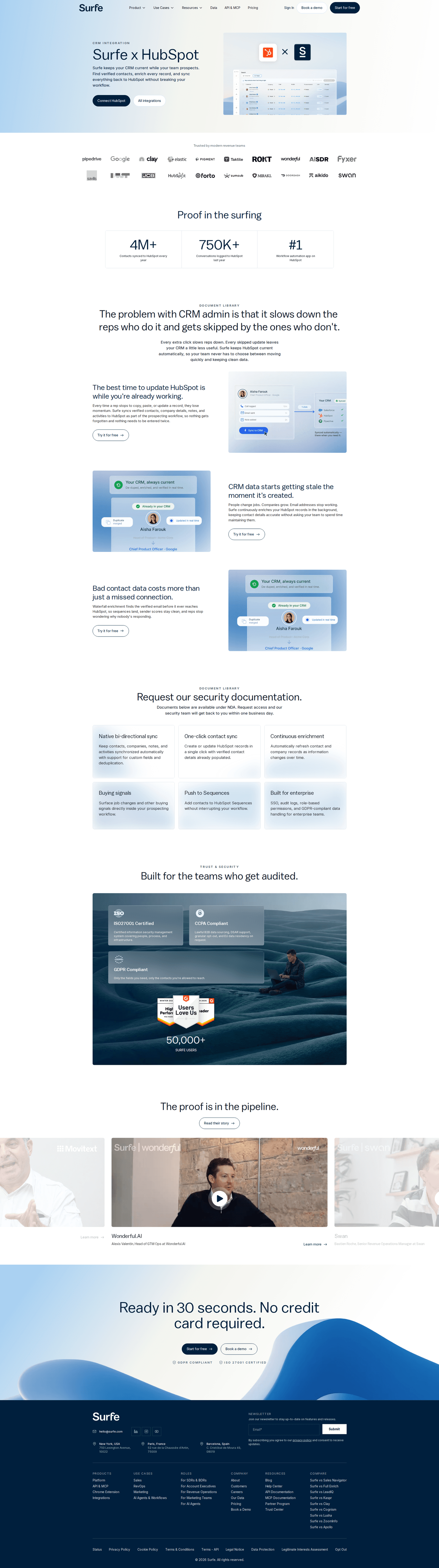
An integration page explains how a product works with one other tool, such as Slack or HubSpot. Its job is to show what the pairing does and how to switch it on. See 169 real examples.
Showing 1–24 of 169 integration pages
How to build an integration page, by the numbers
The questions a team asks when it designs a page for one integration, answered from the 169 here.
How does the page show the pairing?
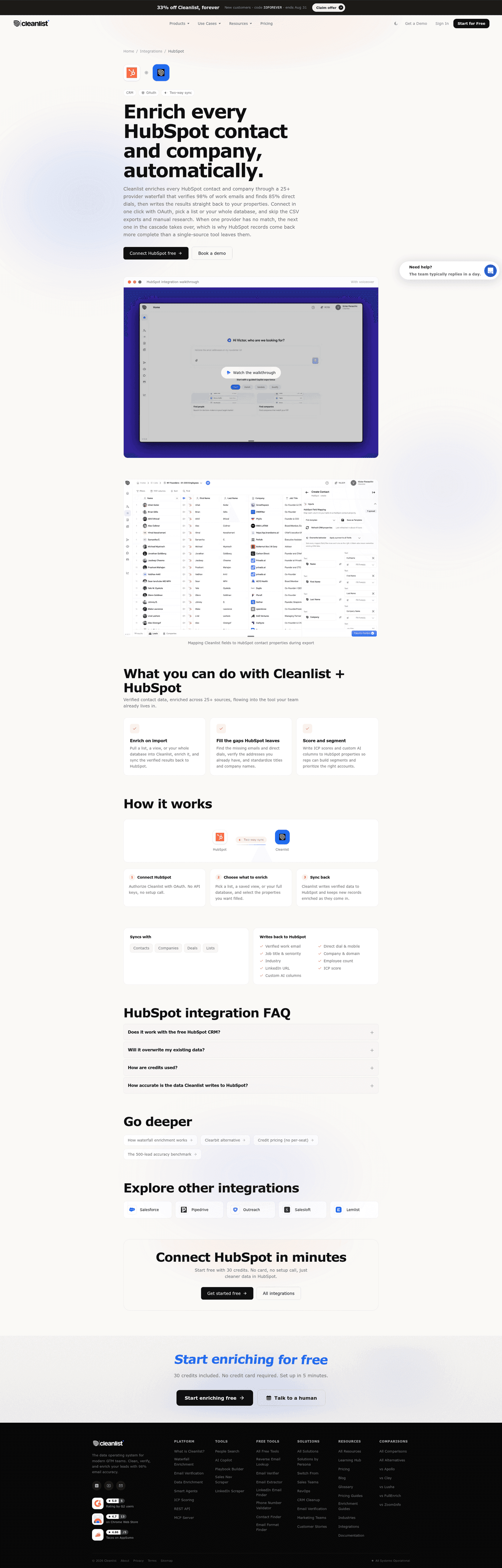
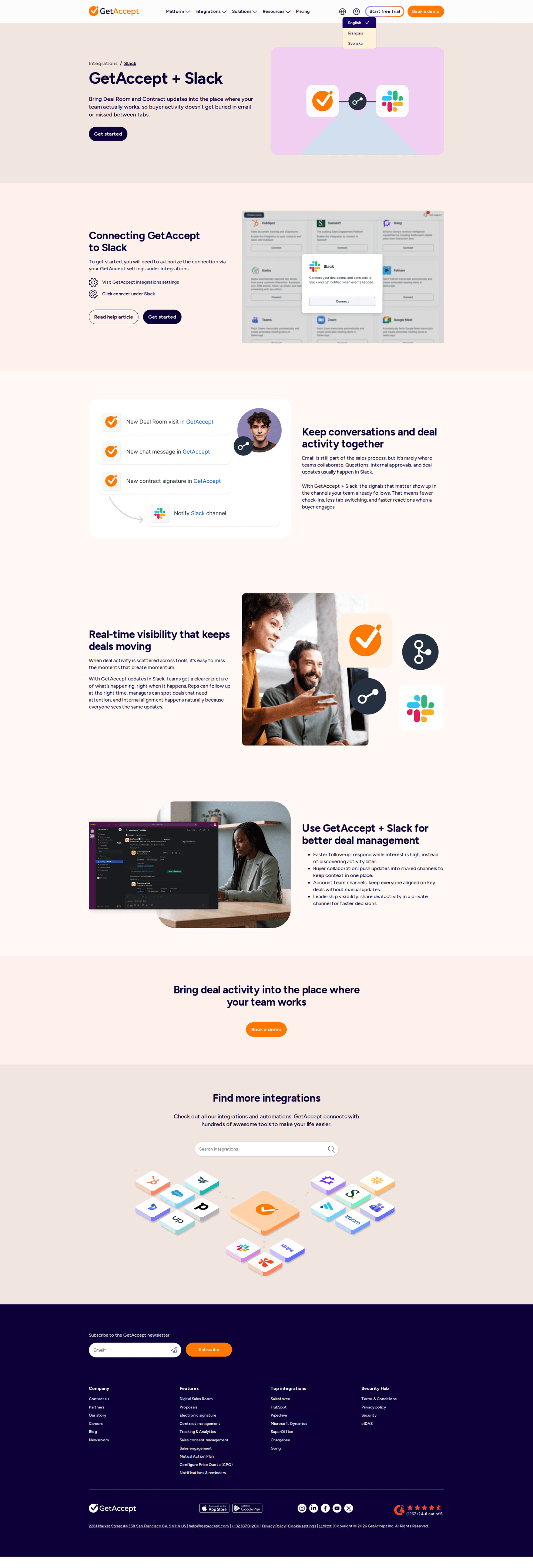
75% put both logos side by side, so a visitor sees which two tools are involved before reading a word.
What can someone actually do with it?
89% list concrete things the pairing lets someone do, in the visitor's own terms rather than "seamless sync".
How many use cases the page lists
- 351 integration pages
- 435 integration pages
- 620 integration pages
- 517 integration pages
- 212 integration pages
- 16 integration pages
Should the page show the integration working?
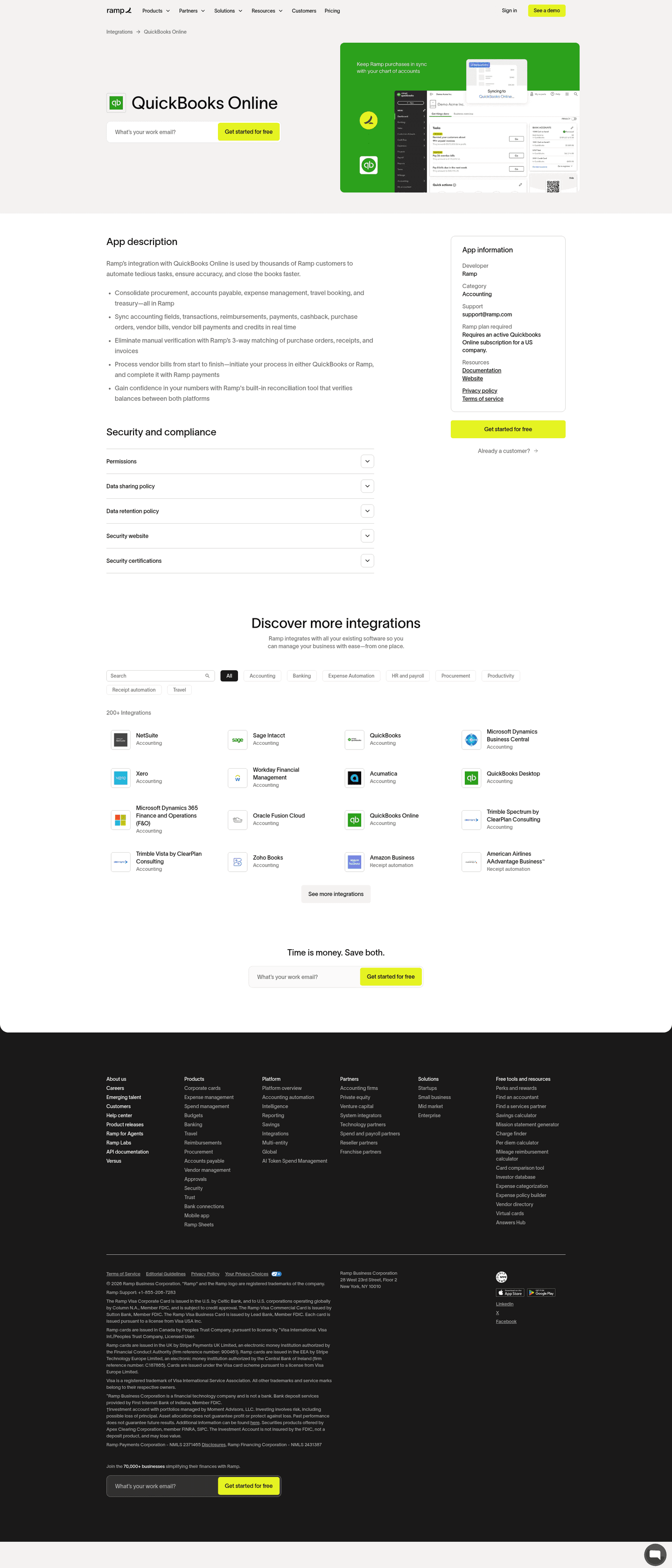
62% include a screenshot of it running. The split is wide: 88% of the strongest pages show one, against 33% of the weakest.
Which way does the data flow?
64% say whether the sync runs one way or both ways, and which records move.
How much of the setup does the page explain?
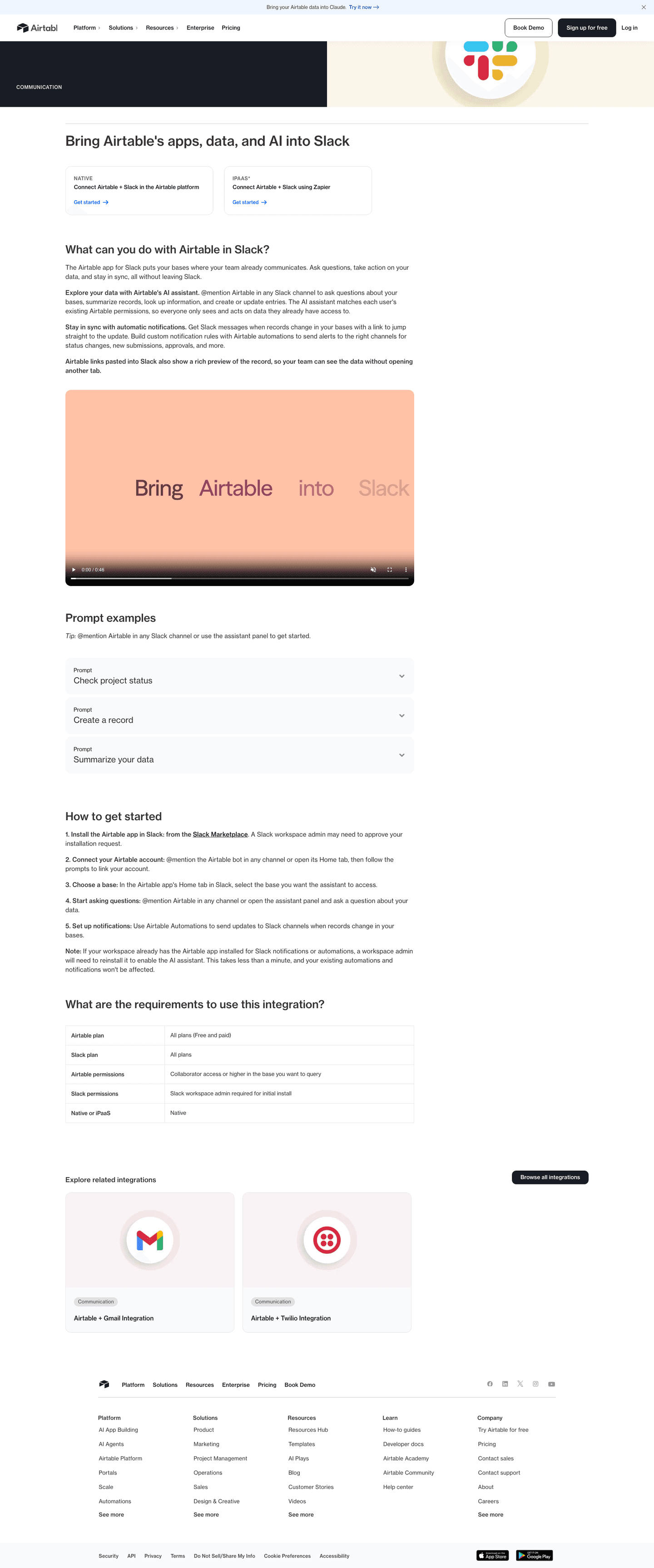
- The steps to connect on 38%
- A link to the setup docs on 57%
- A link to support on 53%
- What a visitor needs before starting on 22%
How many setup steps, on the pages that number them
- Three steps27 integration pages
- Four steps12 integration pages
- Five steps9 integration pages
What comes after the page?
What the primary button asks for
- Sign up66 integration pages
- Request a demo39 integration pages
- Start a free trial39 integration pages
- Download13 integration pages
- Contact sales7 integration pages
- Links to other integrations or back to the directory on 83%
- 68% close on a call to action band before the footer
The moves almost nobody makes
These sit at the bottom of the list, with the strongest integration page that makes each one.
A stated setup time
16% say roughly how long connecting takes. It's the cheapest objection to answer, and most pages leave it open.
How often it syncs
16% say how fresh the data will be, in real time, hourly or daily.

The plan it needs
12% say which plan the integration is on, so nobody finds out halfway through the setup.

Curated by
Gabriel Amzallag , Founder, Web Anatomy
5 years CRO + SEO at Qonto (2021–2025). After advising 15+ SaaS on their websites (Payfit, Pigment…), the same patterns kept breaking, so I decided to build the source of truth on what works on the web: the intelligence layer every tool, builder, and team uses to ship sites that perform.
Go further than integration pages
Growth Engine
Your top 3 opportunities for more revenue.
We find every way to grow your website’s visibility and conversions: SEO, AI search (AEO), backlinks and mentions, and UX/UI. 3 free opportunities, delivered by email.
Library
The analysis behind every page here
Each integration page on this page, section by section, with what works and what does not. Free account.
Didn't find the integration page you were looking for?
Every other page type has its own gallery. Start from all page types.
- Homepages
- Pricing pages
- About pages
- Contact pages
- Feature pages
- Security pages
- Enterprise pages
- Industry pages
- Persona pages
- Why us pages
- Case study pages
- Comparison pages
- Blog pages
- Signup pages
- Webinar pages
- SEO landing pages
- Free tool pages
- PPC landing pages
- Careers pages
- Login pages
- 404 pages
- AI product pages
- Press pages
- Partner program pages
- Download pages
- Resource libraries
- Developer pages
- Solutions pages
- Template galleries
- Glossary pages
- Startup program pages
- Community pages
- ROI calculators
- Newsletter pages
- Programmatic SEO pages
- Blog posts
- Customer stories pages
- Alternatives pages
- Features overview pages
- Product tours
- AI agent pages
- Affiliate program pages
- Team pages
- Conference pages
Your top 3 opportunities for more revenue.
We find every way to grow your website’s visibility and conversions: SEO, AI search (AEO), backlinks and mentions, and UX/UI. 3 free opportunities, delivered by email.
Integration page design, answered
The questions people ask before building a page for one integration, answered from 169 real ones.
What should an integration page include?
01Use cases first, on nearly nine in ten. More than four in five link on to other integrations, about three in four show both logos together, and about three in five include a screenshot of the integration working. That screenshot is the biggest gap: nearly nine in ten of the strongest fifth have one, against under three in ten of the weakest.
How many use cases should an integration page list?
02More than half list three or four. Nearly nine in ten list at least one, and every page in the strongest fifth does.
Should an integration page explain the setup?
03More of them should. Nearly two in five lay out the steps, most often three of them, and about three in five link to the setup documentation. Among the strongest fifth more than half show the steps, against fewer than one in ten of the weakest.
Should the page say which way the data flows?
04About three in five do, saying whether the sync is one way or two way and which records move. Only about one in seven say how often it syncs. Four in five of the strongest pages state the direction, against under three in ten of the weakest.
What should the button on an integration page ask for?
05A signup leads at nearly two in five, then a free trial and a demo at about one in four each. About one in fourteen ask the visitor to download or install something.
How is this different from the best landing pages leaderboard?
06This gallery is a visual browse: what integration pages look like and what they contain. The best landing pages benchmark is the graded view, where pages are scored against conversion best practices and ranked by industry. Same companies, different question.