Download page examples (49)
A download page is where people get the app for their computer or phone. Its job is to hand each visitor the right build in one click. See 49 real examples.
Showing 1–24 of 49 download pages
How to build a download page, by the numbers
The questions a team asks when it designs a download page, answered from the 49 here.
Which platforms should the page offer?
Which platforms the download page offers
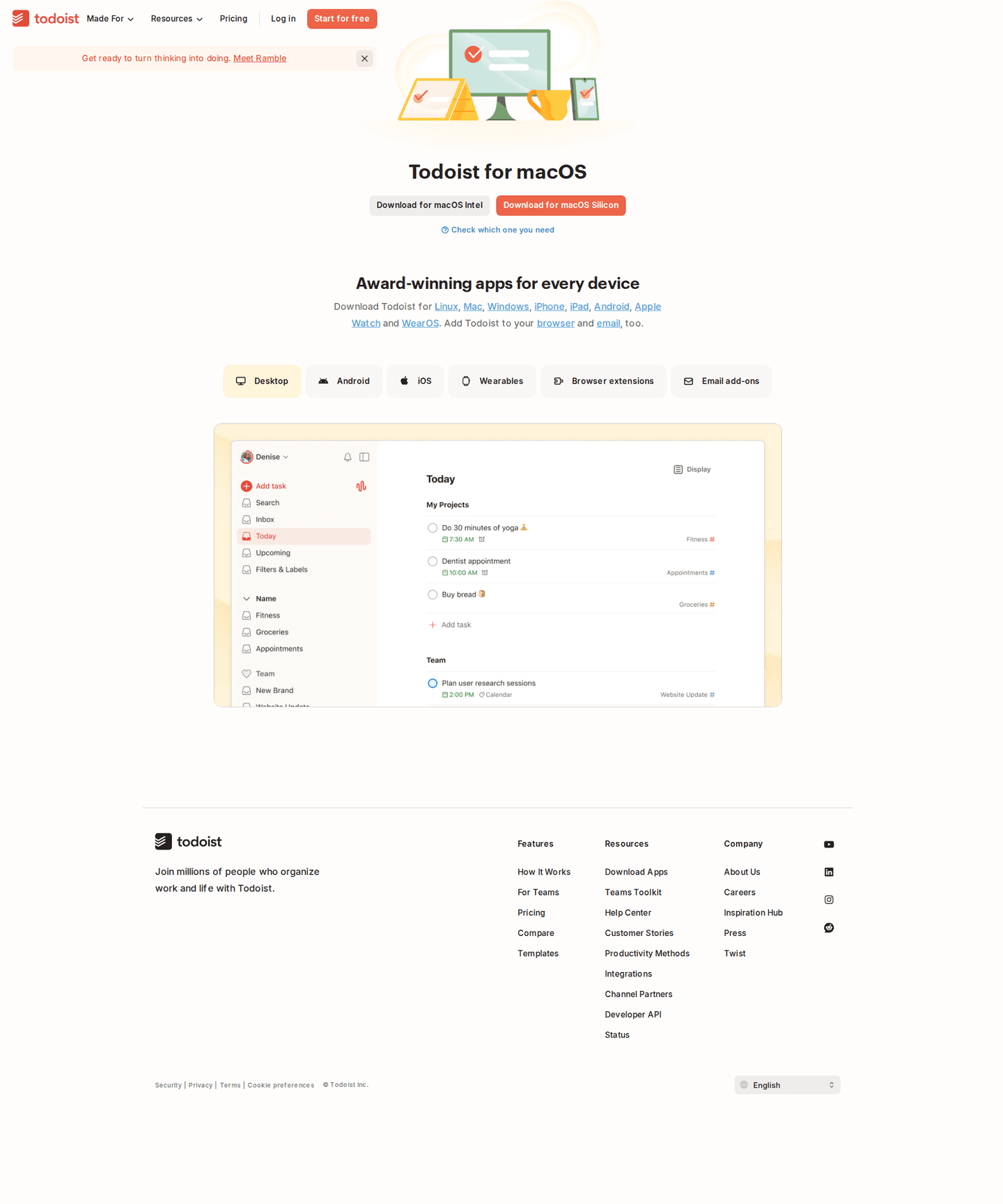
- iPhone and iPad33 download pages
- Android31 download pages
- Mac27 download pages
- Windows24 download pages
- Linux12 download pages
- Chrome extension7 download pages
Phones lead, then the two big desktop systems. Linux is the first platform most pages leave out.
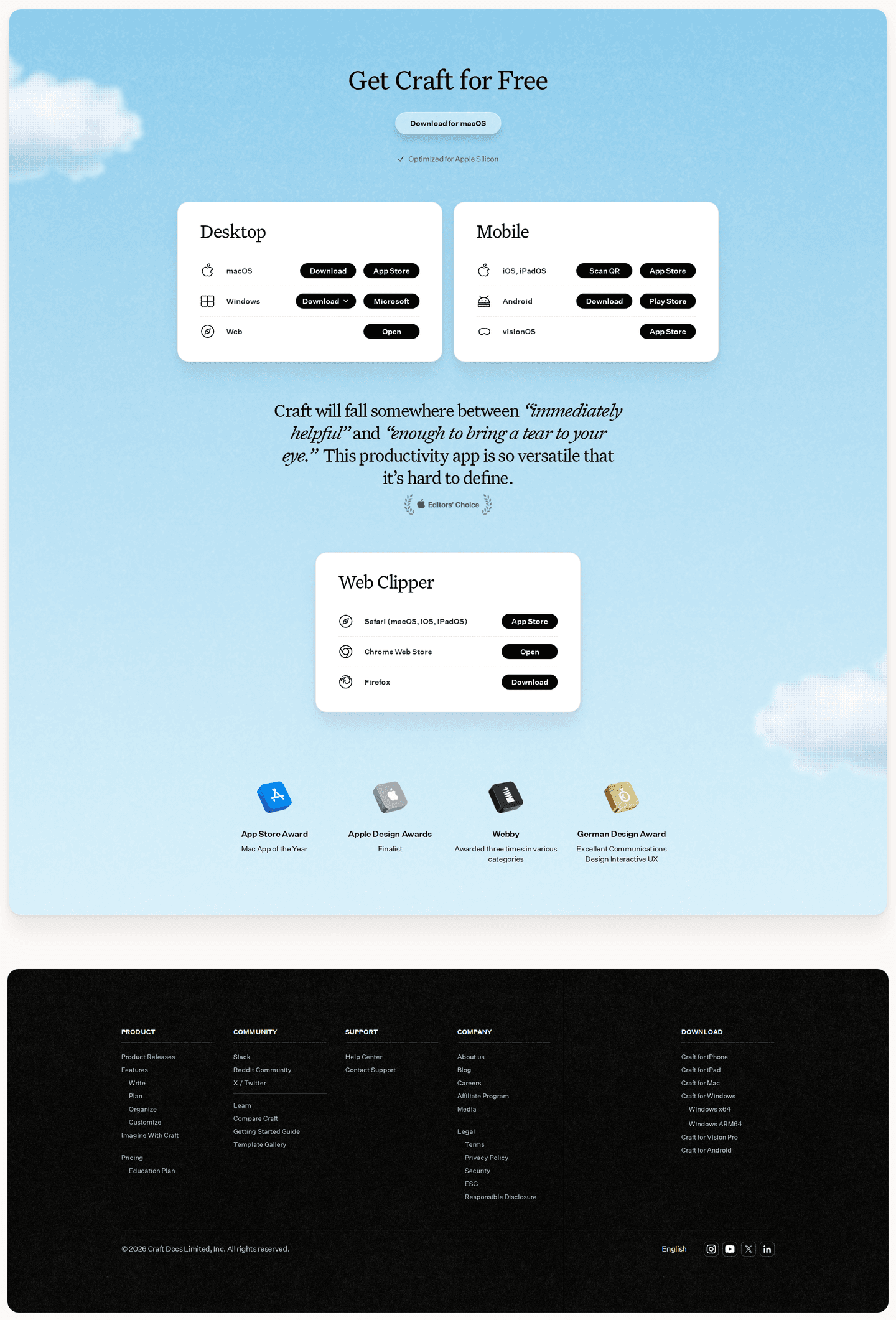
Should the page detect the visitor's device?
22% put the right build first and keep the others one click away. The rest make the visitor find their own.
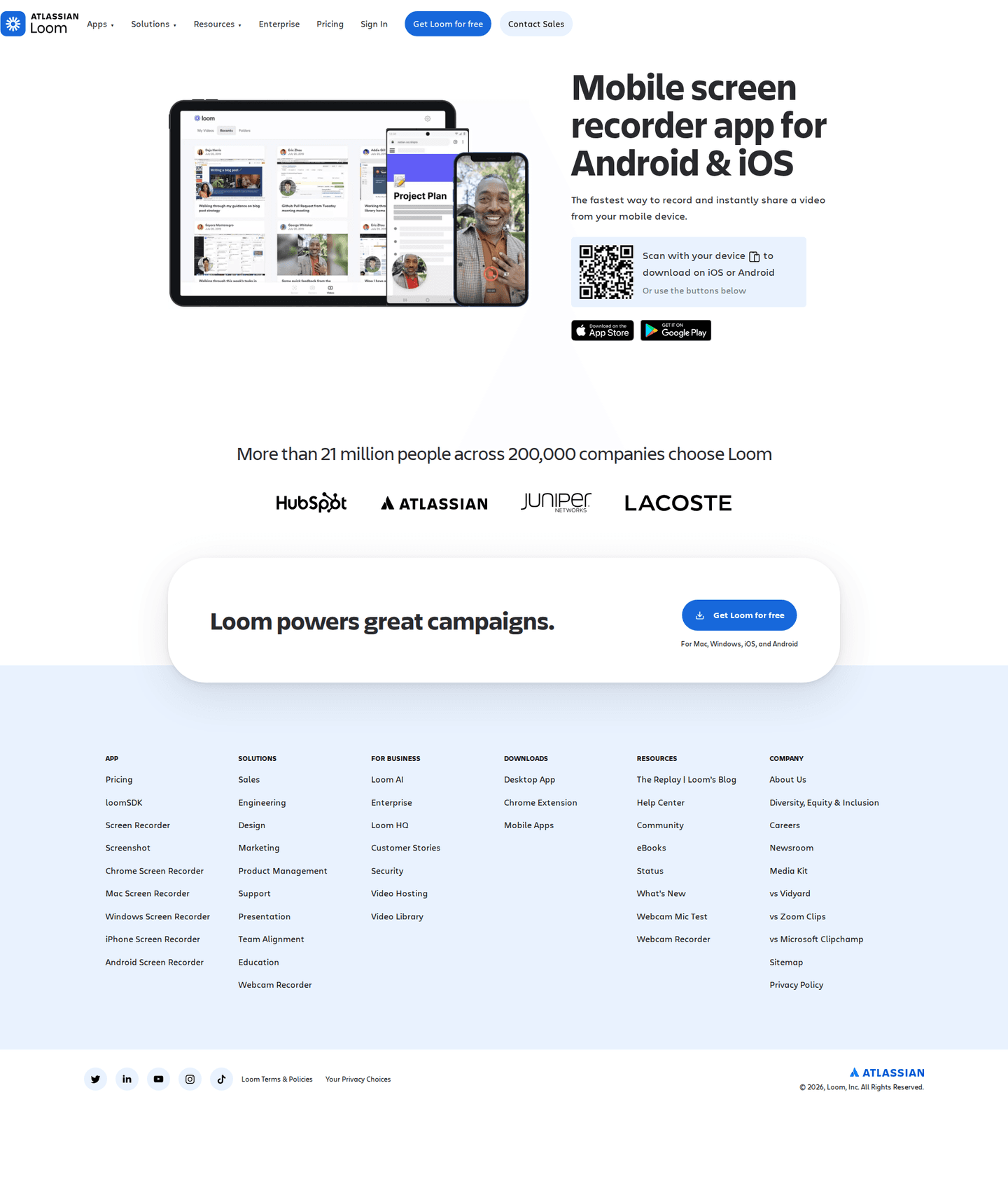
App store badges or custom buttons?
43% use the official App Store and Google Play badges, which people already know and trust.
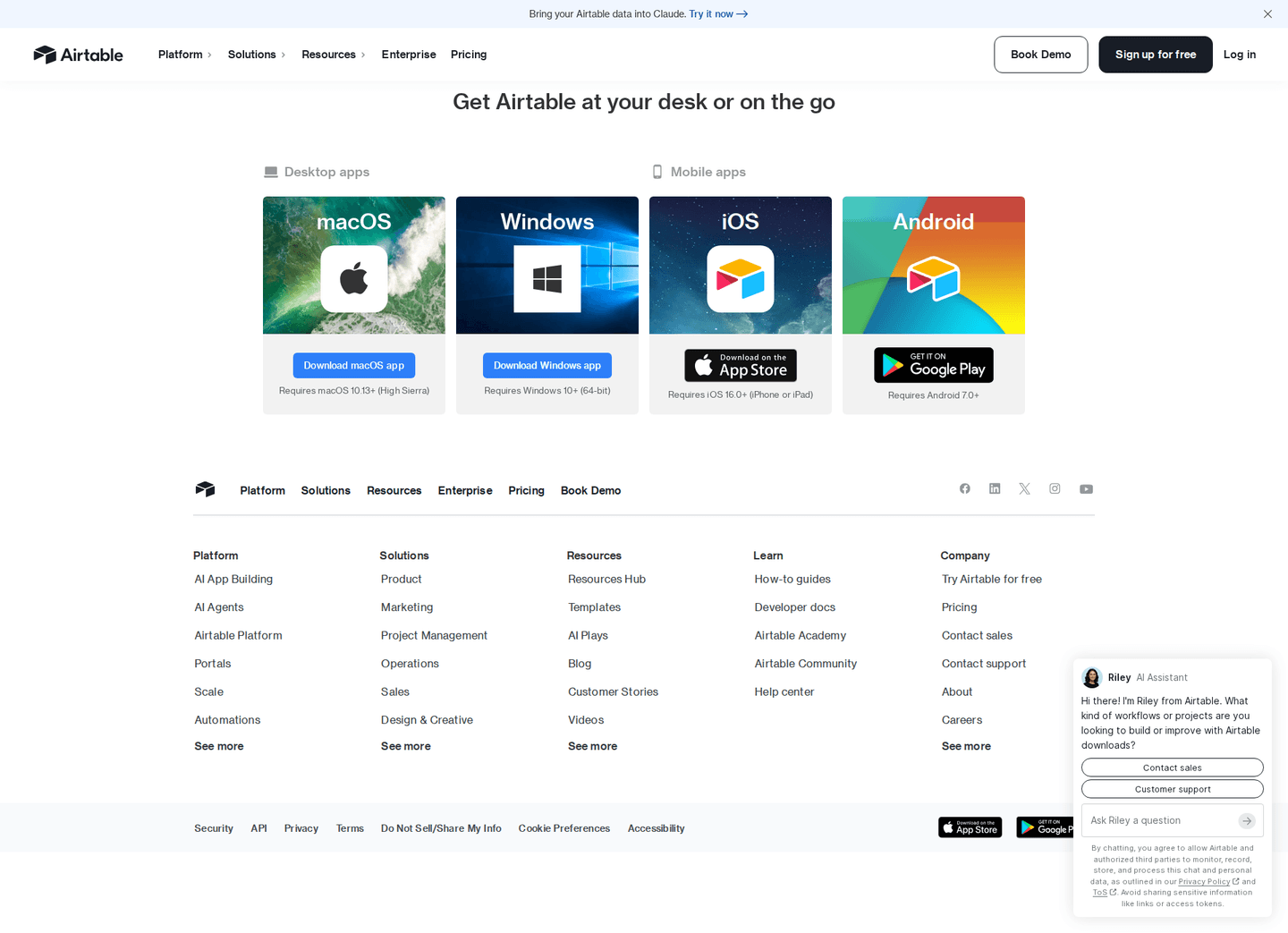
Should the page list system requirements?
- System requirements on 18%
- The file size on 0%
The moves almost nobody makes
Each sits under 15% of the market, with the strongest download page that uses it.
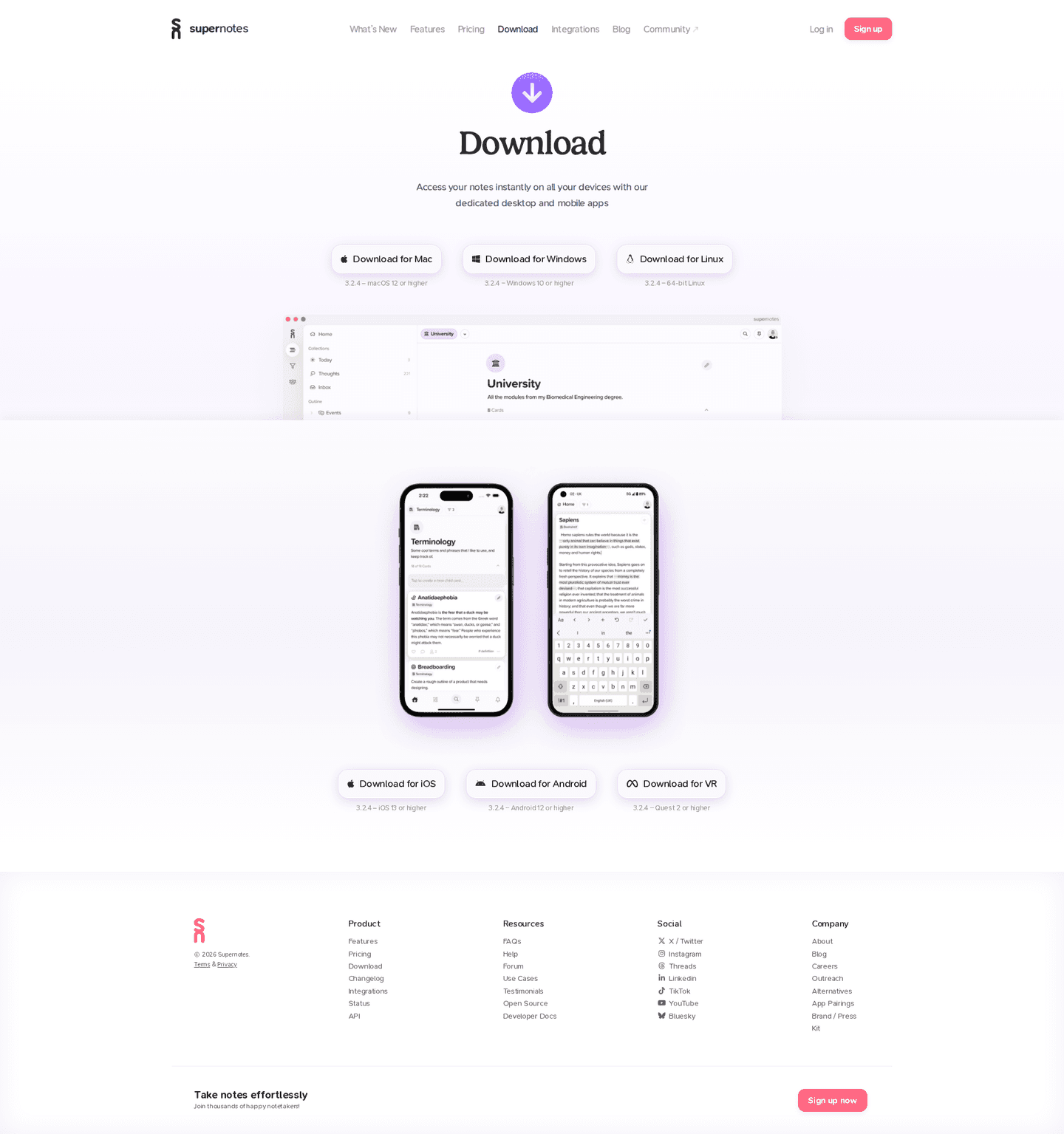
A version number
10% say which release the visitor is about to install.
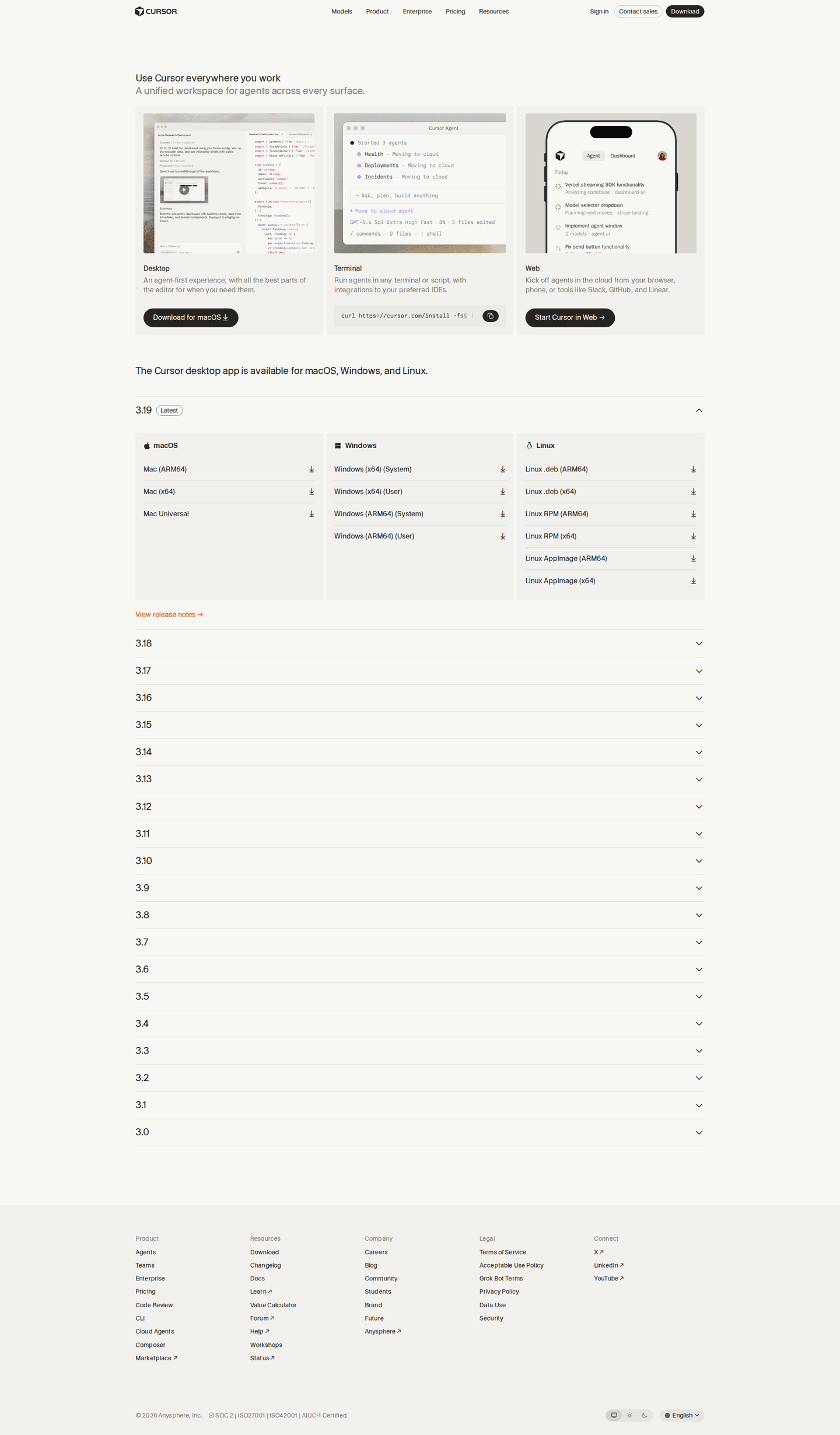
A link to release notes
10% link to what changed in recent releases.
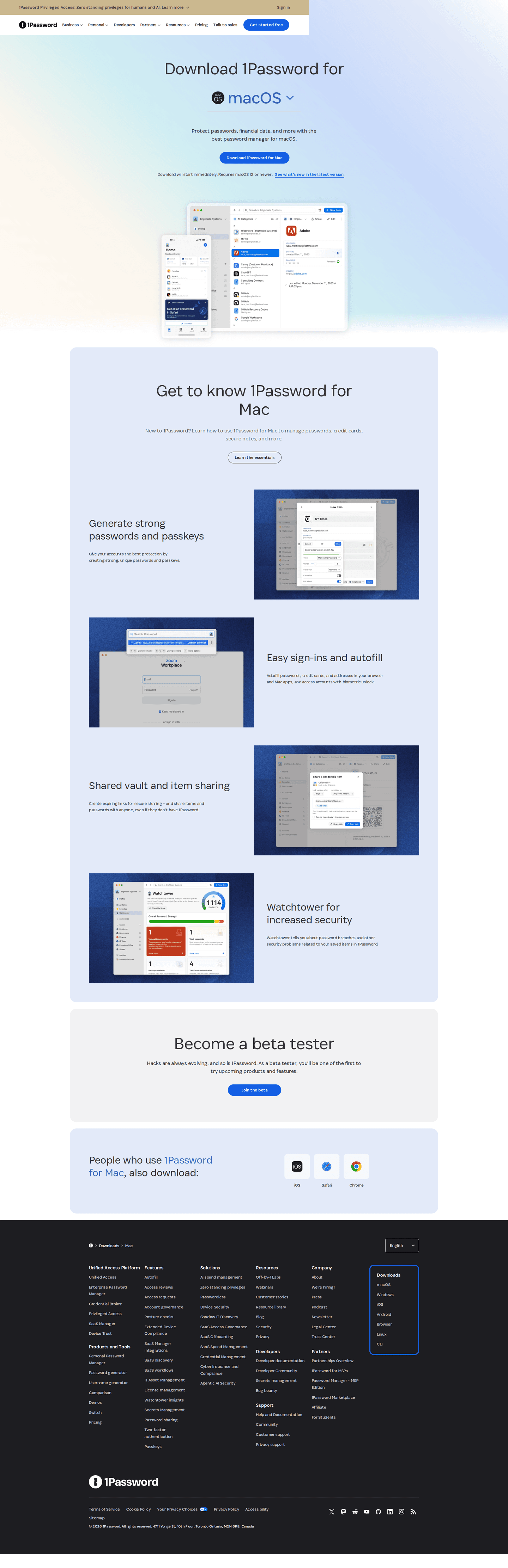
A beta build
10% offer an early version for people who want new features first.

Curated by
Gabriel Amzallag , Founder, Web Anatomy
5 years CRO + SEO at Qonto (2021–2025). After advising 15+ SaaS on their websites (Payfit, Pigment…), the same patterns kept breaking, so I decided to build the source of truth on what works on the web: the intelligence layer every tool, builder, and team uses to ship sites that perform.
Go further than download pages
Growth Engine
Your top 3 opportunities for more revenue.
We find every way to grow your website’s visibility and conversions: SEO, AI search (AEO), backlinks and mentions, and UX/UI. 3 free opportunities, delivered by email.
Library
The analysis behind every page here
Each download page on this page, section by section, with what works and what does not. Free account.
Didn't find the download page you were looking for?
Every other page type has its own gallery. Start from all page types.
- Homepages
- Pricing pages
- About pages
- Contact pages
- Feature pages
- Integrations pages
- Security pages
- Enterprise pages
- Industry pages
- Persona pages
- Why us pages
- Case study pages
- Comparison pages
- Blog pages
- Signup pages
- Webinar pages
- SEO landing pages
- Free tool pages
- PPC landing pages
- Careers pages
- Login pages
- 404 pages
- AI product pages
- Press pages
- Partner program pages
- Resource libraries
- Developer pages
- Solutions pages
- Template galleries
- Glossary pages
- Startup program pages
- Community pages
- ROI calculators
- Newsletter pages
- Programmatic SEO pages
- Blog posts
- Customer stories pages
- Alternatives pages
- Features overview pages
- Product tours
- Integration pages
- AI agent pages
- Affiliate program pages
- Team pages
- Conference pages
Your top 3 opportunities for more revenue.
We find every way to grow your website’s visibility and conversions: SEO, AI search (AEO), backlinks and mentions, and UX/UI. 3 free opportunities, delivered by email.
Download page design, answered
The questions people ask before designing a download page, answered from 49 real ones.
Which platforms should a download page offer?
01iPhone comes first, on about two in three download pages. Android, Mac and Windows each show up on about half or more, and Linux on about one in four.
How many platforms do download pages offer?
02About half offer two platforms or fewer, often just the two phone stores. About one in six offer six or more, from desktop apps to browser extensions.
Should a download page detect the visitor's device?
03Only about one in five do. The rest show every option and leave the visitor to find their own, which is the most common mistake on these pages.
Should a download page use app store badges?
04About two in five show the official App Store or Google Play badges. The others use their own buttons, or have no phone app to offer.
Should a download page list system requirements?
05About one in five do, and the file size almost never appears. About one in ten show a version number.
How is this different from the best landing pages leaderboard?
06This gallery is a visual browse: what download pages look like and what they contain. The best landing pages benchmark is the graded view, where pages are scored against conversion best practices and ranked by industry. Same companies, different question.