Pricing|
An interactive calculator turns usage-based or seat-based pricing into a real number before a buyer ever contacts sales. These 16 examples of pricing calculators show how the best pricing sections let visitors enter their own volume and see the cost.
Key takeaways
Showing 1–16 of 16 examples
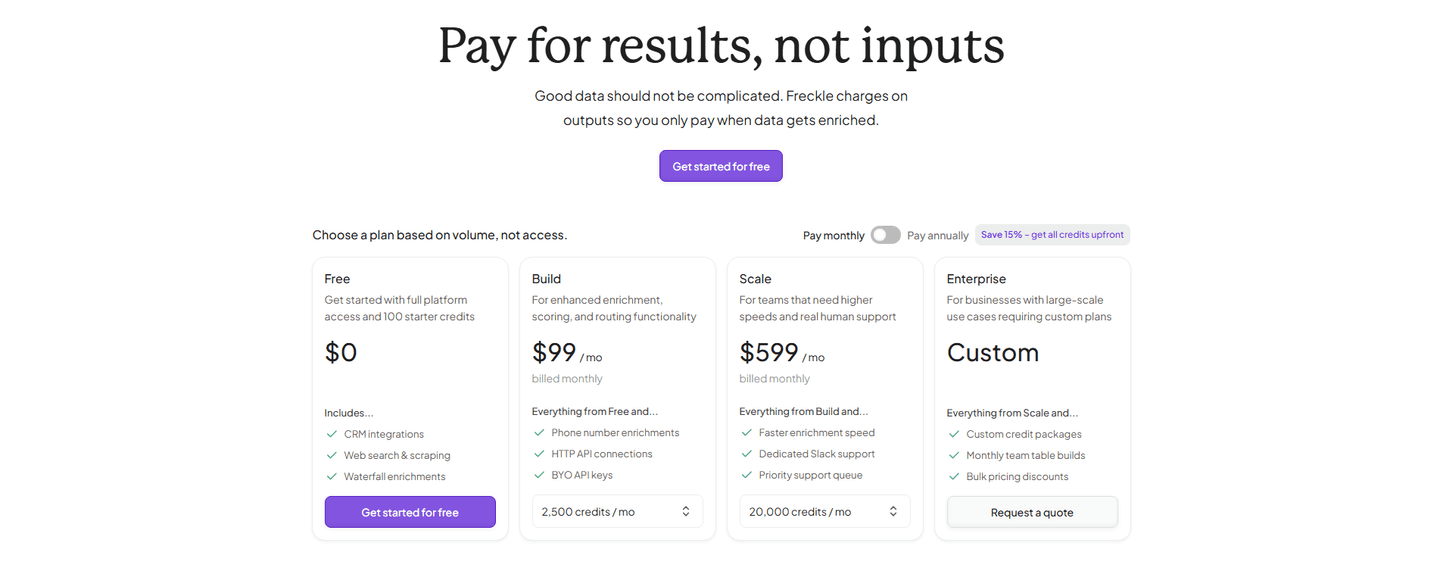
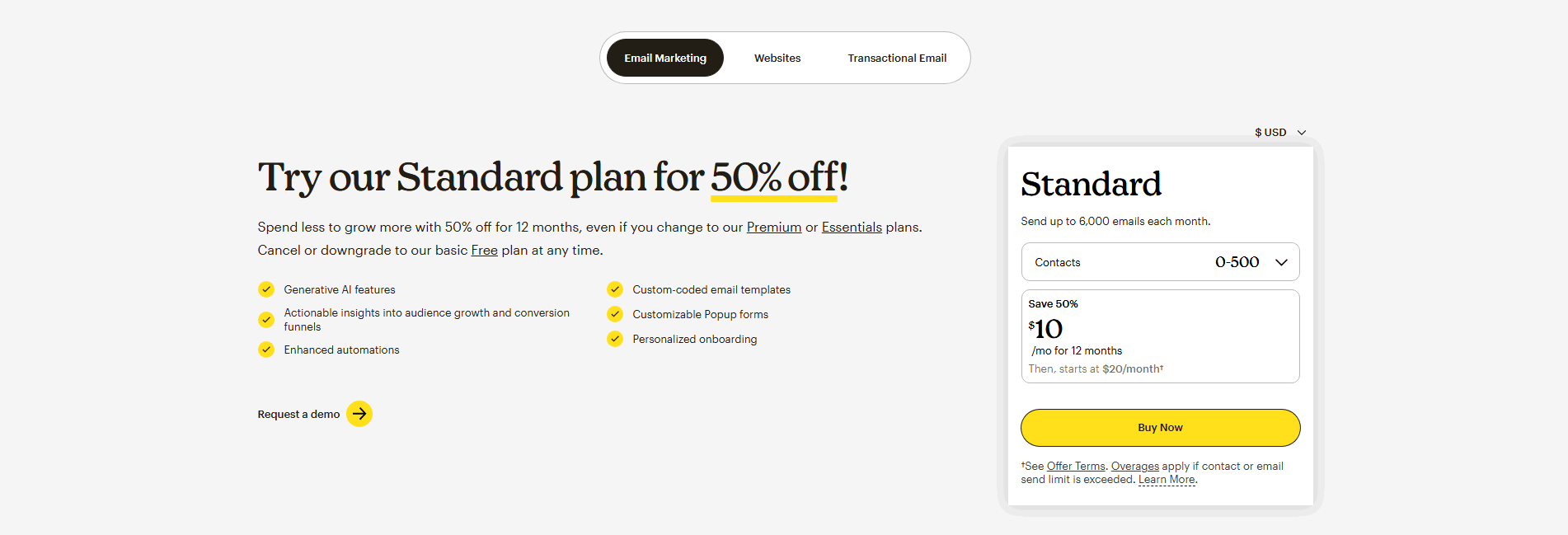

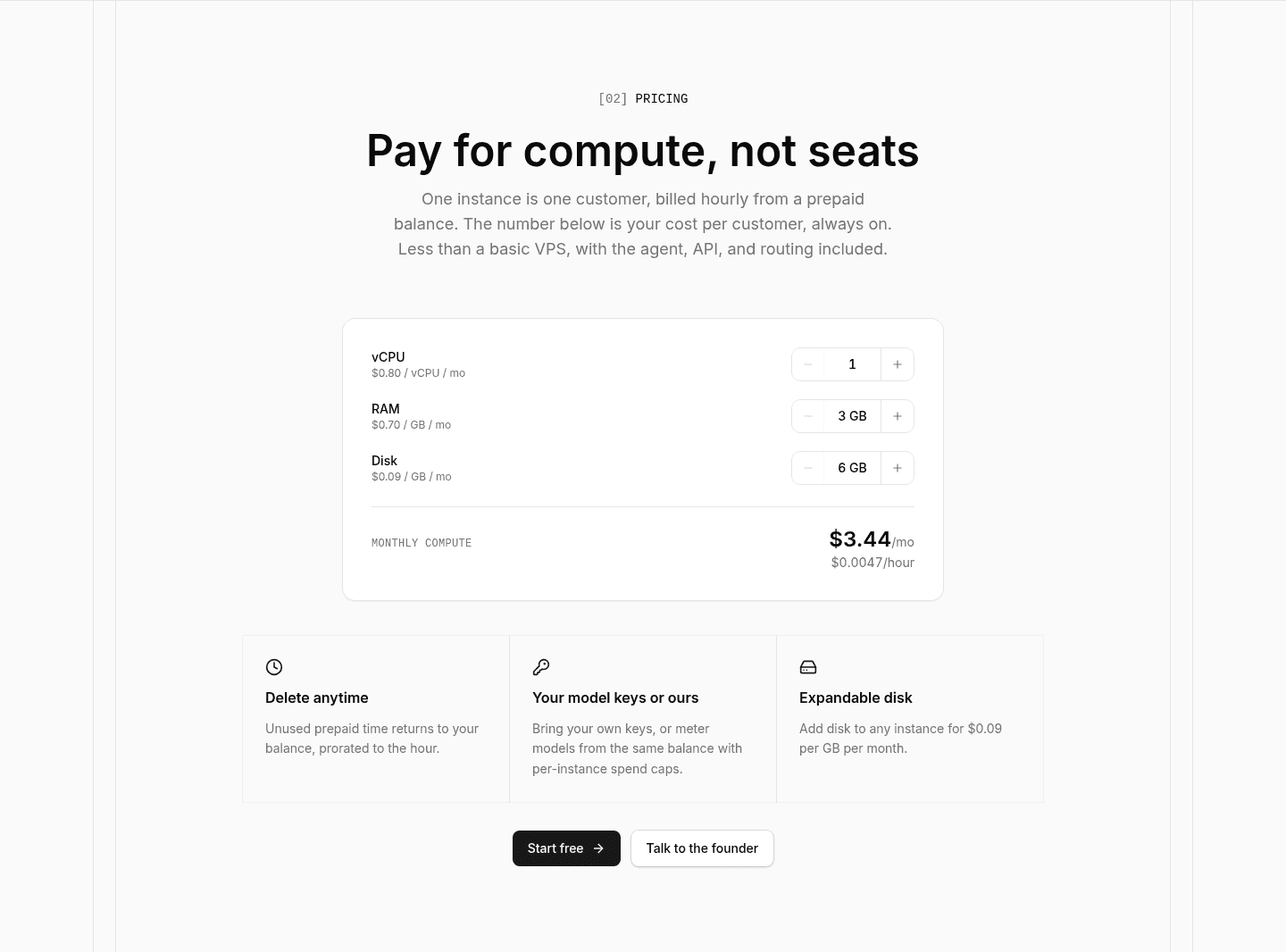
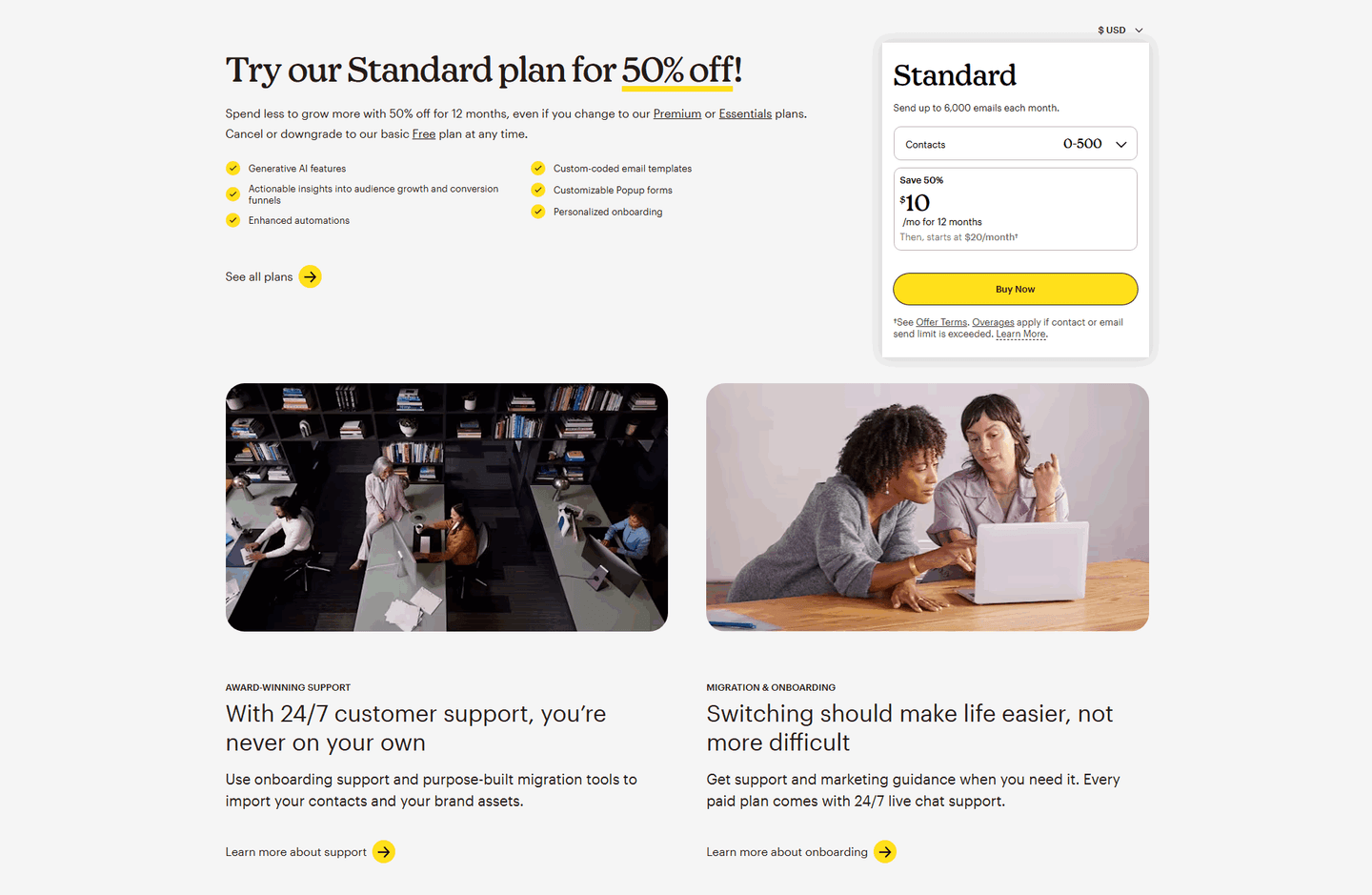
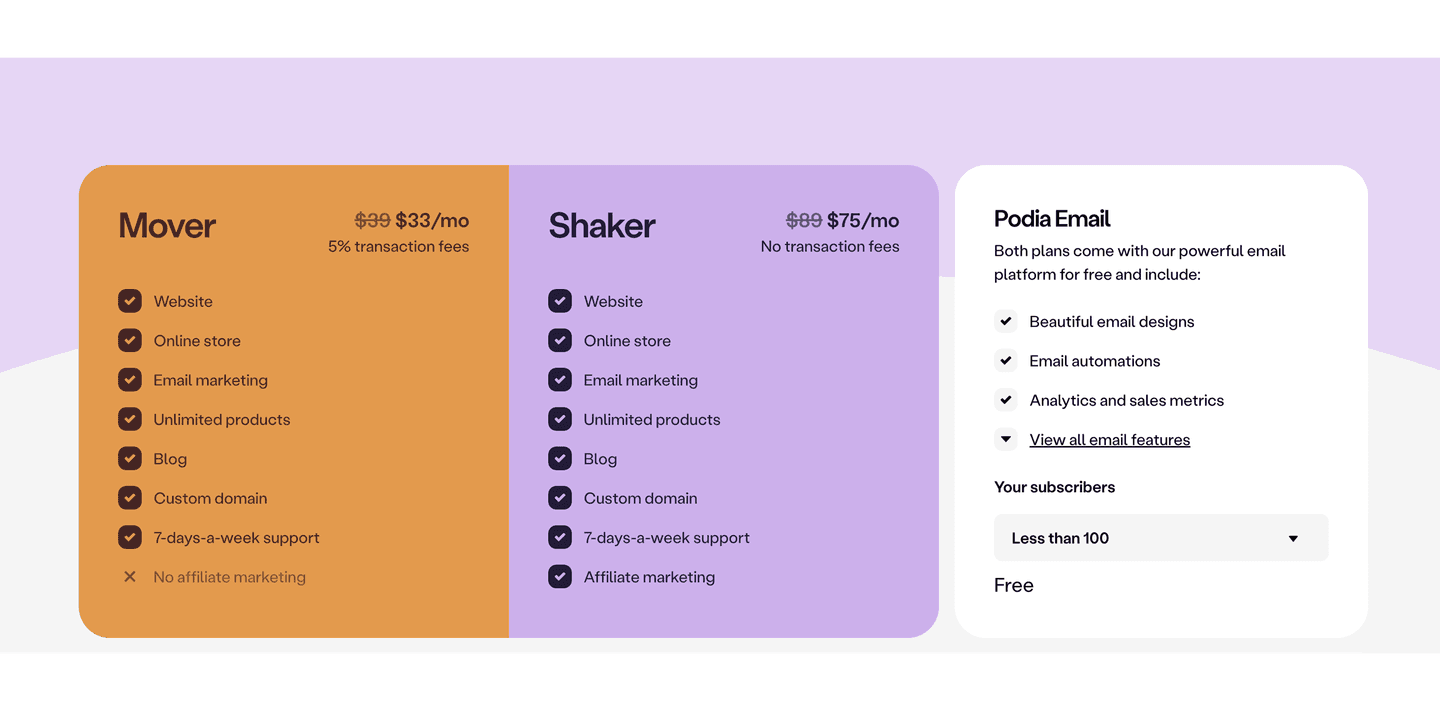
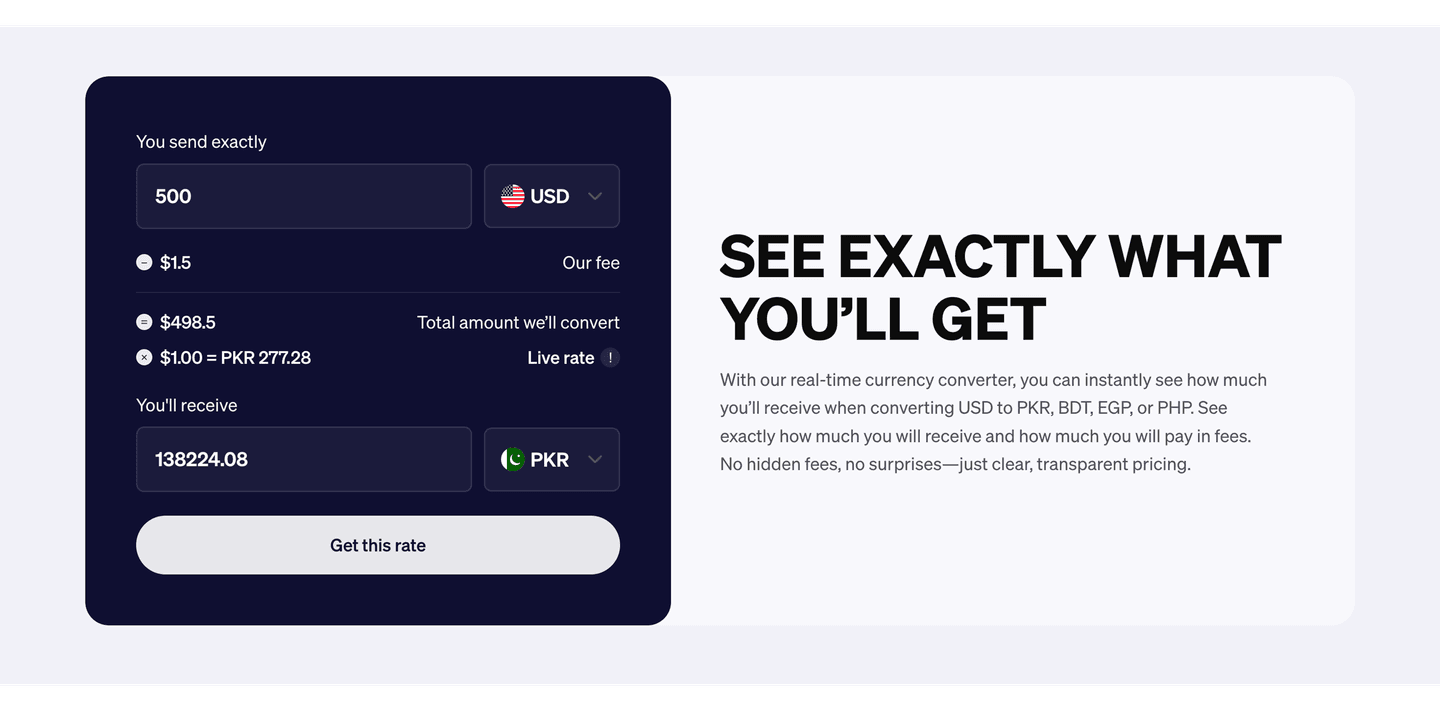
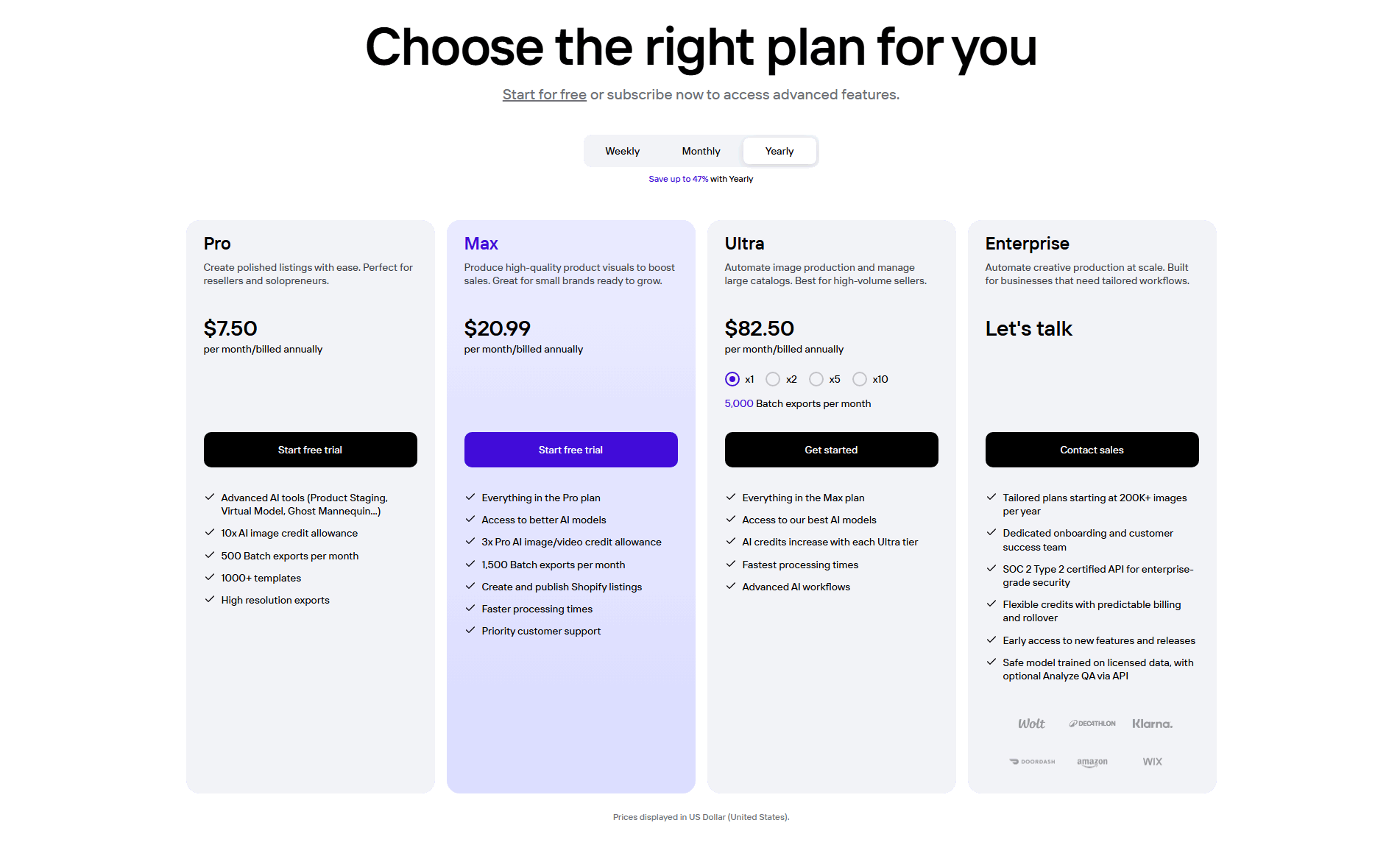
Browse every pricing pattern by UX best practice.
A pricing calculator, or estimator, is an interactive control in the pricing section. The visitor enters their own numbers and the estimated price changes in response. It answers the question usage-based and seat-based pricing always raises: what will this cost me? Instead of leaving the buyer to multiply a per-unit rate in their head or wait for a quote, the section does the math in front of them.
The examples of pricing calculators below use one of four forms, picked to match how the company charges:
Usage-based pricing is abstract until a buyer sees it in their own numbers. A rate of a few cents per unit sounds reasonable, but the visitor still cannot tell whether their volume lands at fifty dollars a month or five thousand. A calculator turns the rate into a figure they can act on, without waiting for anyone to reply.
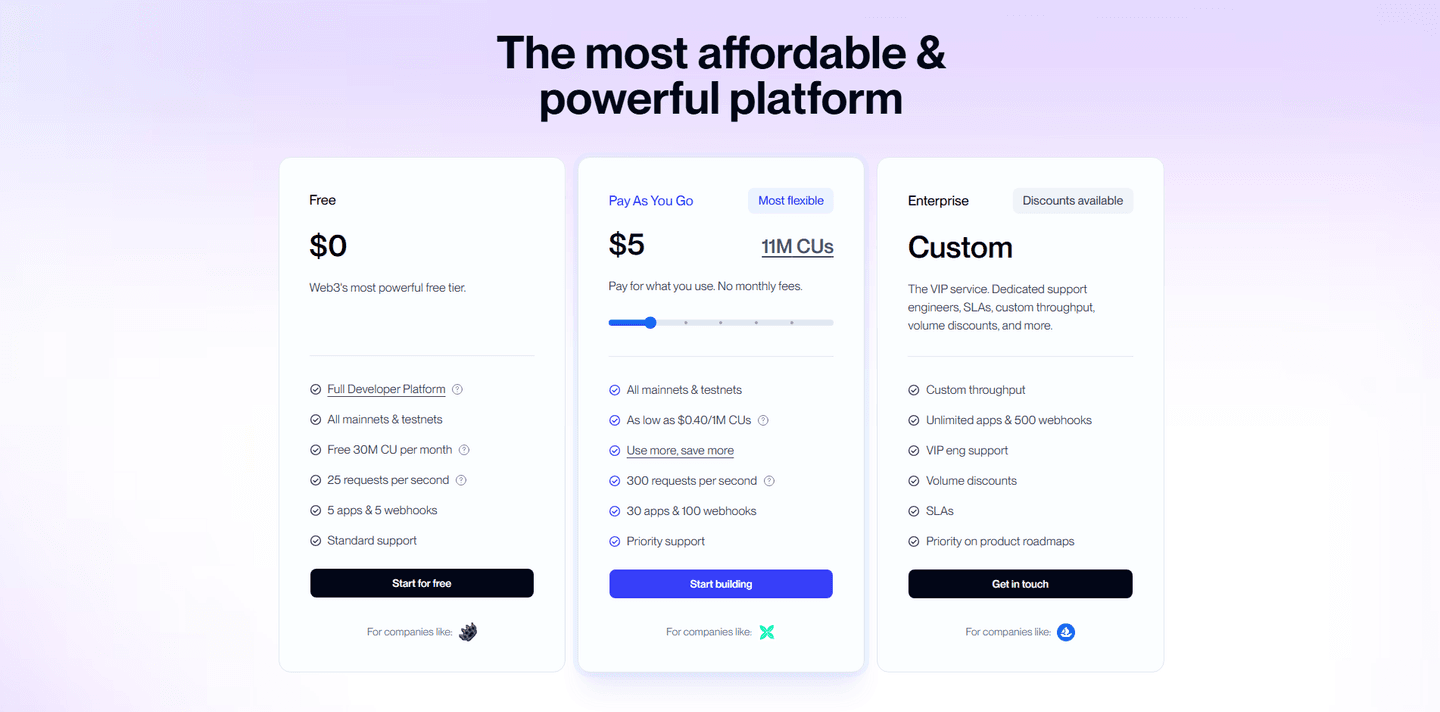
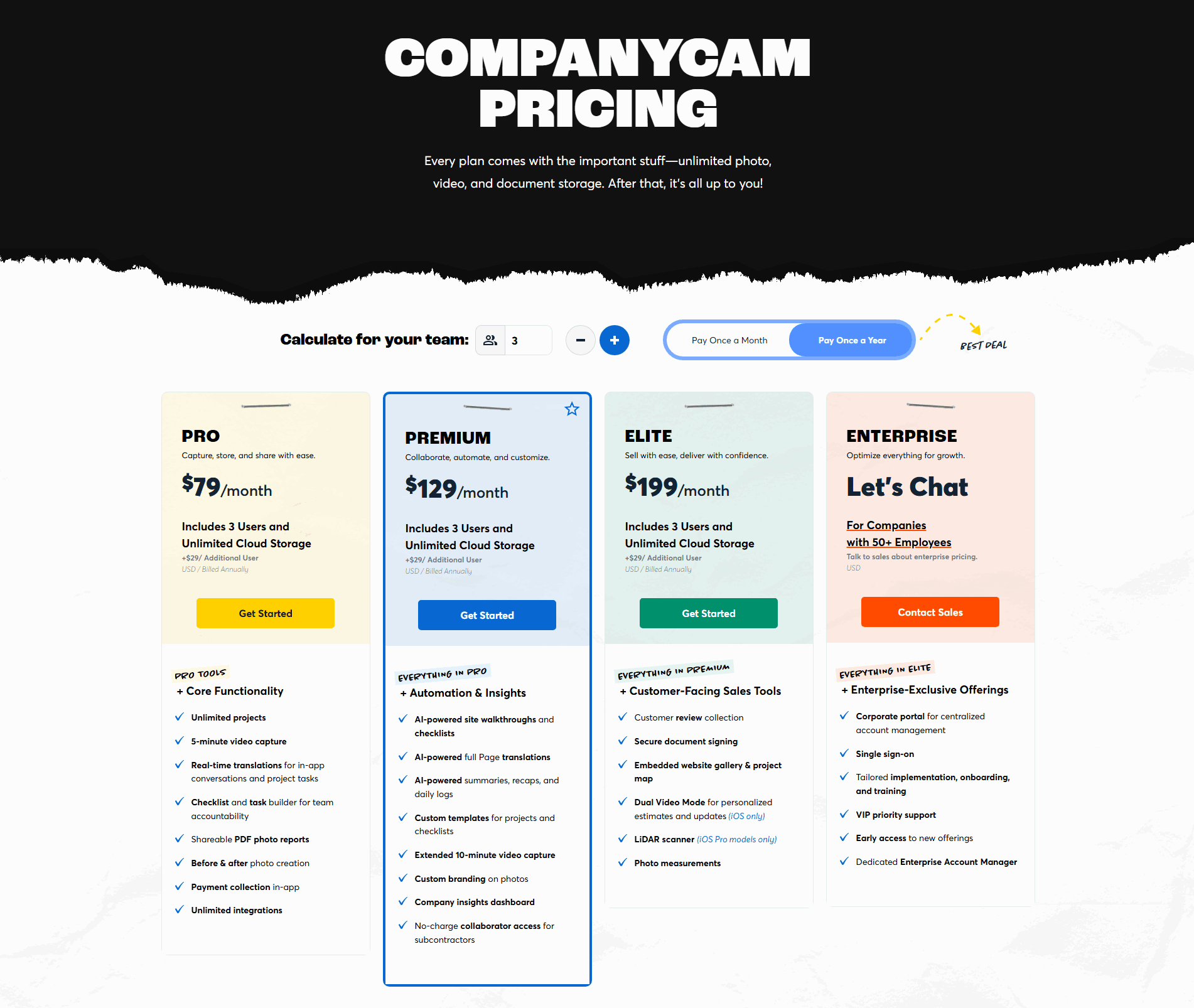
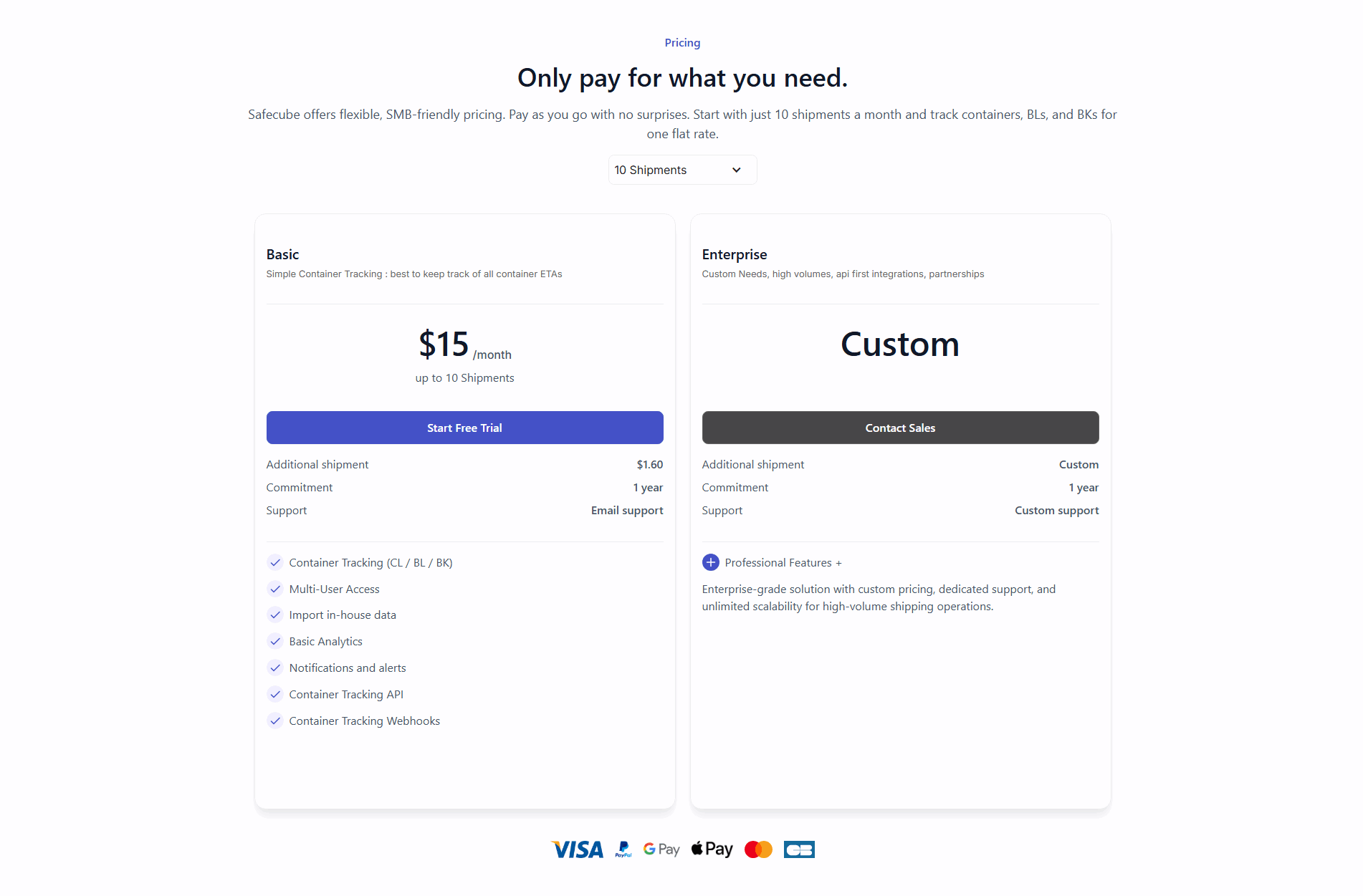
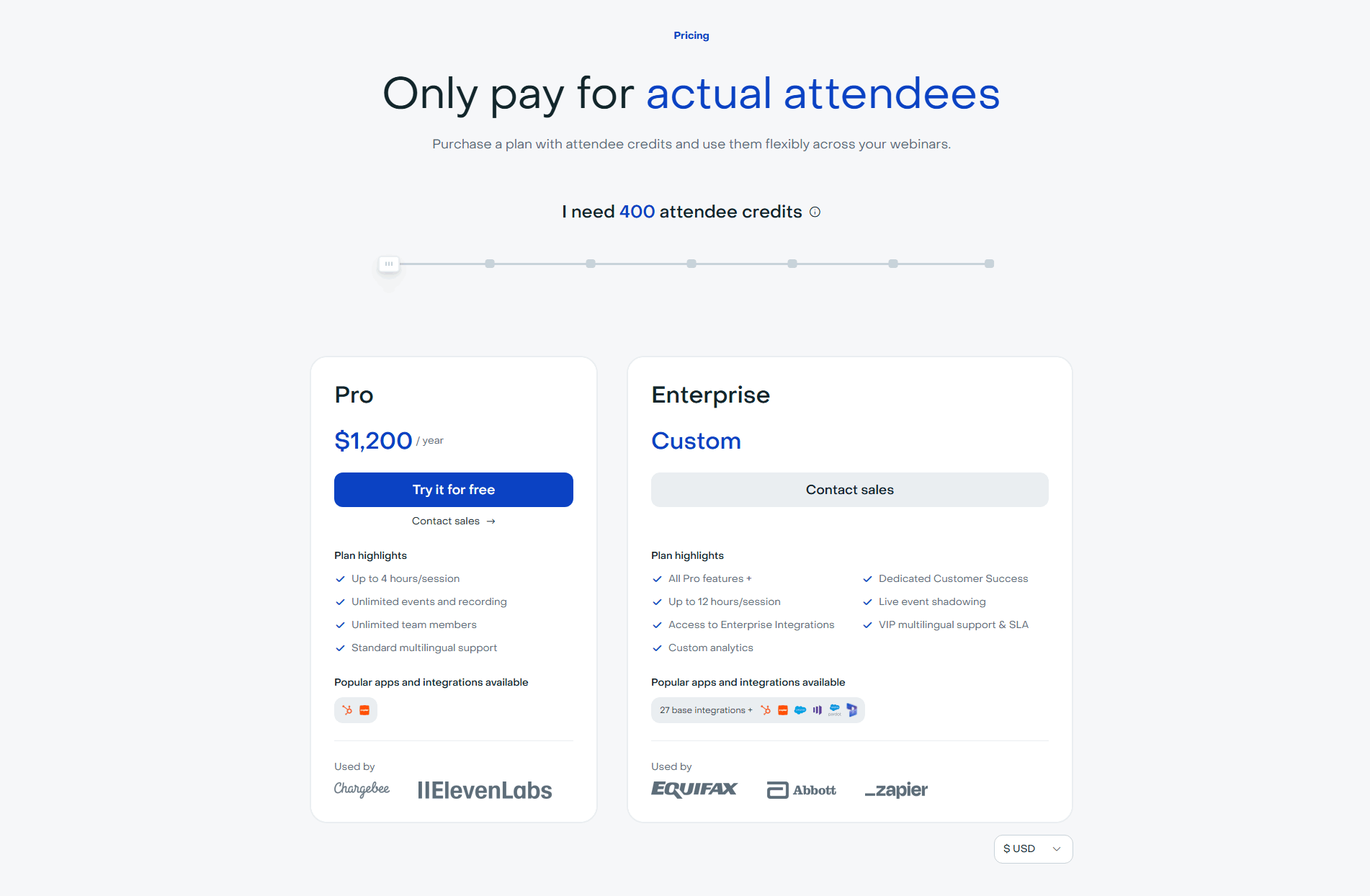
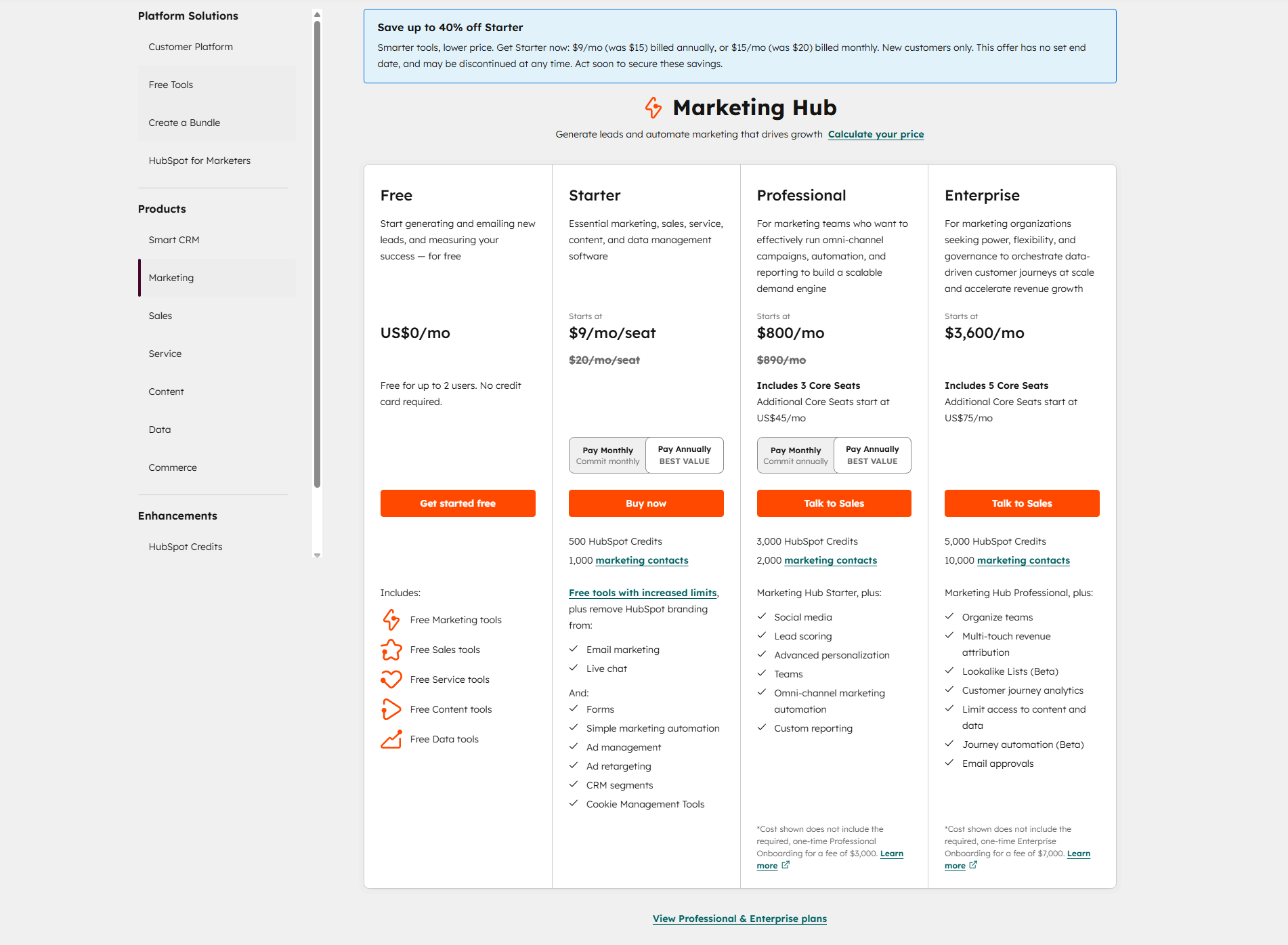
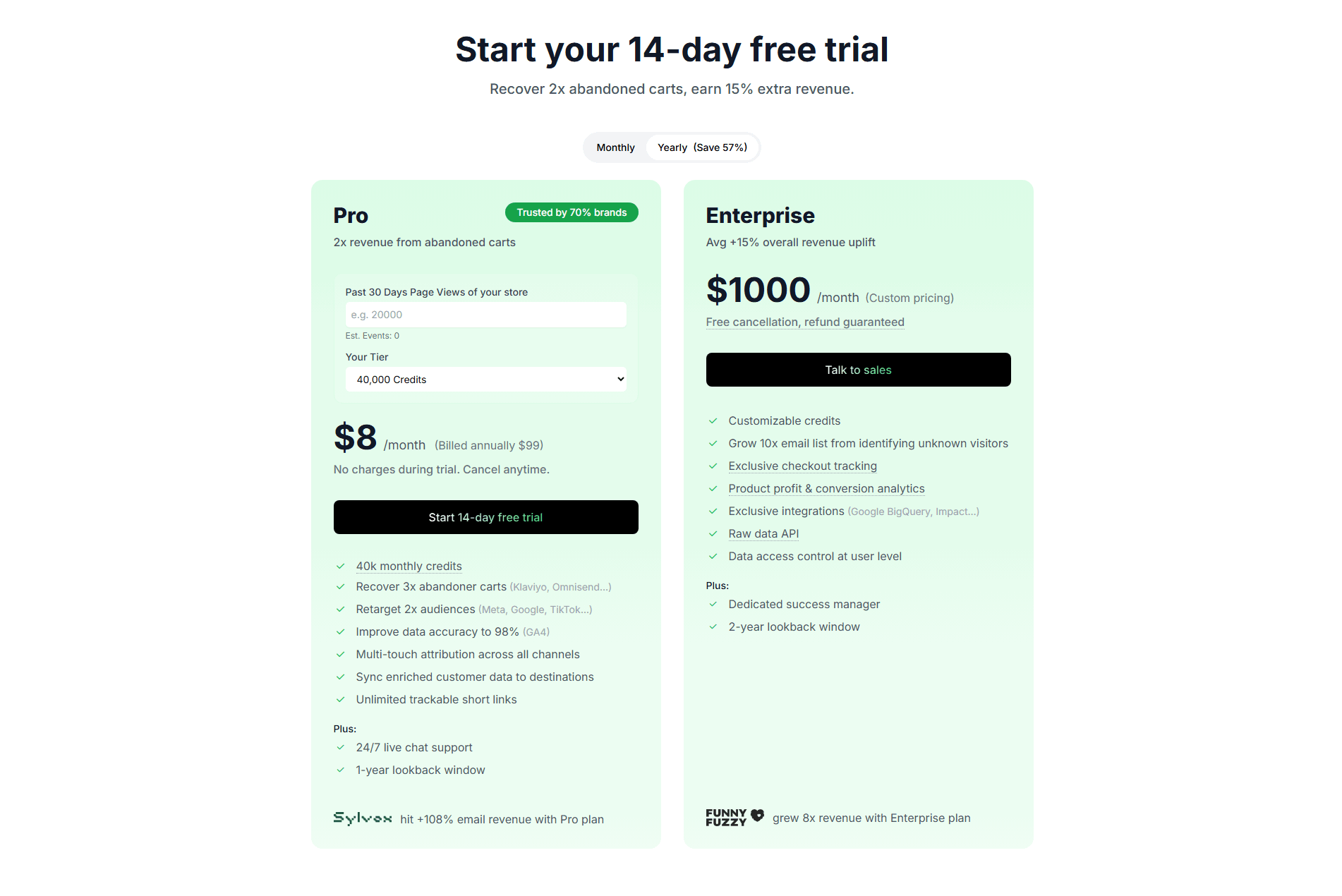
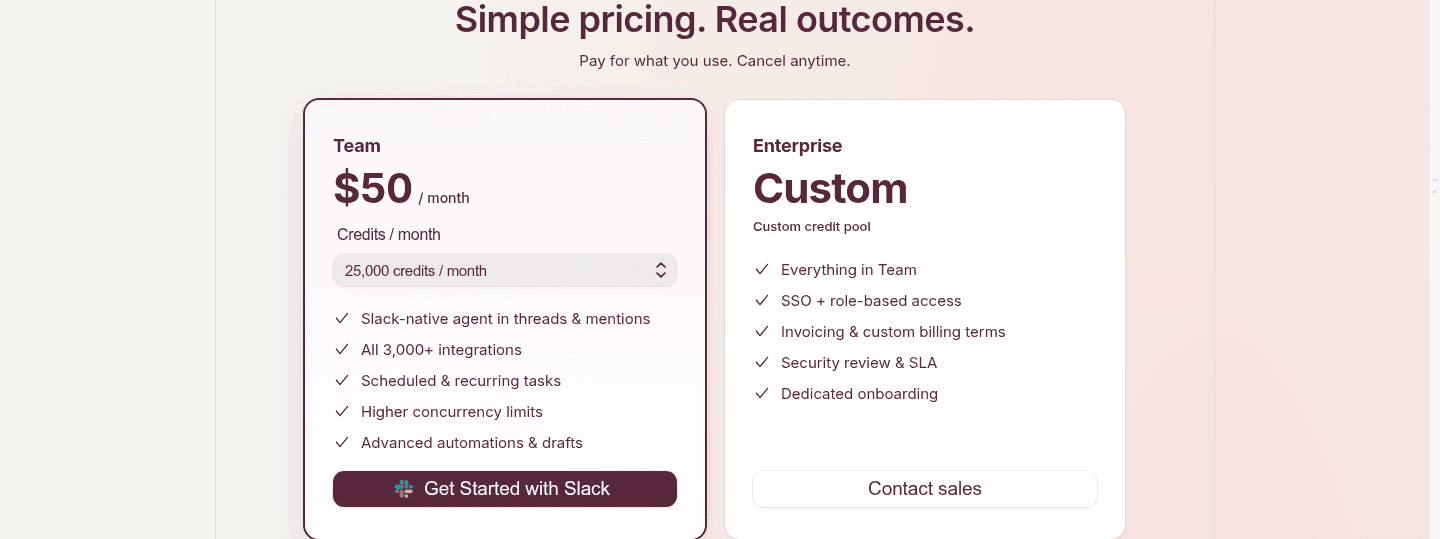
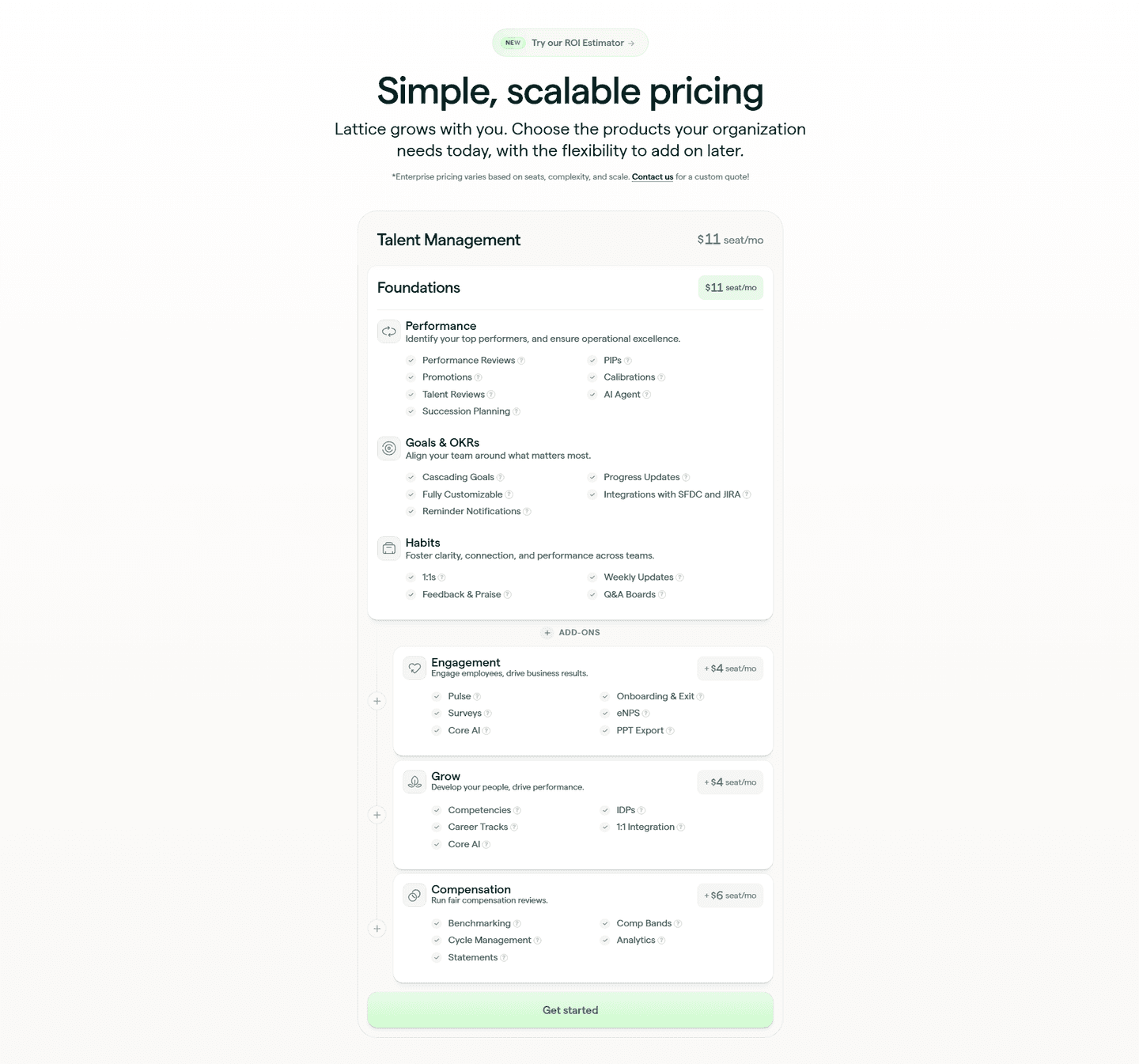
The best examples below make the estimate live, clear and honest. CompanyCam puts its team-size stepper above the plans, next to the monthly and yearly switch, so every card shows the price for the team the visitor entered. Alchemy's slider updates the price as the buyer moves it. The clearest sections keep the per-unit rate on the card next to the estimate, the way Safecube shows an extra-shipment rate beside its shipments picker, so the number never feels like a black box. And they start from a realistic default rather than a very low one, so the first estimate is close to what the buyer will pay.
An estimator rarely works alone. It reads best next to clear per-unit and usage-based pricing that backs up every number it produces, and a clear enterprise contact path for buyers whose estimates run past the self-serve tiers.
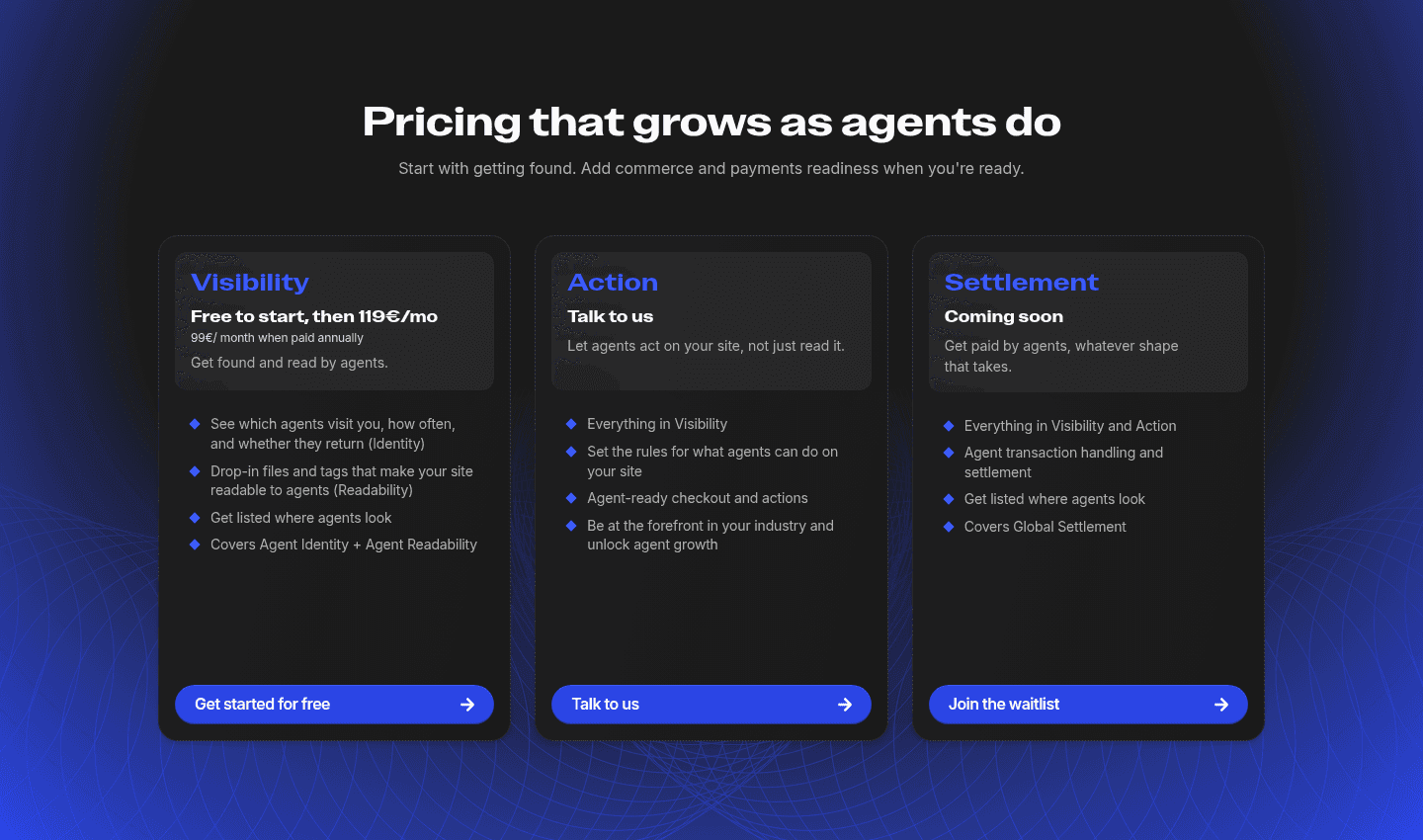
The first mistake is having no way to estimate at all, as in the example above, where one plan says "Talk to us" and the buyer leaves without a figure. The second is a calculator that hides its rate: the price moves, but the buyer cannot see the per-unit cost behind it, so the estimate feels arbitrary. The third is gating the number behind an email or a sign-up. The fourth is a default set too low, so the first figure under-sells the real cost and the buyer gets a surprise at checkout.

Curated by
Gabriel Amzallag , Founder, Web Anatomy
5 years CRO + SEO at Qonto (2021–2025). After advising 15+ SaaS on their websites (Payfit, Pigment…), the same patterns kept breaking, so I decided to build the source of truth on what works on the web: the intelligence layer every tool, builder, and team uses to ship sites that perform.
The common questions about interactive pricing calculators, with answers drawn from 16 scored examples.
Whenever the price depends on something the buyer controls: seats, contacts, credits, shipments, API calls or any other unit of usage. Flat monthly plans do not need one. But when one plan can cost very different amounts depending on volume, a single static number is wrong for most buyers, too high for a small one or too low for a large one. An estimator shows each visitor the figure that applies to them.
No, they send each buyer to the right path sooner. A self-serve buyer gets an estimate and checks out without a call. A high-volume buyer watches the number climb and sees why an enterprise conversation makes sense. Livestorm and Safecube both pair a self-serve estimate with a custom enterprise route for buyers whose usage runs past the self-serve tiers.