Pricing|
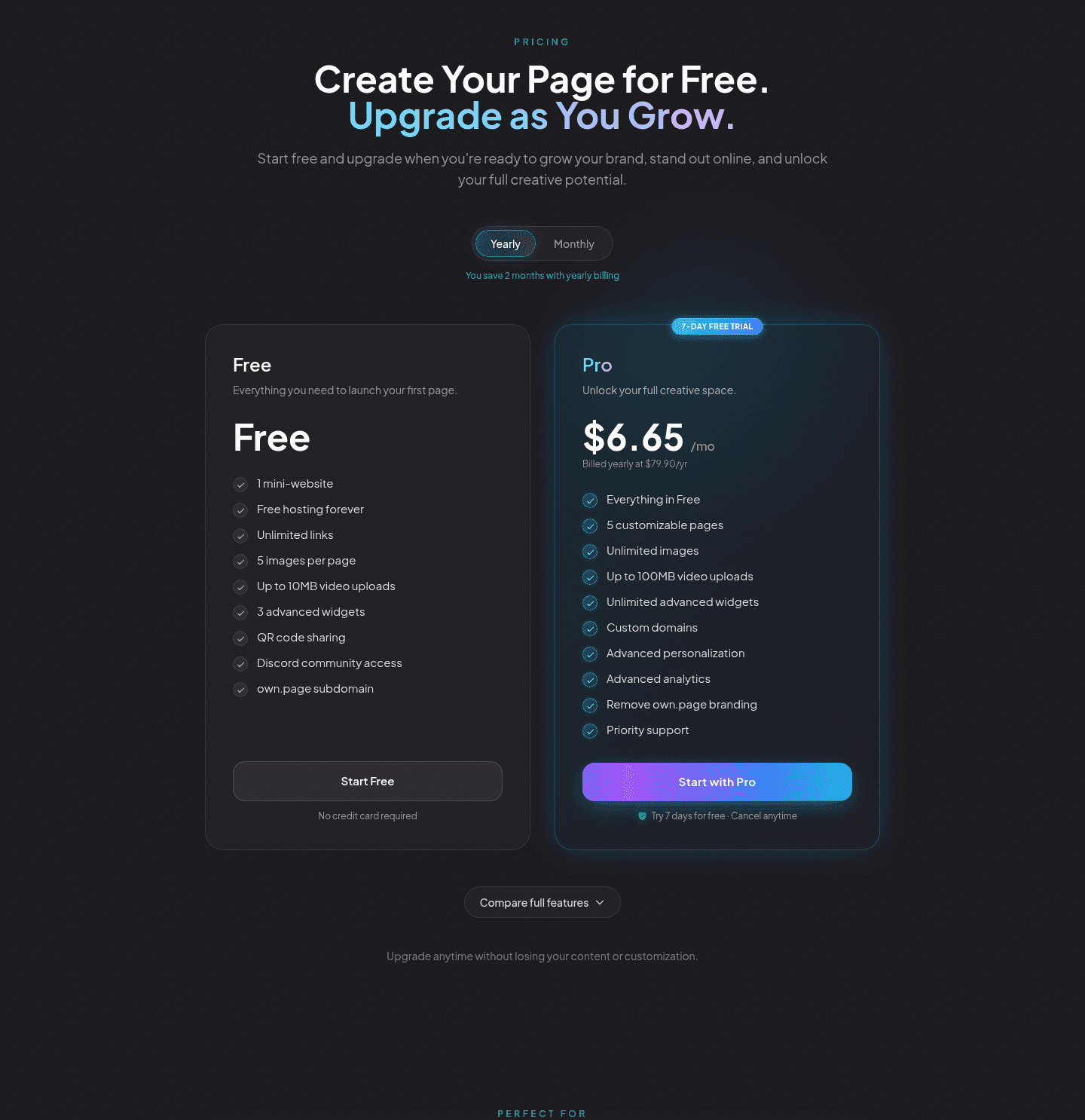
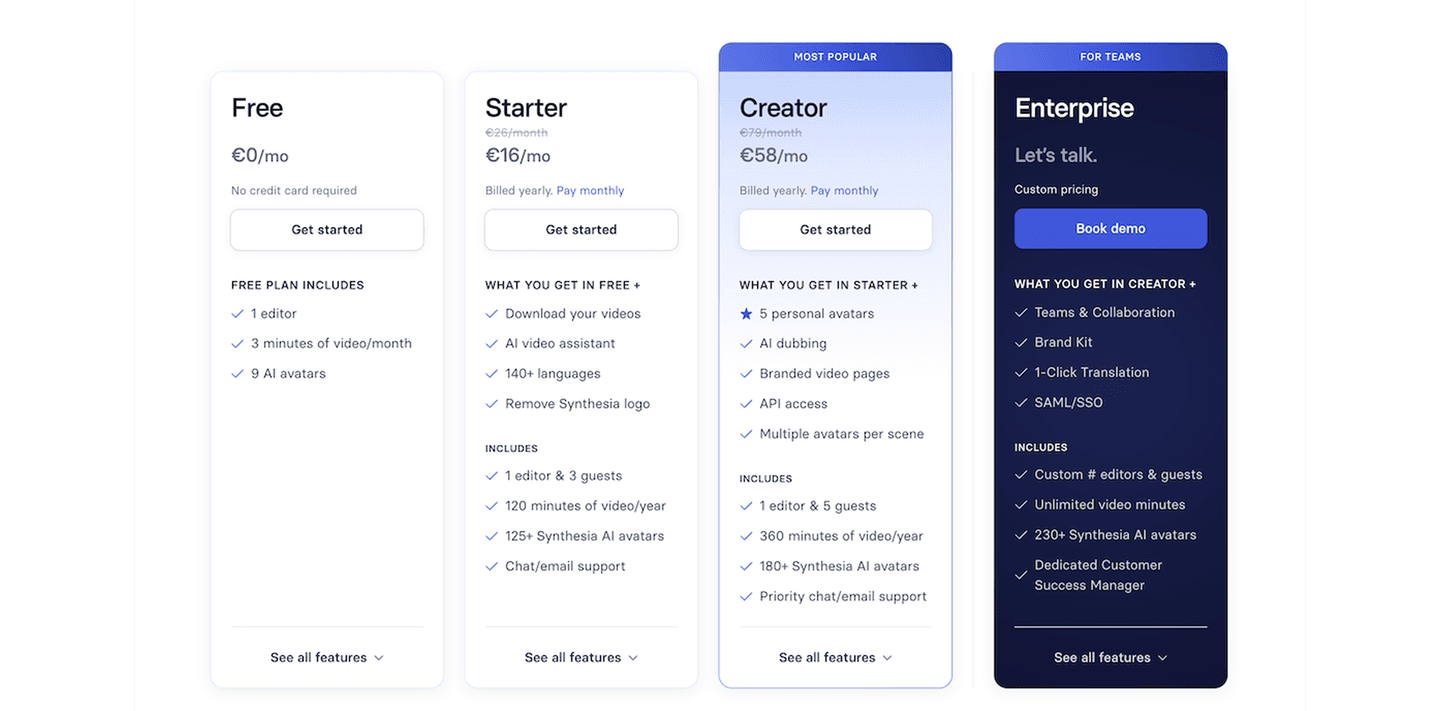
Value-based plan names label each tier by who it serves and what it unlocks, so a visitor can find their plan before reading a single feature row.
Key takeaways
Showing 22–42 of 62 examples
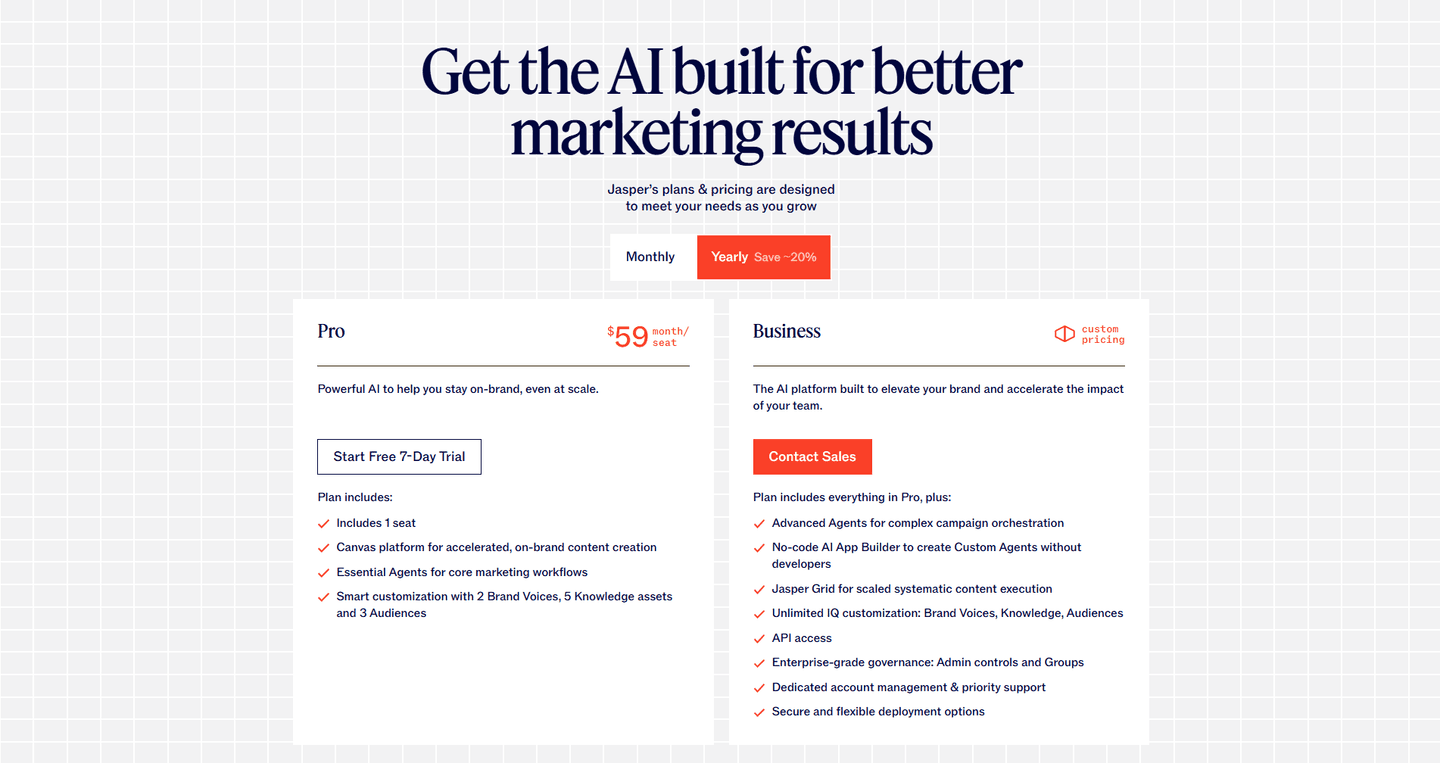
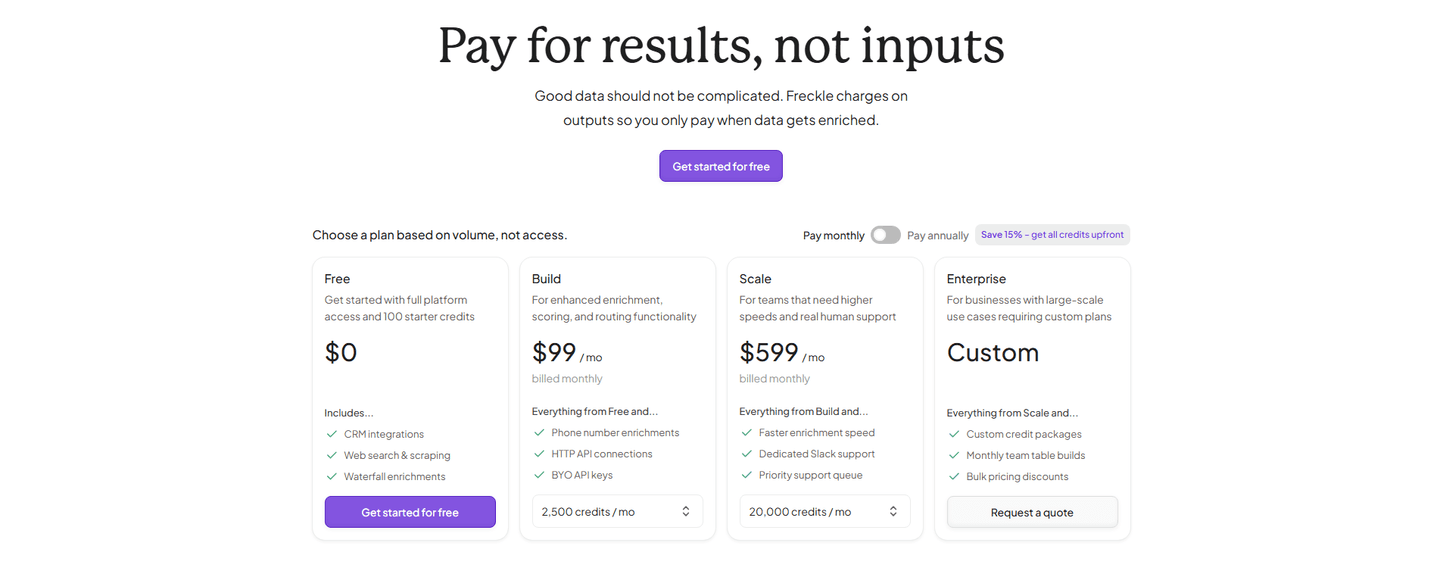
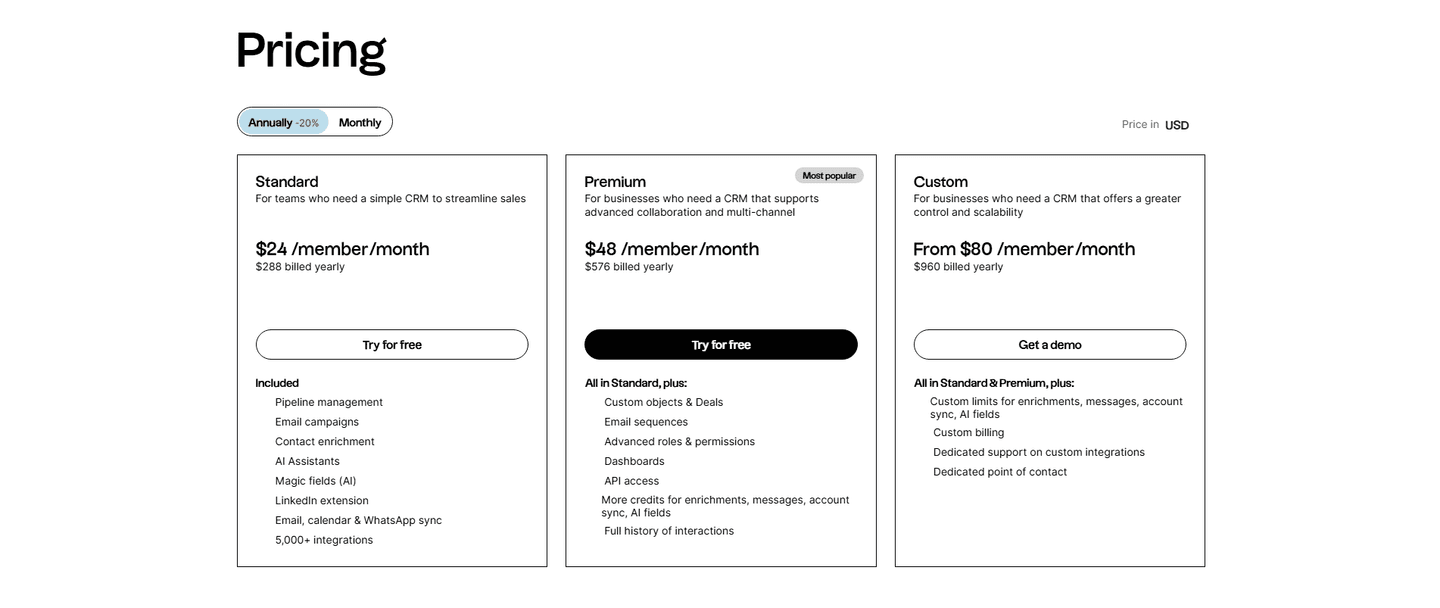
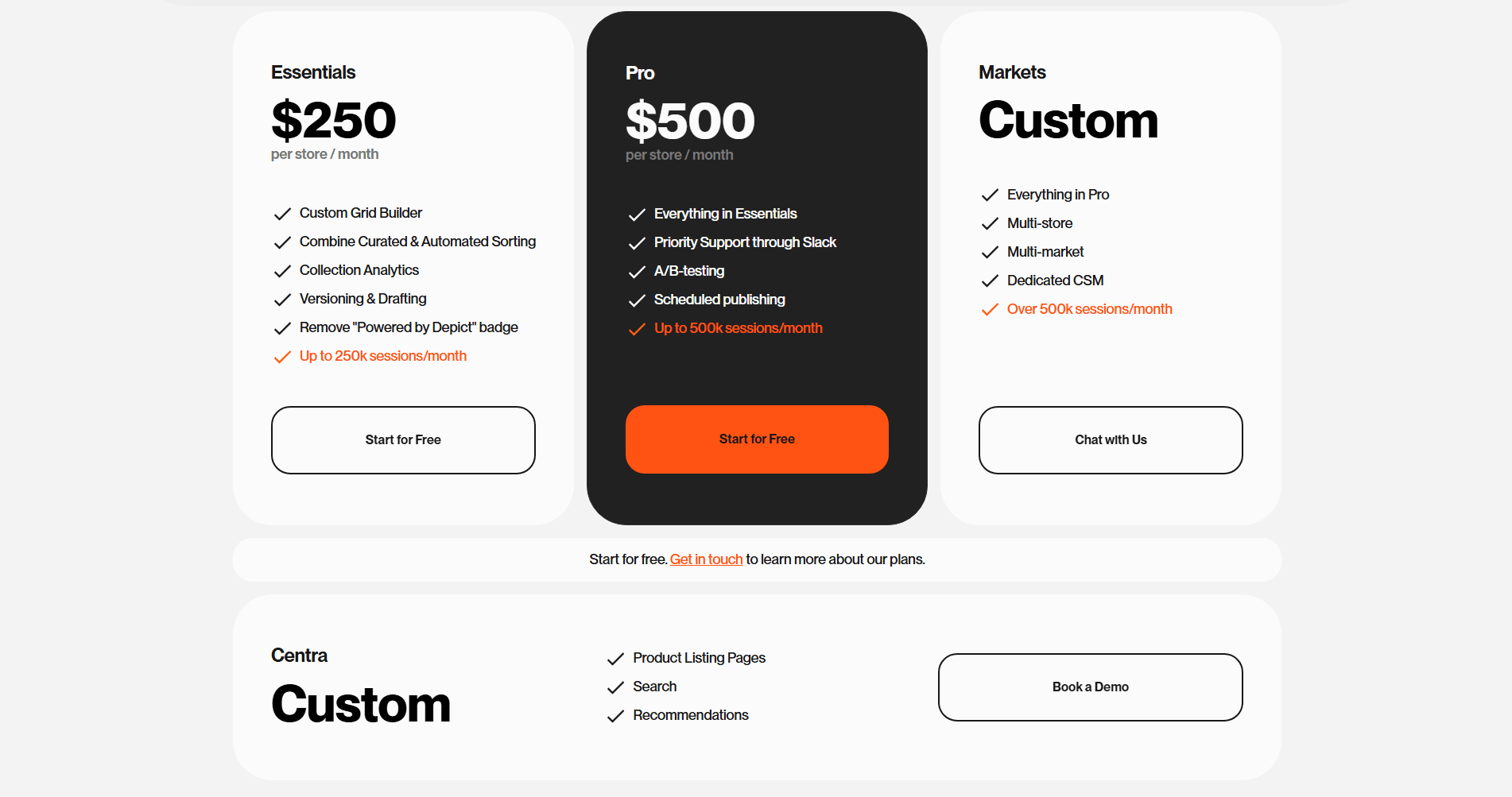

Browse every pricing pattern by UX best practice, or jump to an industry view.
Every pricing section is scored across 8 conversion best practices. Copy the best practice stack, not the layout. See what converts and why.
Hand-picked from 350+ companies and analyzed by our AI conversion agent. Not a random dump of pricing tables. Every entry earns its spot.
Found a pricing table you admire? Run yours through the same scoring engine. See where you stand on the same best practices, and what to fix first.
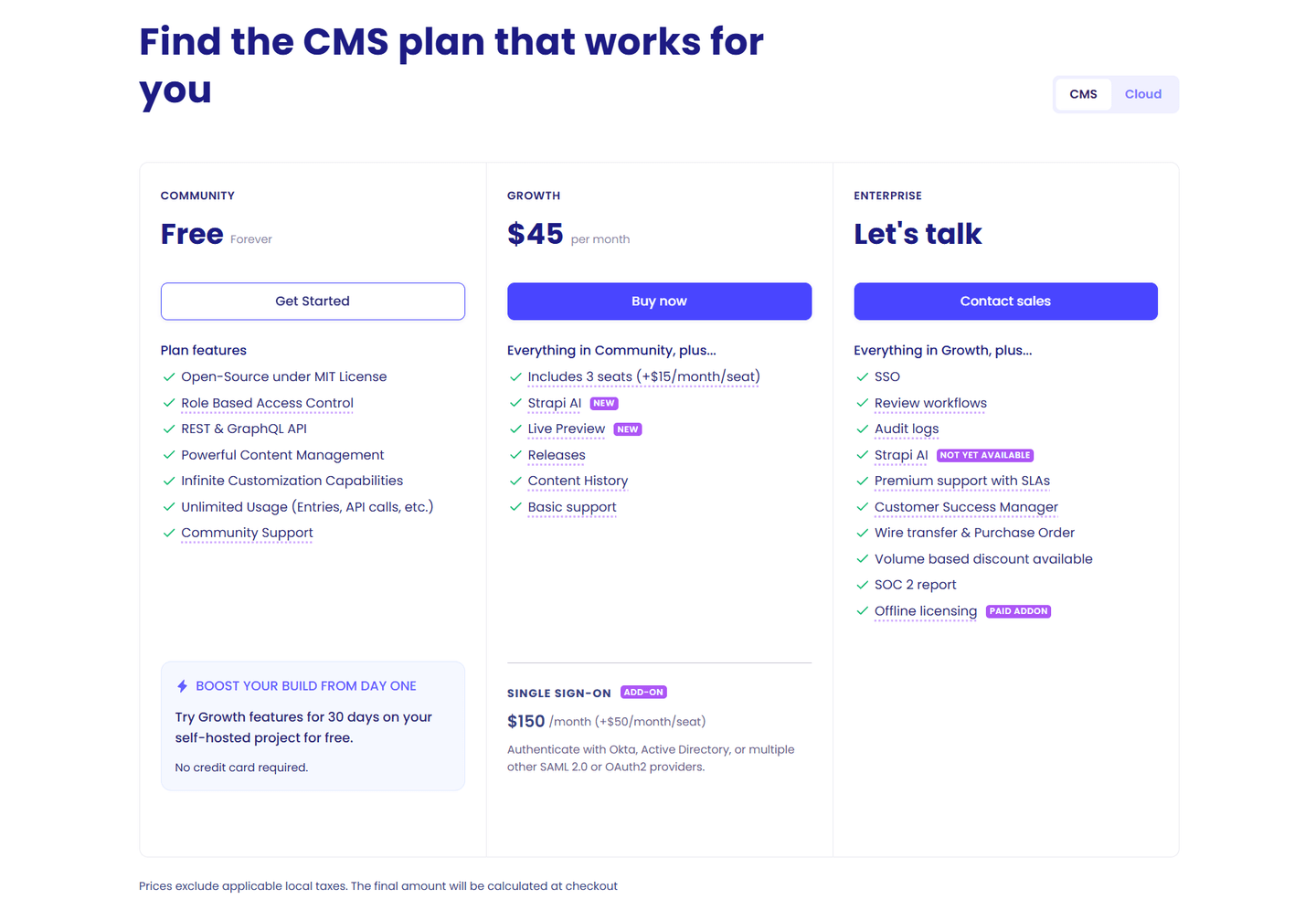
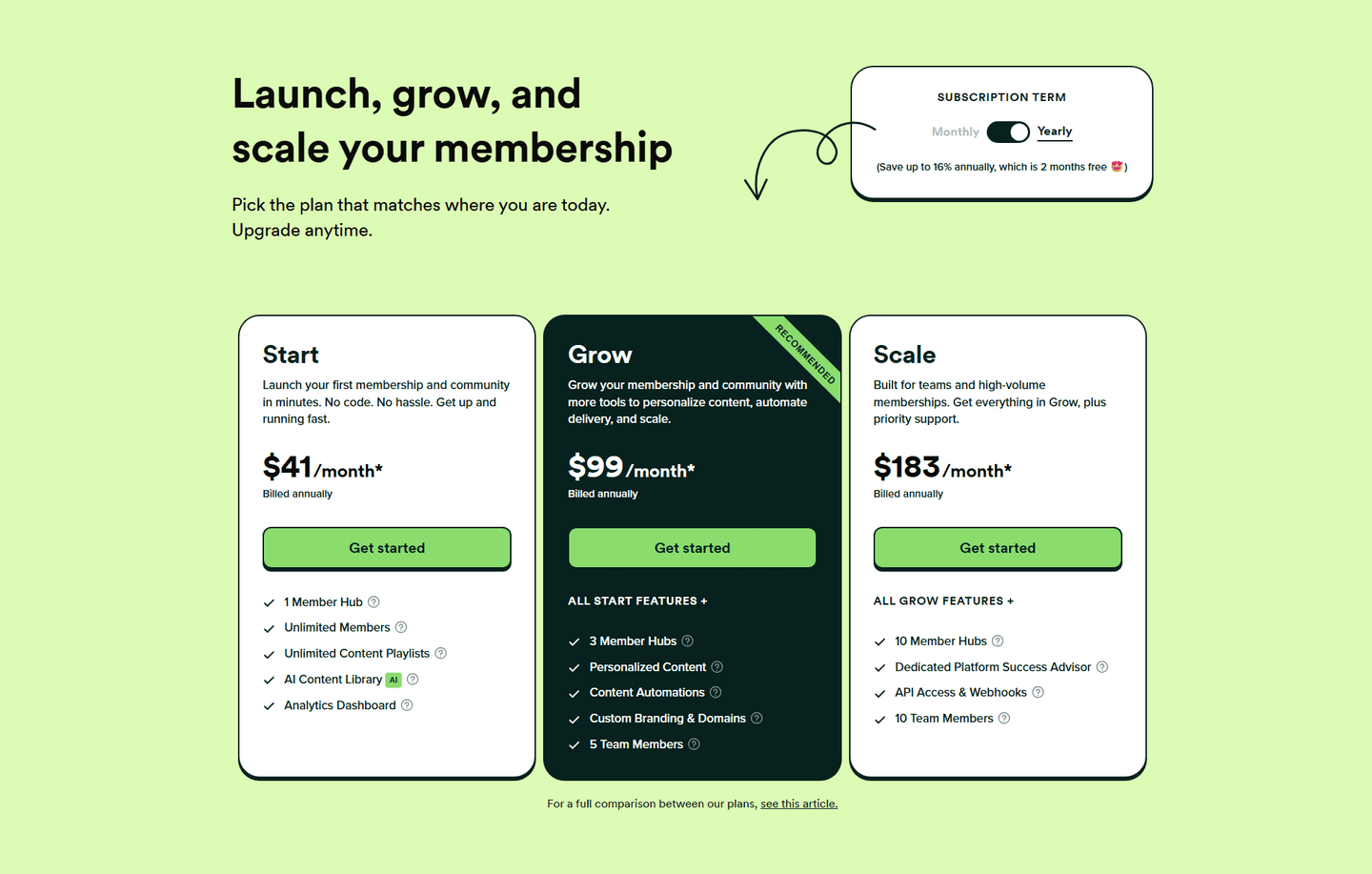
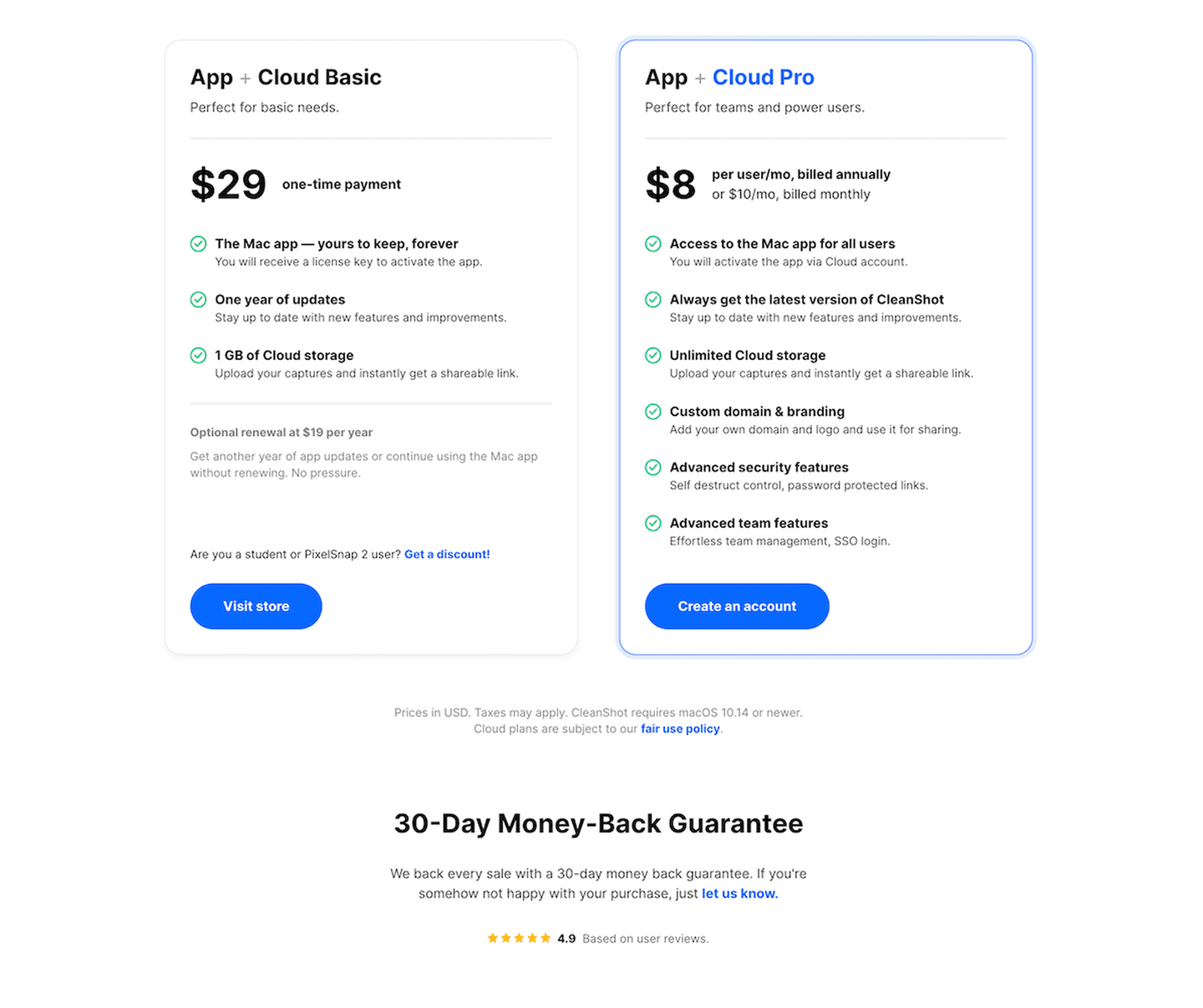
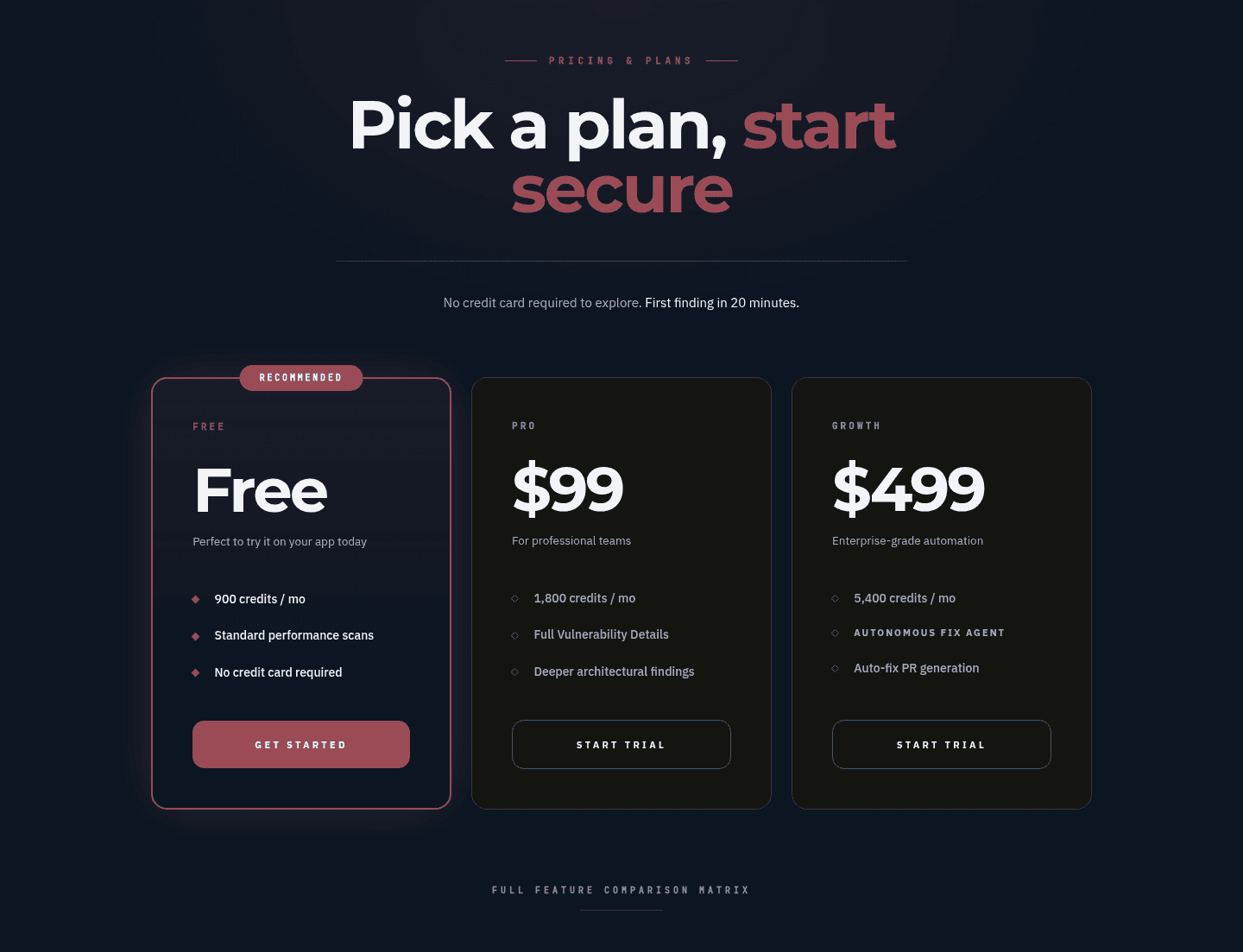
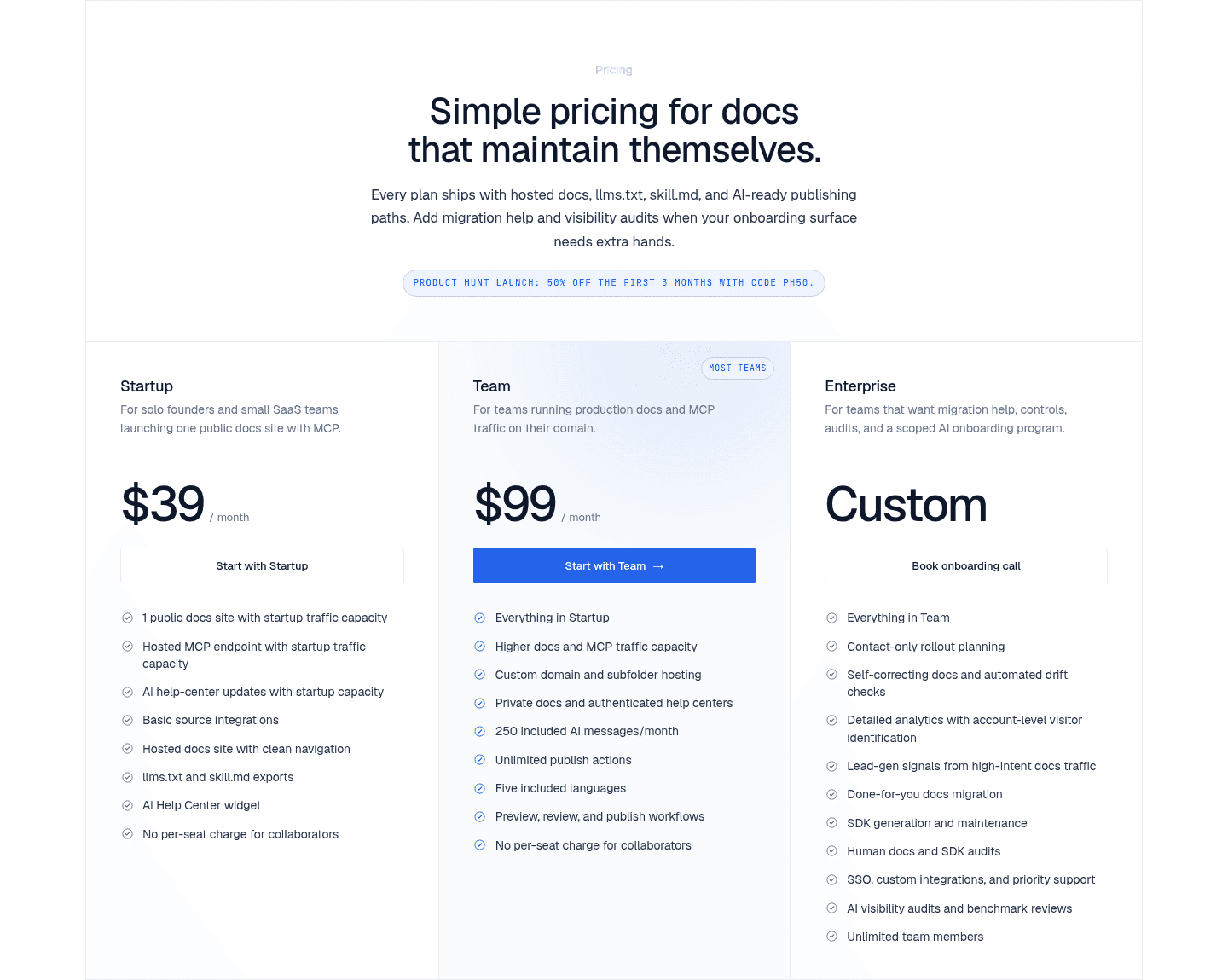
A value-based plan name is the decision to label each tier by the value it carries instead of a placeholder like Tier 1, Plan A, or Basic. A generic label leaves the visitor to work out where they belong from the feature rows alone. A name like Starter, Growth, or Enterprise does part of that sorting up front: the word itself says who the plan is for, so the buyer starts the comparison already pointed at the right card.
The names that work fall into a few consistent families, and the strongest pricing sections keep the whole set in one register so the tiers read as a single ladder:
A pricing table quietly asks the visitor to place themselves, and a bare Tier 1 or Basic gives them nothing to place themselves with. A value-based name does that work in a glance: Starter reads as the first step, Growth as the scaling team, Enterprise as the large account. The buyer recognizes their own plan before they have read a single feature, which is far less effort than comparing every row to decide where they fit.
The names also frame the whole ladder. Once the tiers read as a progression, the cheapest plan looks like the honest entry point and the top plan looks like room to grow into, so the middle reads as the balanced pick. That framing only holds if the names form a consistent set. A ladder of Starter, Growth, Pro tells a clear story; a mix of one value word and one raw number tells none.
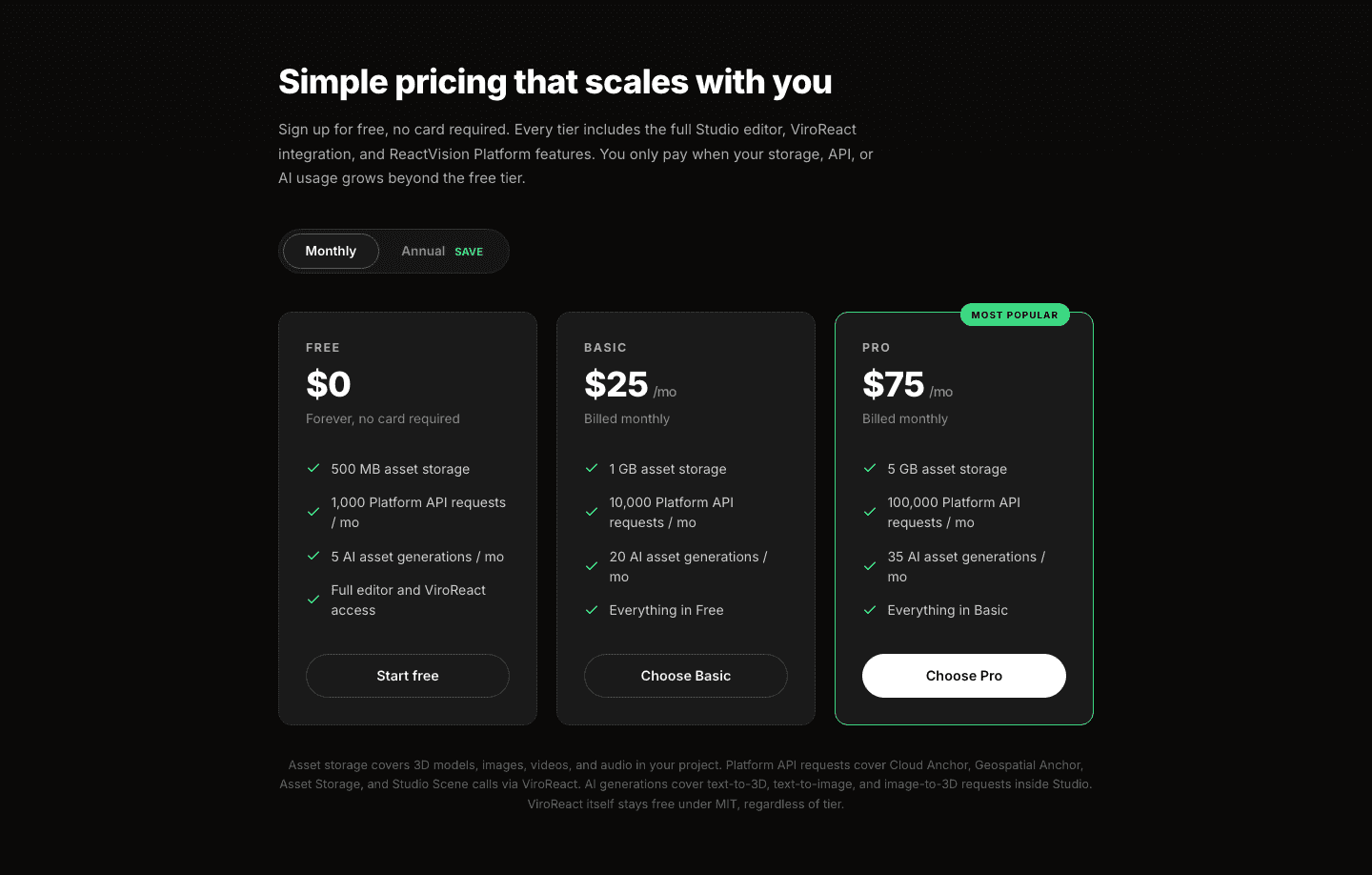
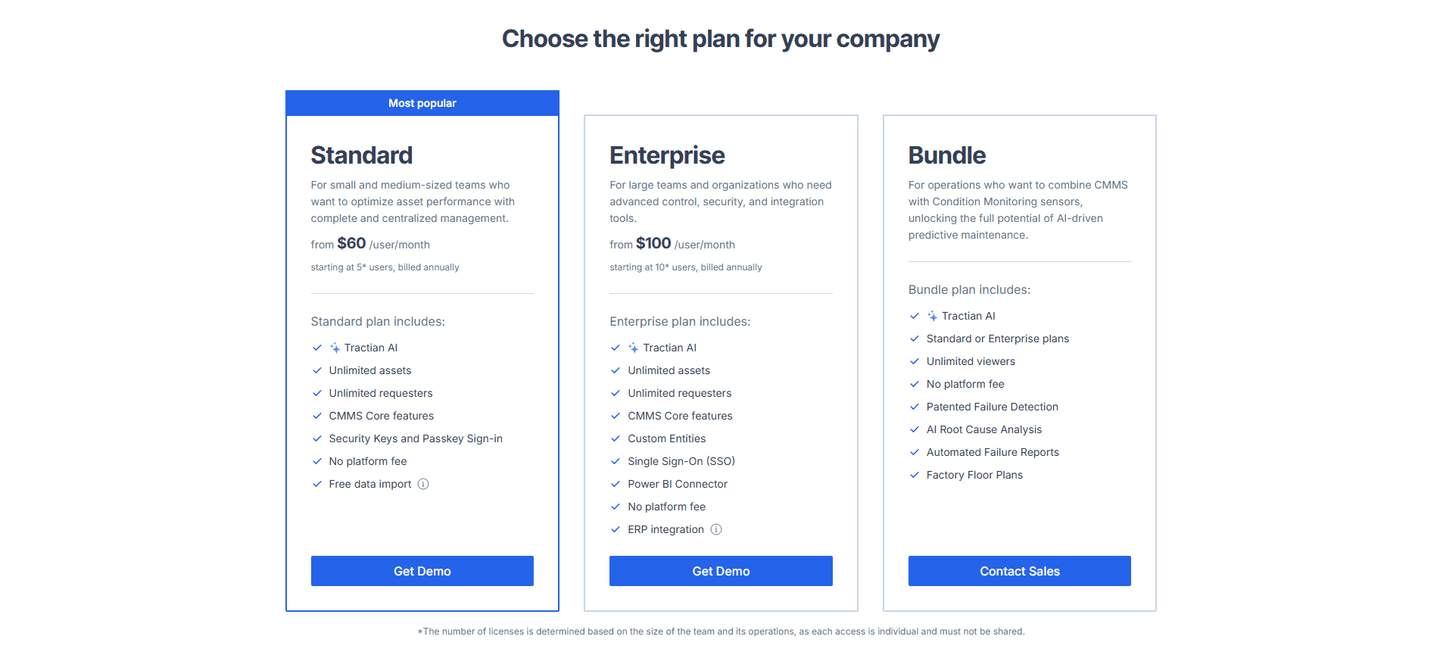
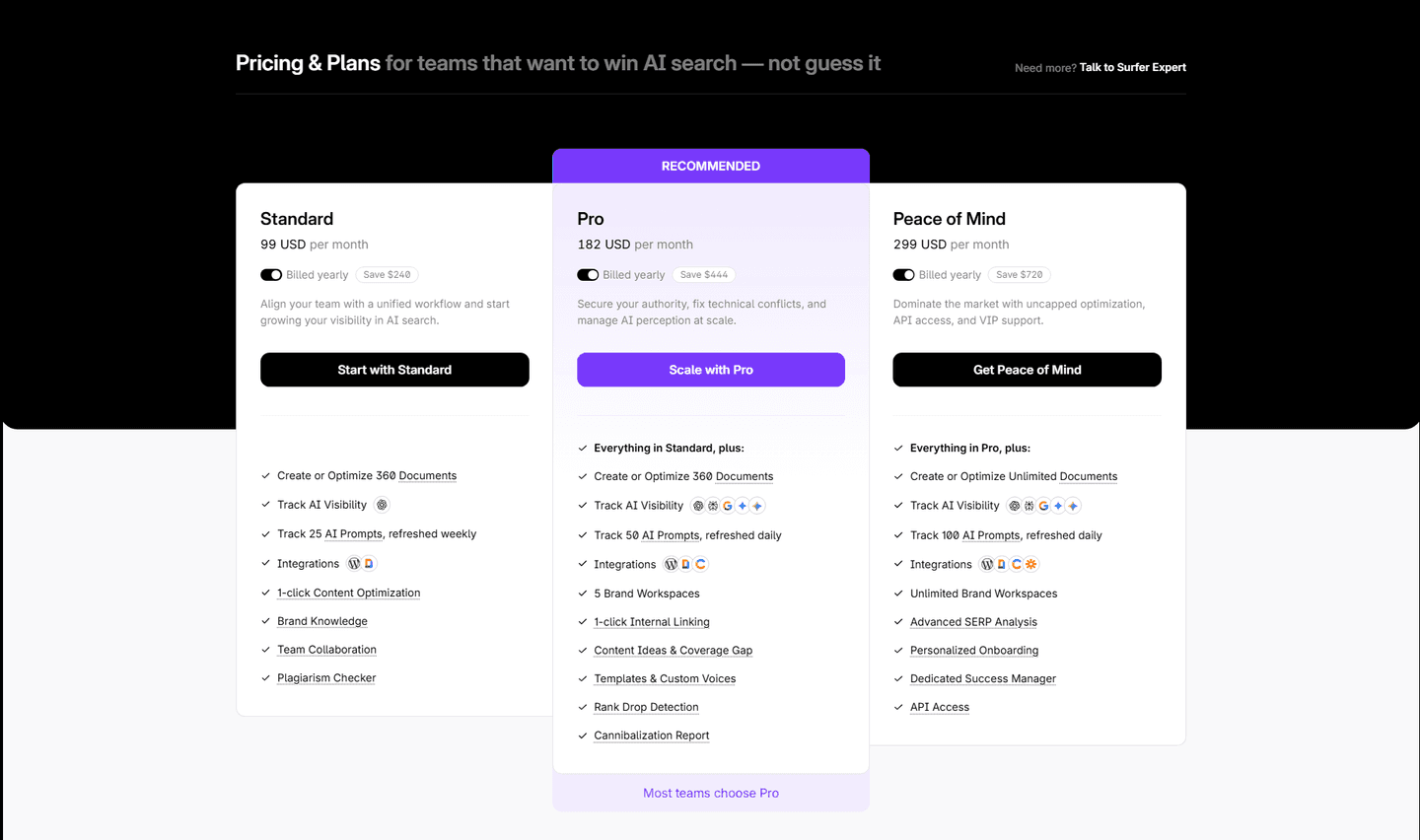
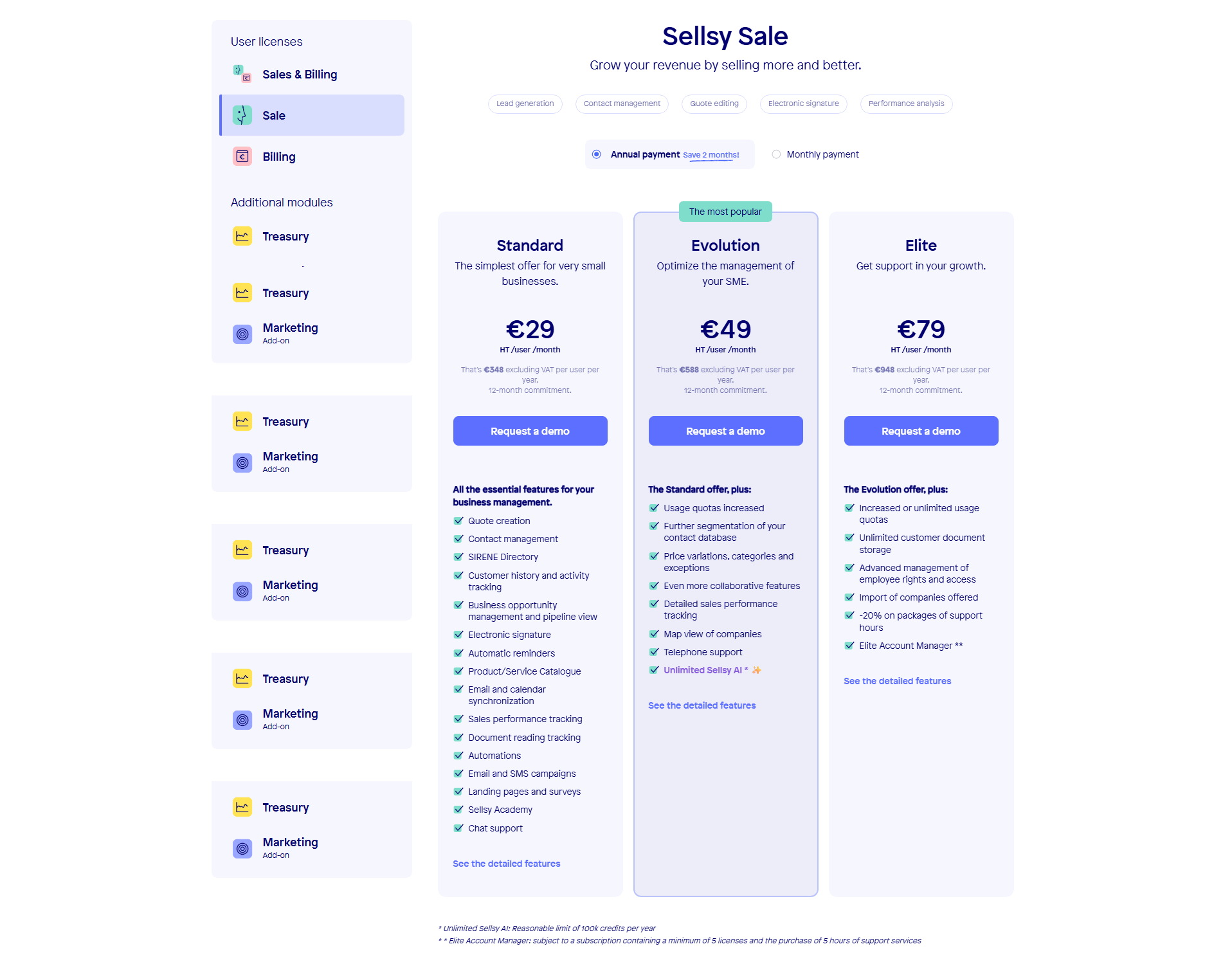
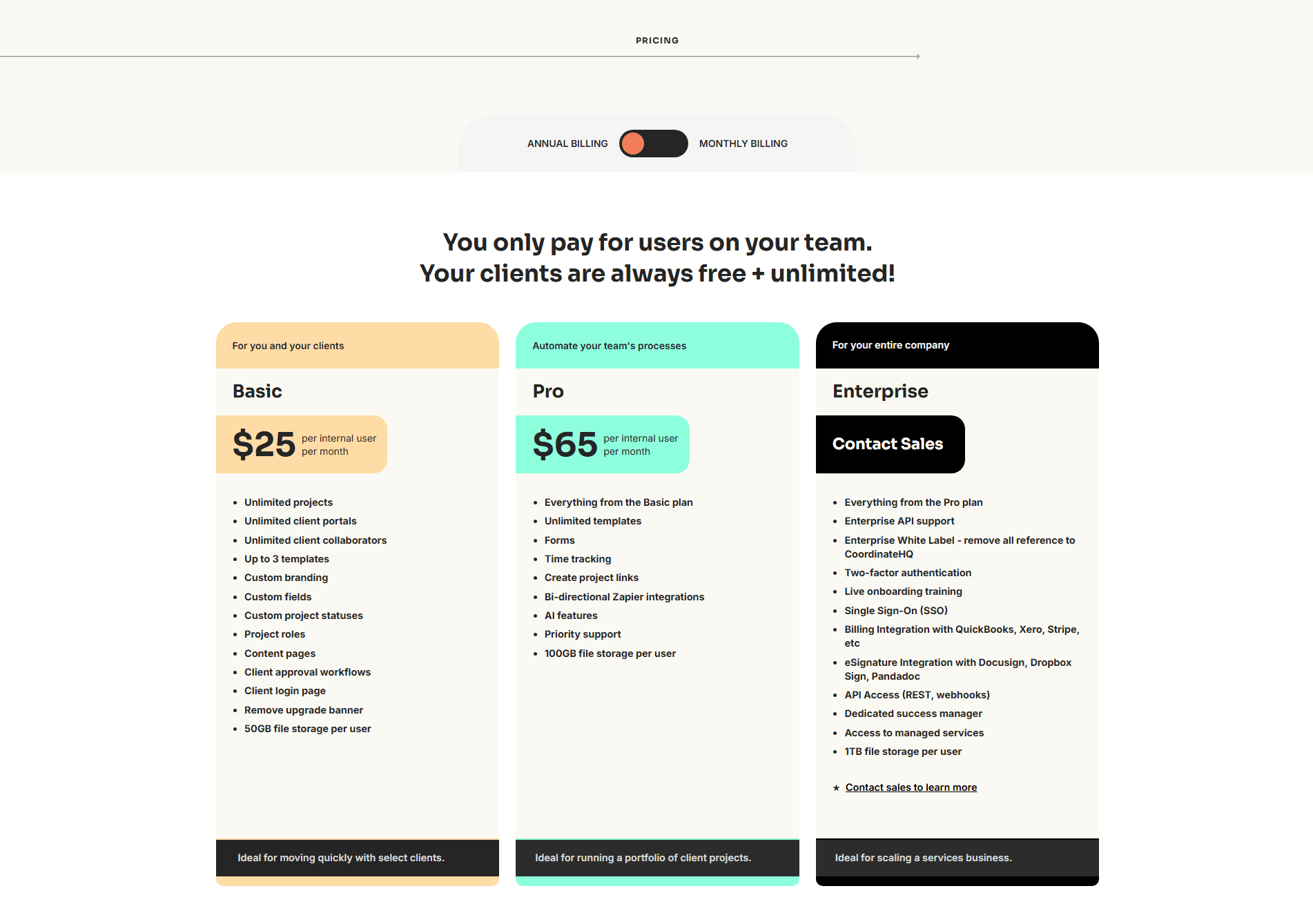
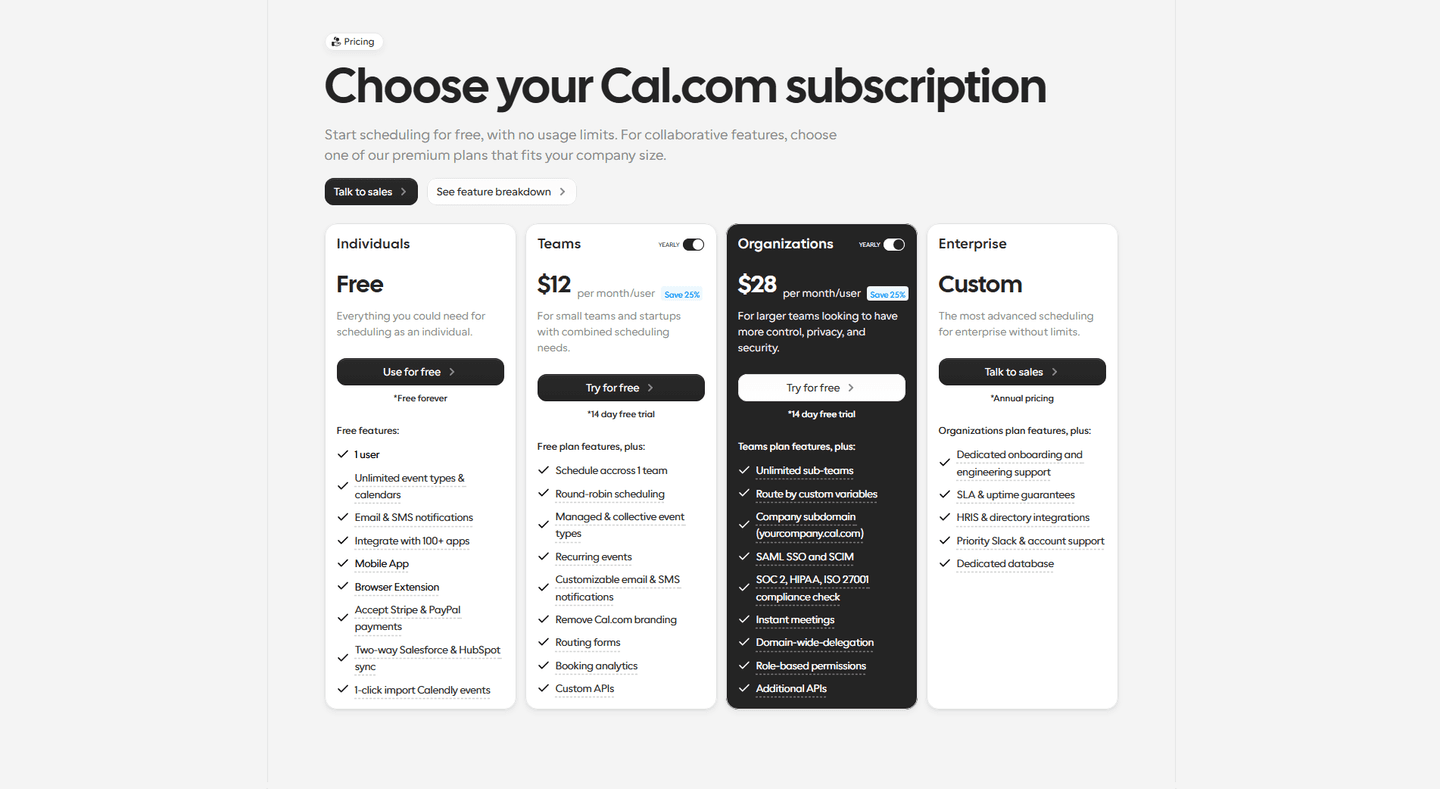
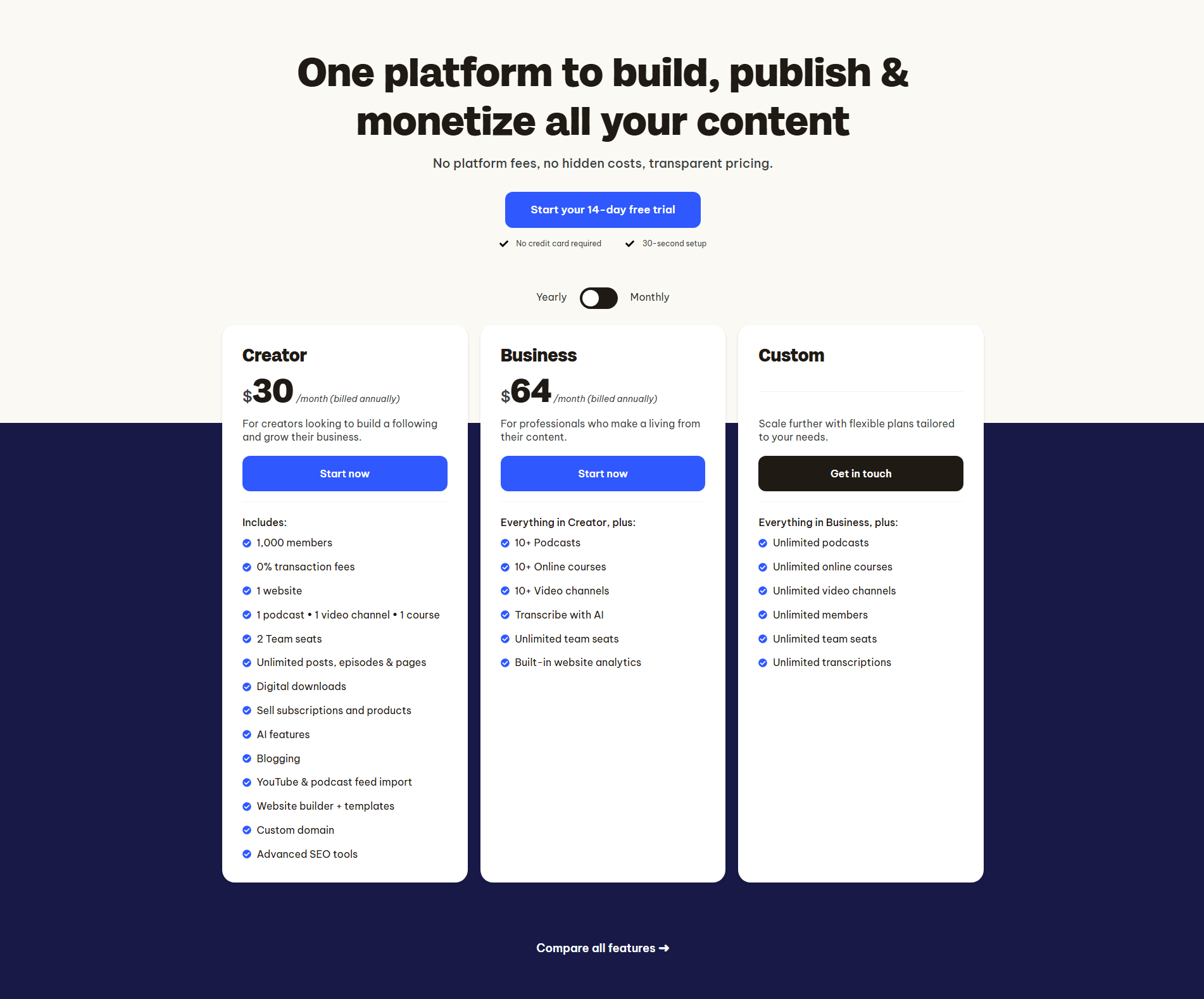
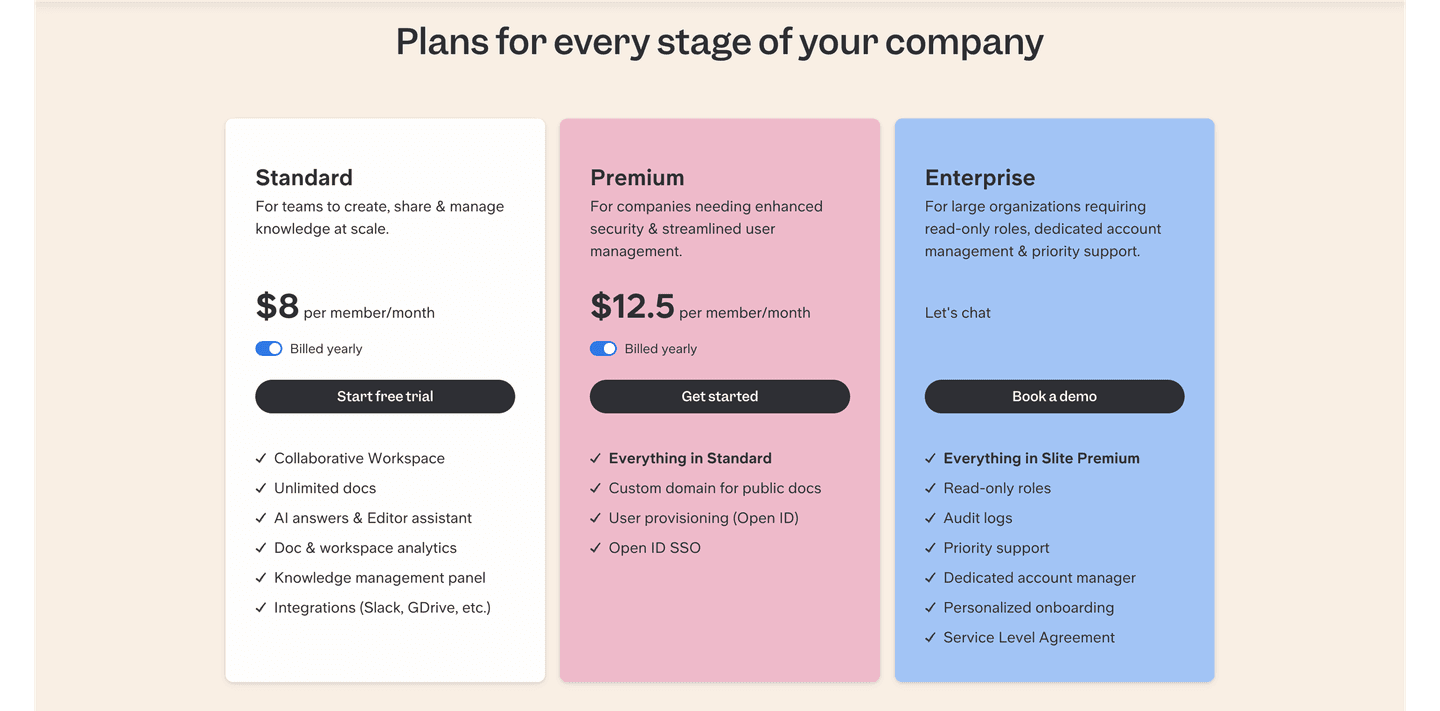
Nearly nine in ten of the scored pricing sections in the library name their tiers by value rather than by number. Across the examples below, the discipline is consistent. The names read as one family: Sleek Analytics with Starter, Growth, Pro, PayFit with Light, Standard, Premium, and Sellsy with Standard, Evolution, Elite all keep a single register from top to bottom. Elentaria and VisibAI push further into outcome language, with Operator, Scale, Power and with Free, Starter, Pro, Brand, Agency, so the label names the buyer's stage instead of a rank. Lemlist names the job itself with Email Pro and Multichannel Expert.
The name rarely does the work alone. The best pricing sections sit a one-line who-it-is-for under each label and let feature stacking make the climb explicit, as CompanyCam does by pairing its Pro, Premium, Elite ladder with an Everything in X carry-over. Because the names set up a progression, they pay off most when the rest of the table supports the same read, so the strongest examples add a Most Popular badge on the recommended tier and a clear Everything in X feature stack that makes each step up the ladder easy to compare.
67/100 11/100
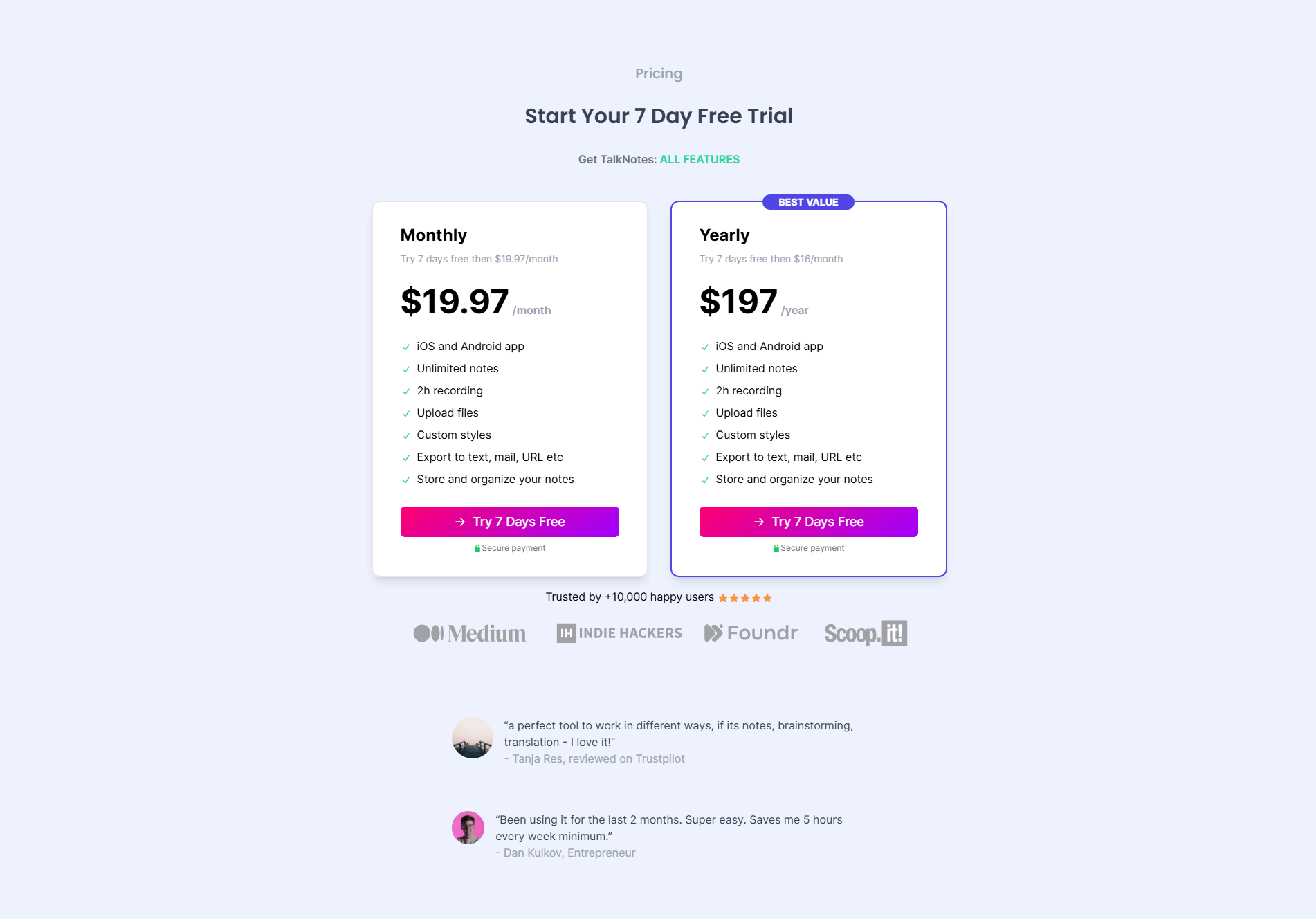
The usual failure is a generic label that carries no meaning: Tier 1, Tier 2, Plan A, or a plain Basic that forces the visitor to reconstruct the plan from its feature list. The second is a broken set, where the tiers mix registers, a value word next to a raw number or an internal codename, so the ladder no longer reads as a progression. The third is a name with nothing behind it, an evocative label like Power or Elite with no who-it-is-for line and no clear price, which reads as branding rather than guidance. Name every tier by value, keep the whole set in one register, and back each label with a short description and a price.

Curated by
Gabriel Amzallag , Founder, Web Anatomy
5 years CRO + SEO at Qonto (2021–2025). After advising 15+ SaaS on their websites (Payfit, Pigment…), the same patterns kept breaking, so I decided to build the source of truth on what works on the web: the intelligence layer every tool, builder, and team uses to ship sites that perform.
Paste your URL. Get a scored analysis of your pricing section, including whether your tier names signal who each plan is for. Free, no signup.
The common questions about naming pricing tiers by value, with answers drawn from 62 scored examples.
It is the choice to name each tier by the value it carries instead of a generic label. Rather than Tier 1, Tier 2, or Plan A, the plans read as Starter, Growth, Pro, Elite, or as an outcome the buyer wants. Sleek Analytics uses Starter, Growth, Pro; CompanyCam uses Pro, Premium, Elite, Enterprise; Elentaria uses Operator, Scale, Power. The name tells the visitor which plan is meant for them before they read a single price or feature.
A pricing table asks the visitor to sort themselves onto the right plan, and a generic Tier 1 or Basic gives them nothing to sort with. A value-based name does part of that work for them: Starter reads as the entry point, Growth as the scaling team, Enterprise as the large account. The label lets a buyer self-select in a glance, which is faster and less taxing than comparing every feature row to decide where they belong.
The strongest names fall into three families. Progression words that imply a ladder, like Starter, Growth, and Pro (Sleek Analytics) or Pro, Premium, and Elite (CompanyCam). Outcome or persona labels that name the buyer's stage, like Operator, Scale, and Power (Elentaria) or Free, Starter, Pro, Brand, Agency (VisibAI). And use-case names that describe the job, like Lemlist's Email Pro and Multichannel Expert. All three beat a bare number because they carry meaning on their own.
Yes. The names work as a set, not one at a time, so the family has to read as a single ladder. Starter, Growth, Pro climbs cleanly; Starter, Tier 2, Elite does not. PayFit keeps Light, Standard, Premium consistent, and Sellsy runs Standard, Evolution, Elite in one register. Mixing a value word with a raw number or an internal codename breaks the progression the names are there to signal.
No. The name is the first read, not the whole story. The best pricing sections pair each named tier with a one-line description of who it is for and a clear price, so the label sets expectations and the details confirm them. Sleek Analytics, VisibAI, and Elentaria all sit a short who-it-is-for line under each name. The name earns the glance; the description and price close the decision.