New
How It Works|
A dated timeline turns a how-it-works section into a schedule, naming exactly when each milestone lands and when the payoff arrives, not just what the steps are.
Key takeaways
Showing 1–28 of 64 examples
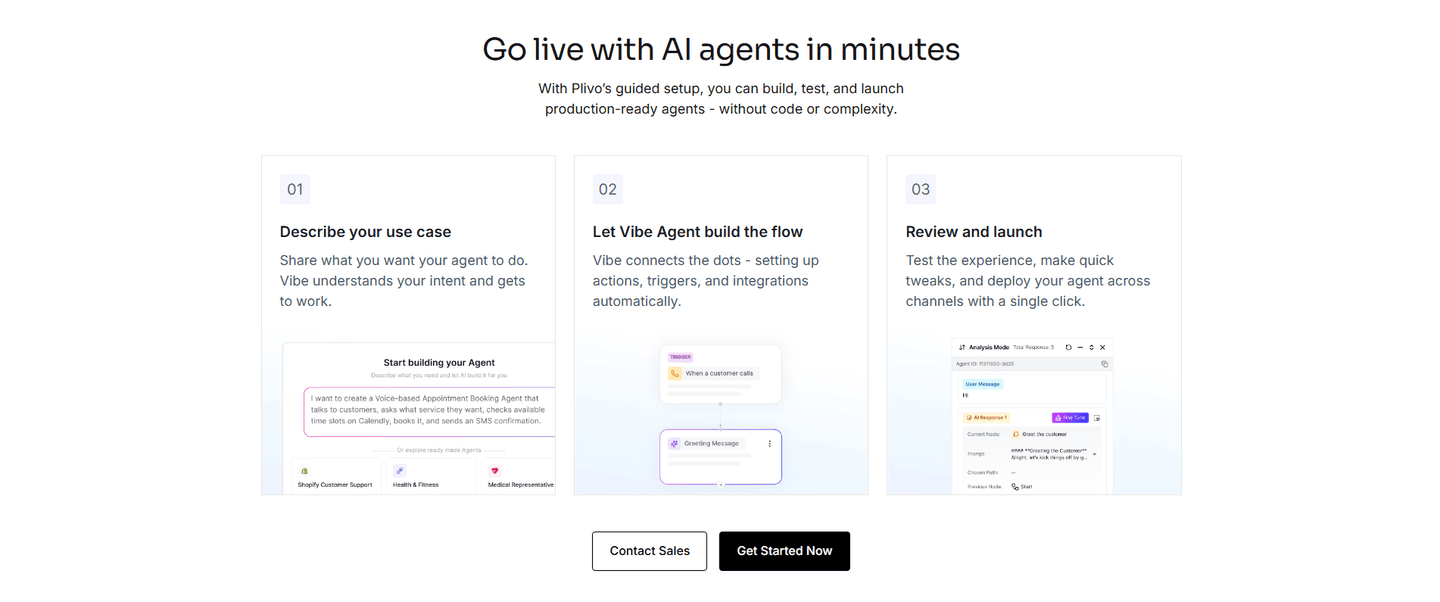


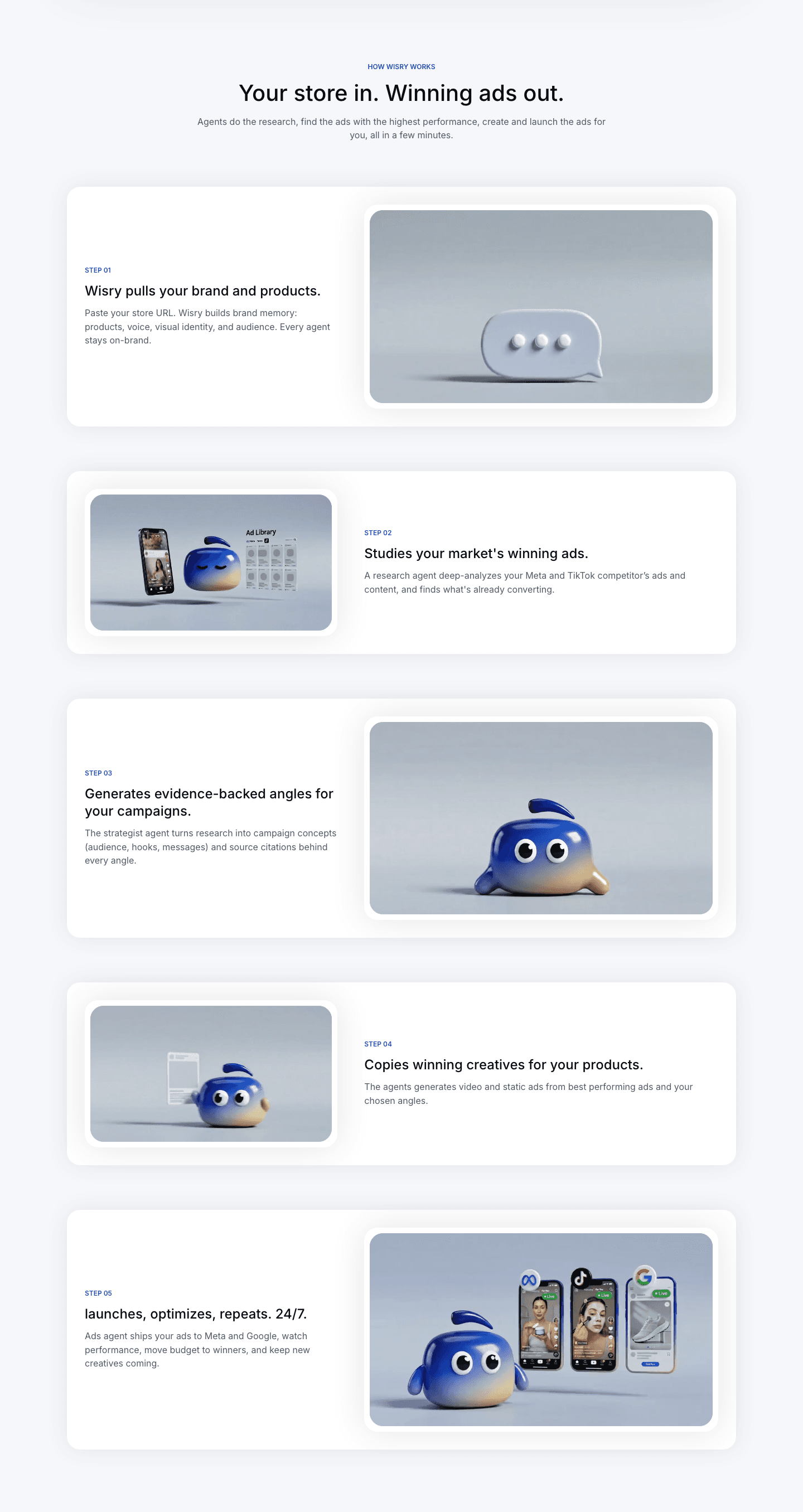

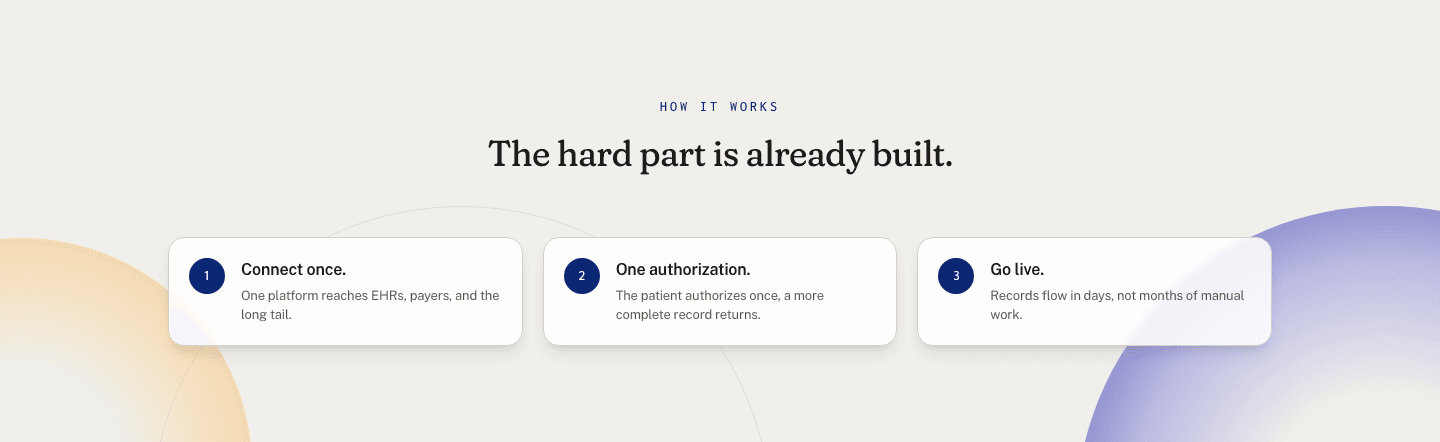
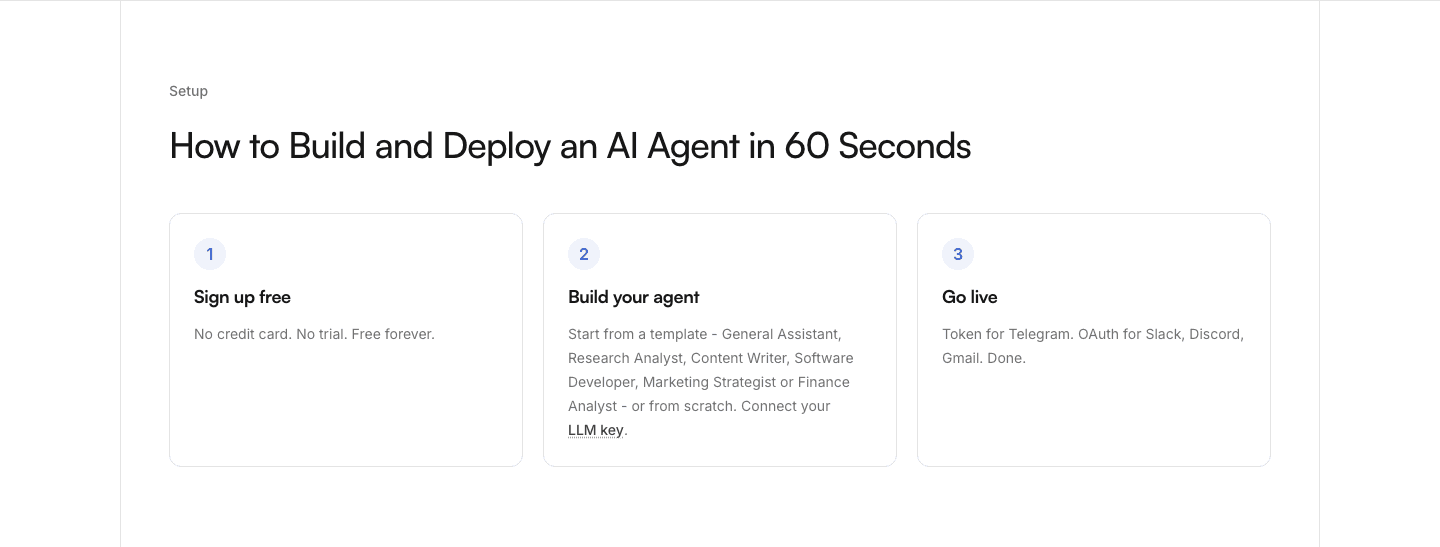
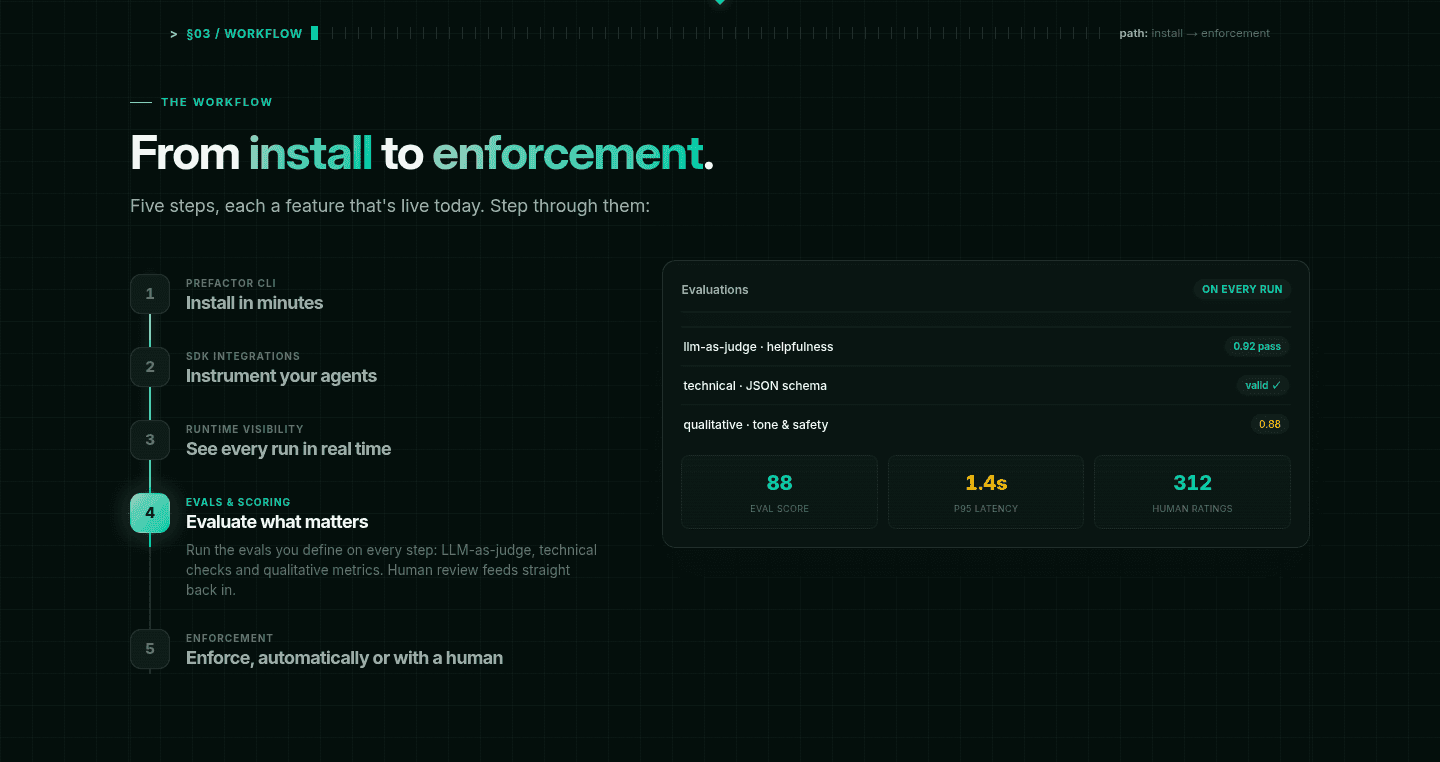




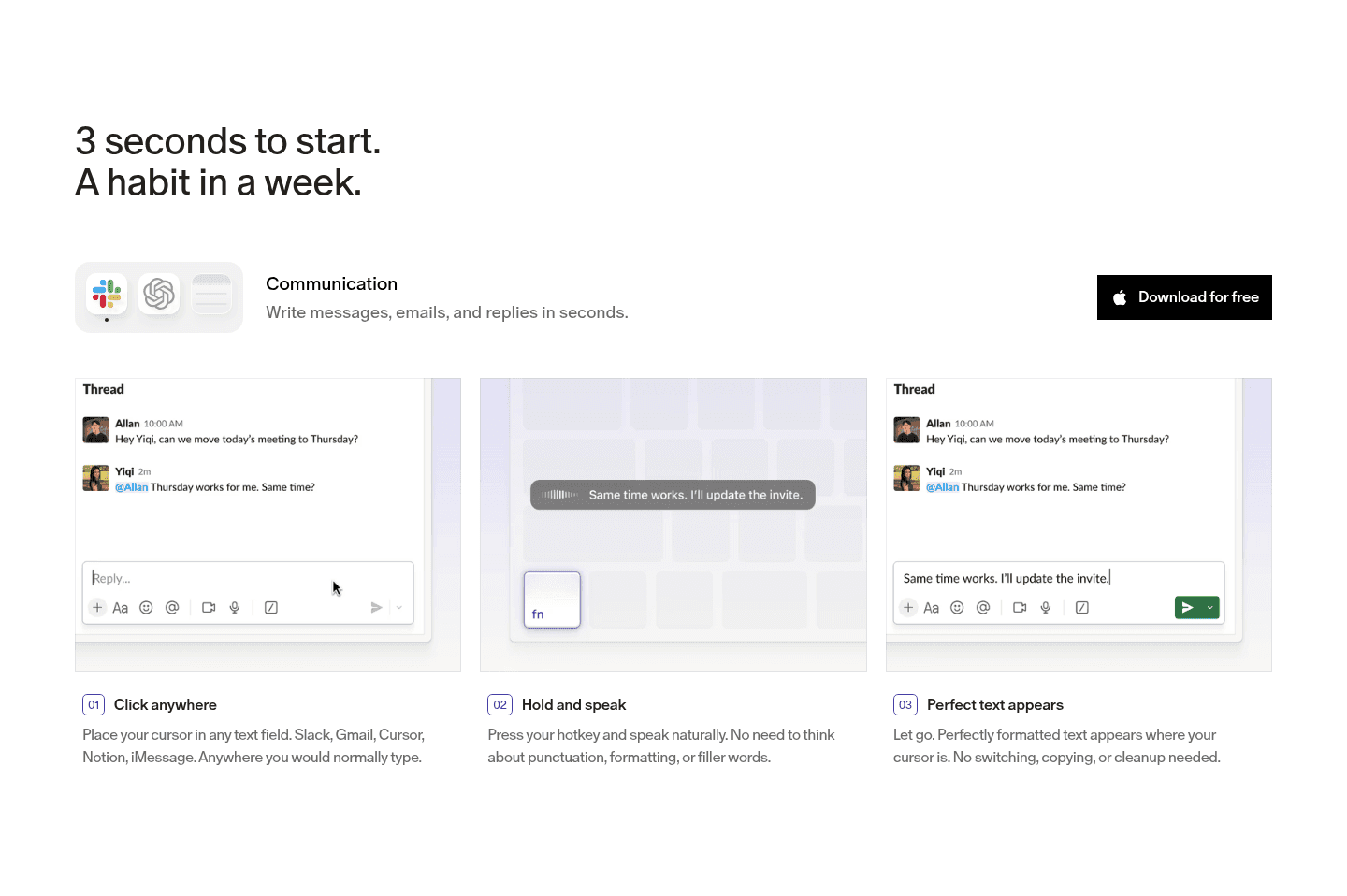
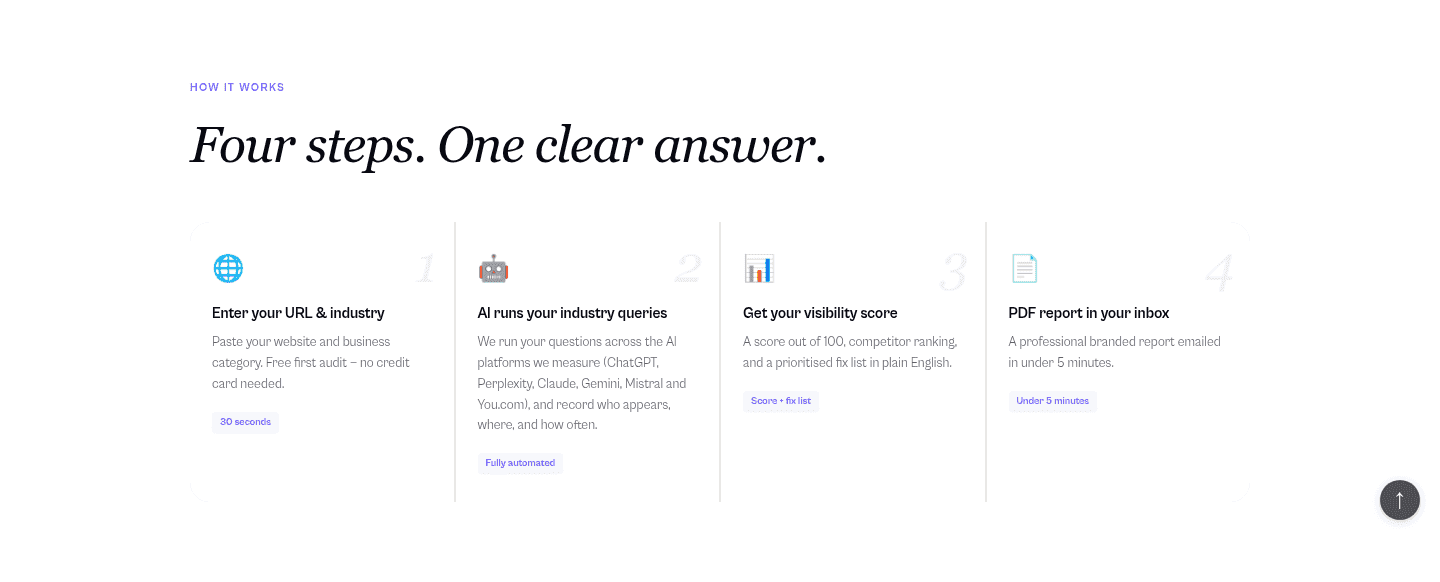
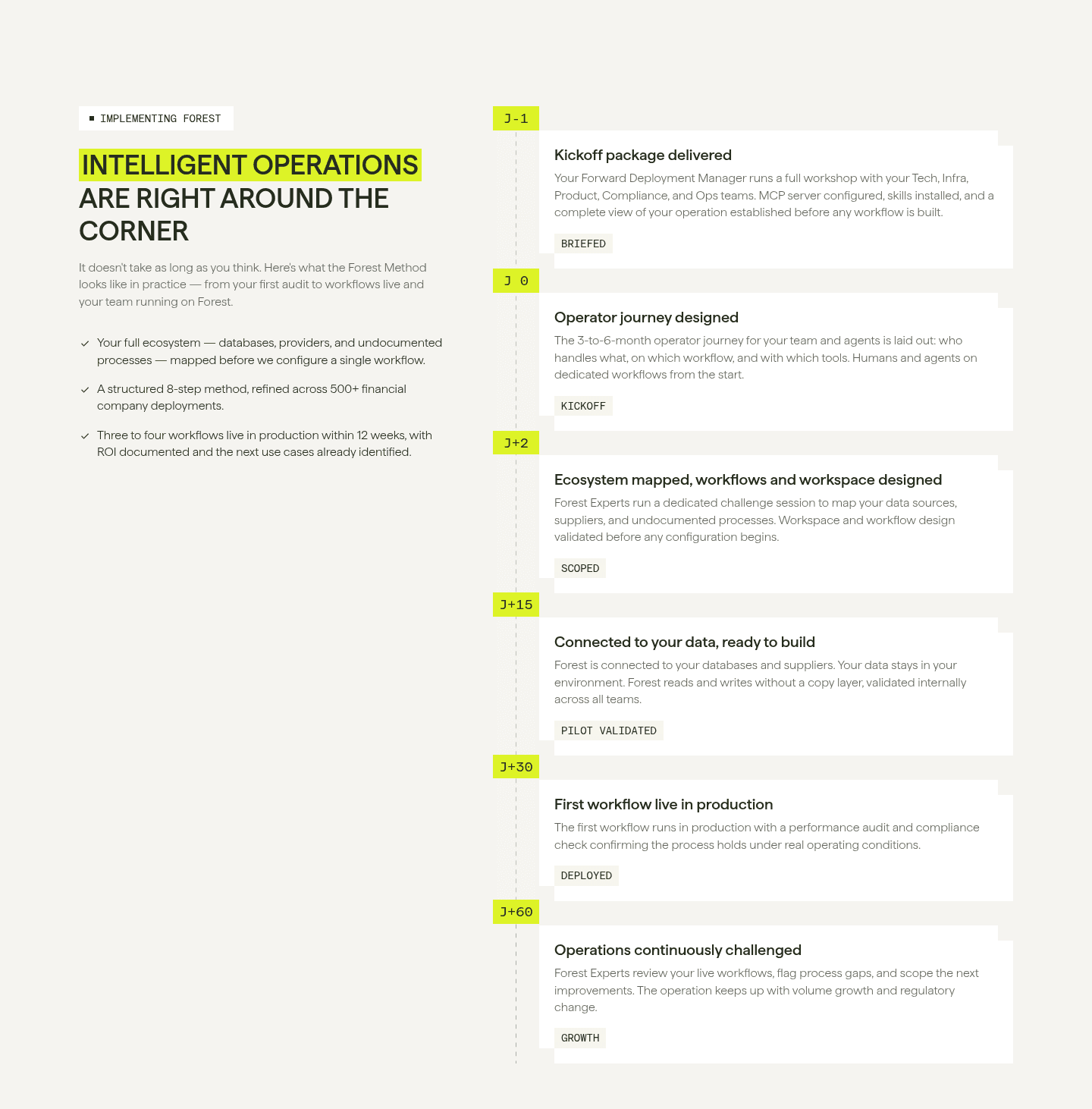
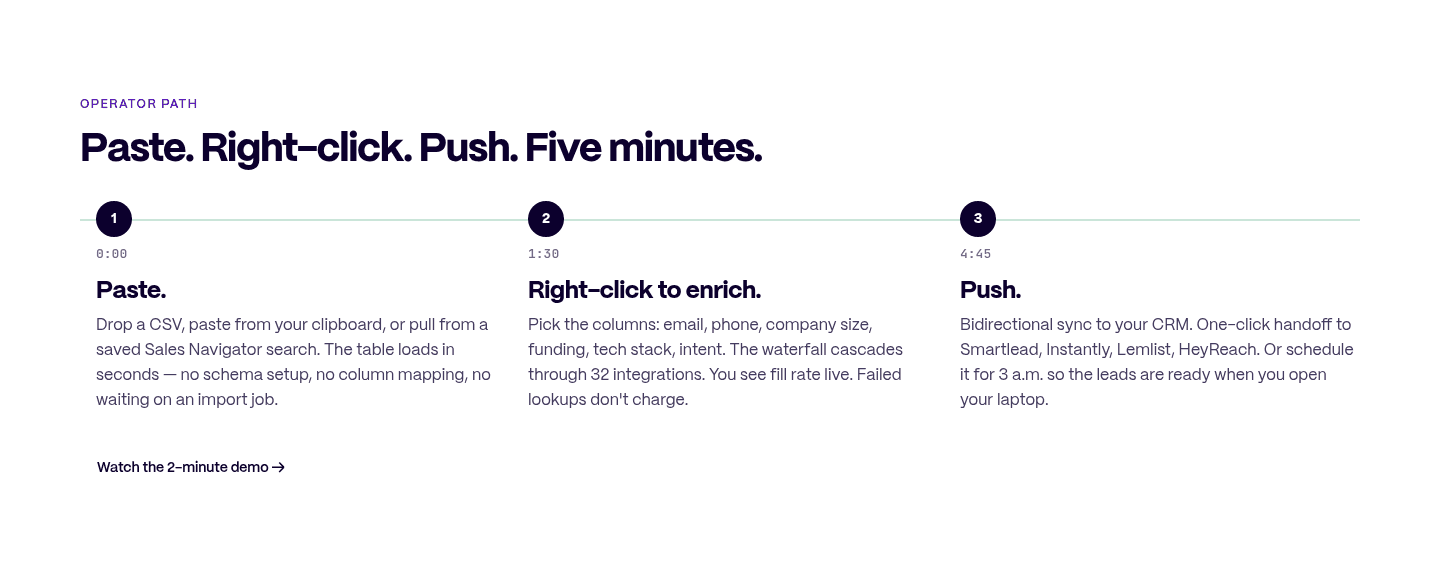
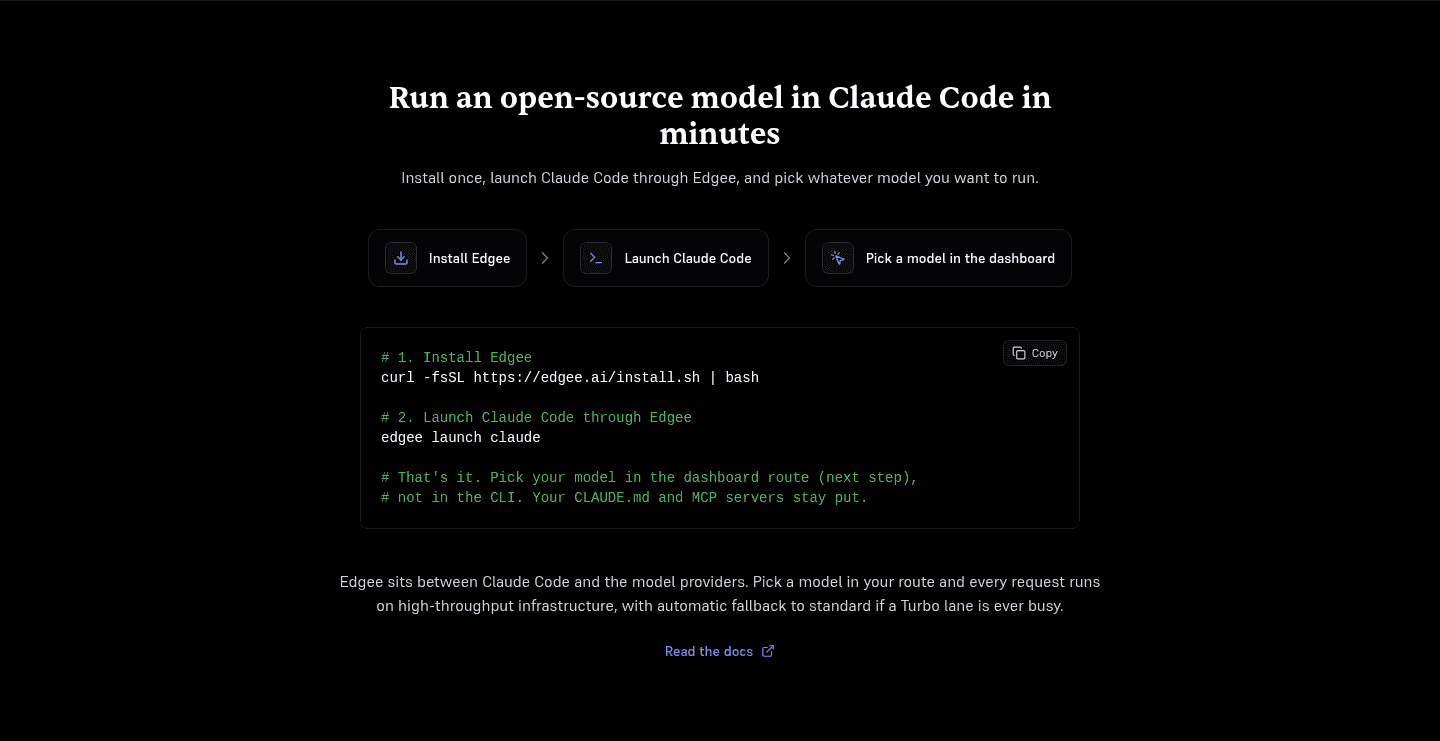

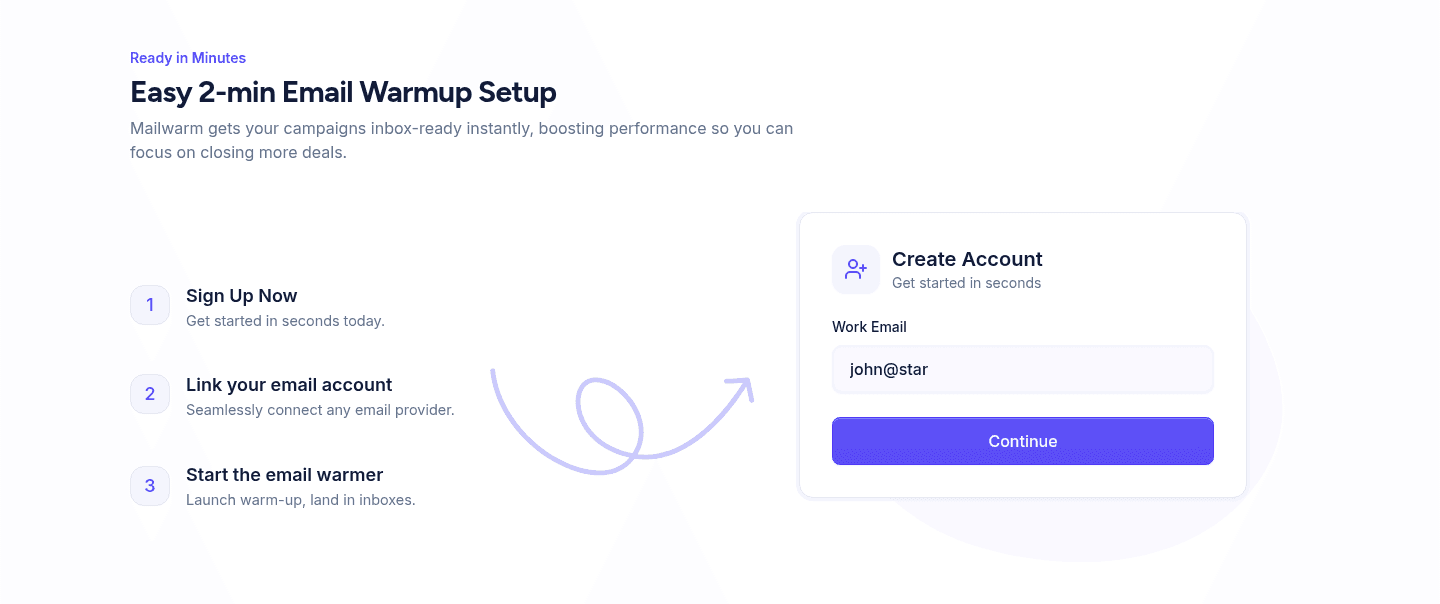
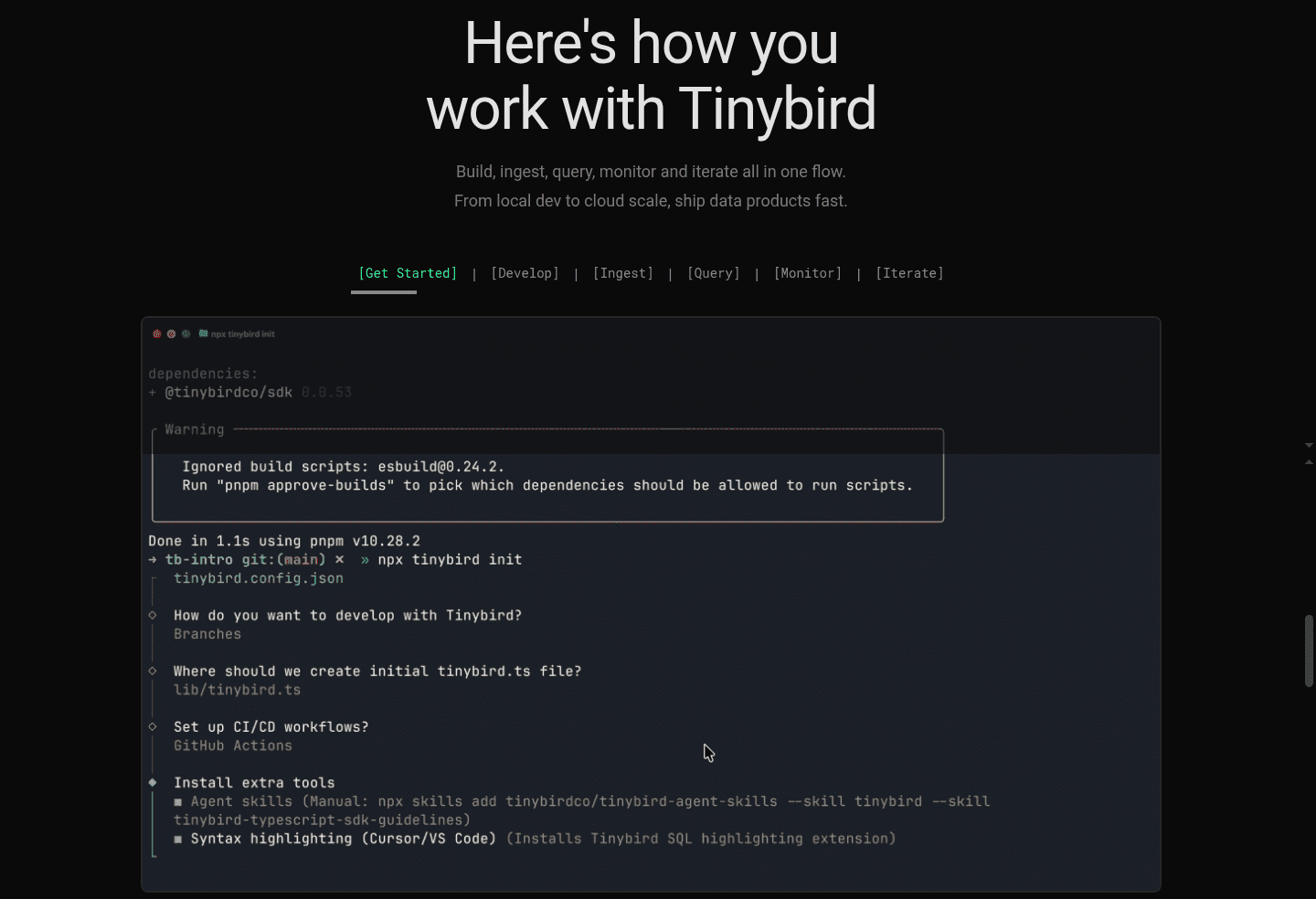



Browse every how it works pattern by UX best practice.
Every how it works section is scored across 7 conversion best practices, from step clarity to timeline specificity. Copy the best practice stack, not the design. See what converts and why.
Hand-picked from {companies} companies and analyzed by our AI conversion agent. Not a random dump of pages. Every entry earns its spot.
Found a how it works section you admire? Run yours through the same scoring engine. See where you stand on the same best practices, and what to fix first.
A dated how-it-works timeline is a section that puts a calendar on the rollout, naming exactly when each milestone lands instead of only listing the steps in order. Where a plain how-it-works section says step 1, step 2, step 3, a timeline says Today, Day 14, Day 28, so the visitor reads a schedule and can see the moment the payoff arrives.
The best examples take one of a few concrete forms:
Every buyer evaluating a how-it-works section is quietly asking one question: when will this actually work for me. A section that lists ordered steps answers what happens, but leaves the timing to the imagination, which is where doubt lives. A section that names Day 5 and Day 30 answers the timing directly, and a vague worry becomes a dated plan the buyer can hold the product to.
The lever here is calendar specificity, not ease. "Fast" and "quickly" are adjectives a skeptical buyer discounts on sight. "Live in 14 days" and "results by week 4" are commitments, and commitments are harder to dismiss. When the final milestone is a real date attached to a real outcome, the timeline stops describing a process and starts describing a payoff with a delivery date.
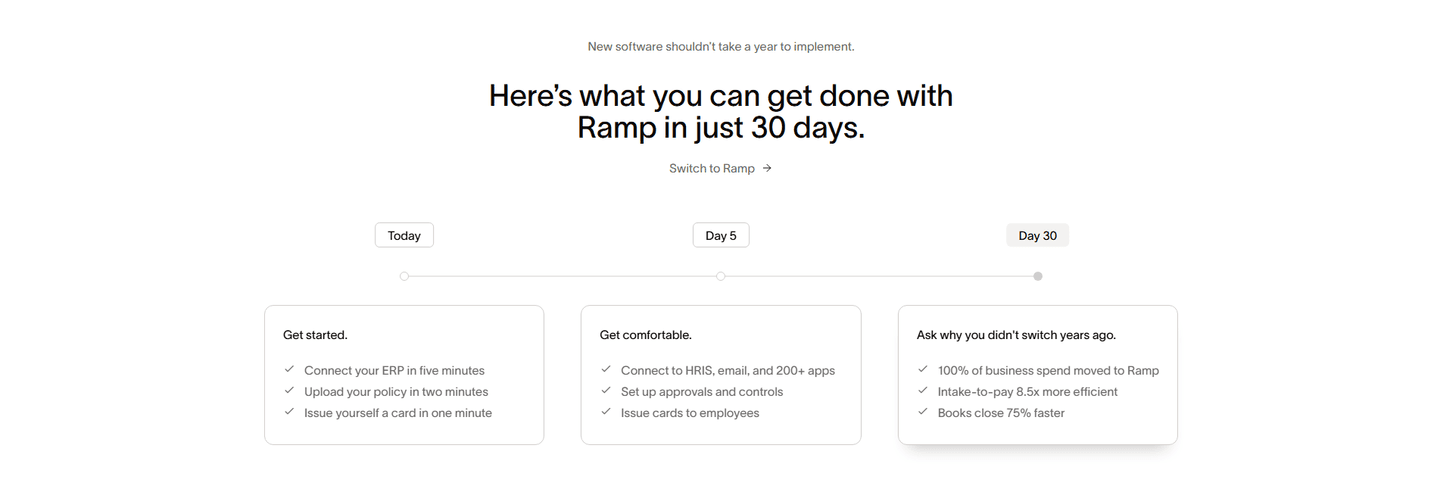
The disciplined version names a timeframe on every stage and anchors the last one to an outcome the visitor came for. Ramp's Today to Day 5 to Day 30 timeline breaks onboarding into three dated milestone cards, and the Day 30 card previews hard results: 100 percent of spend moved, books close 75 percent faster. Iconosquare maps a 28-day path where the Day 28 column previews the payoff, automate 90 percent of tasks and save 12 plus hours a month. Deel sequences Today, Hours later, Tomorrow so the Tomorrow stage resolves to everyone gets paid on time, and Precoro runs a four-stage timeline where each window previews its own outcome, from achieve ROI to build a competitive advantage. In every case the date and the result share the same card.
The timeline is the spine, but it pairs with neighboring moves. The strongest sections also keep the how-it-works steps clear and scannable and let each dated stage preview the concrete outcome waiting at the end, so the schedule always resolves to a payoff.
The most common failure is naming steps but no dates: a clean 1, 2, 3 list that explains the order and leaves the buyer still guessing when results arrive. The second is leaning on vague speed words, fast, quickly, in no time, where a concrete Day 30 or live in 14 days would carry far more weight. The third is a timeline that runs out of road, sequencing dates through setup but ending on a generic final step instead of anchoring the last milestone to the outcome the visitor actually wants. A dated schedule only converts when its last date lands on a payoff.

Curated by
Gabriel Amzallag , Founder, Web Anatomy
5 years CRO + SEO at Qonto (2021–2025). After advising 15+ SaaS on their websites (Payfit, Pigment…), the same patterns kept breaking, so I decided to build the source of truth on what works on the web: the intelligence layer every tool, builder, and team uses to ship sites that perform.
Paste your URL. Get a scored analysis of your how-it-works section, including whether it gives visitors a real time-to-value schedule. Free, no signup.
The common questions about naming dated milestones in a how-it-works section, with answers drawn from 64 scored examples.
It is a how-it-works section built around dated milestones instead of unlabeled steps. Each stage carries a concrete timeframe, like Today, Day 14, Day 28, or live in 14 days, results by week 4. The visitor sees not only the sequence of actions but the schedule the rollout follows and the moment the payoff lands.
A how-it-works section that says step 1, step 2, step 3 explains the order. A section that says Today, Day 5, Day 30 explains the calendar. Buyers planning a rollout are quietly asking when will this actually work for me, and a dated timeline answers it before they have to. It turns adoption from a leap of faith into a plan with named dates, which is what makes the commitment feel safe.
Use whatever calendar the product actually runs on. Day-based milestones (Today, Day 14, Day 30) suit onboarding and activation journeys. Relative markers (Today, Hours later, Tomorrow) suit fast-setup products. Phased ranges (2 to 8 weeks, 1 to 4 months) suit enterprise rollouts. The rule is the same: every stage gets a real timeframe, and the final one gets an outcome.
An easy-setup section answers how hard is this with claims like no code, three simple steps, two-minute setup. A timeline section answers when do I get results with dated milestones and a time-to-value schedule. They can coexist, but they pull different levers. This page is about calendar specificity and time-to-outcome, not perceived ease.
On the last milestone. The earlier stages describe setup and adoption; the final dated stage should preview the concrete result, so the schedule resolves to a payoff. Ramp's Day 30 stage previews books close 75 percent faster, and Iconosquare's Day 28 column previews automate 90 percent of tasks and save 12 plus hours a month. The date and the outcome land together.