
Footer|
A footer that repeats the security and compliance proof gives a hesitant buyer one last reason to trust the product, at the exact moment they are deciding whether to leave.
Key takeaways
Showing 64–75 of 75 examples
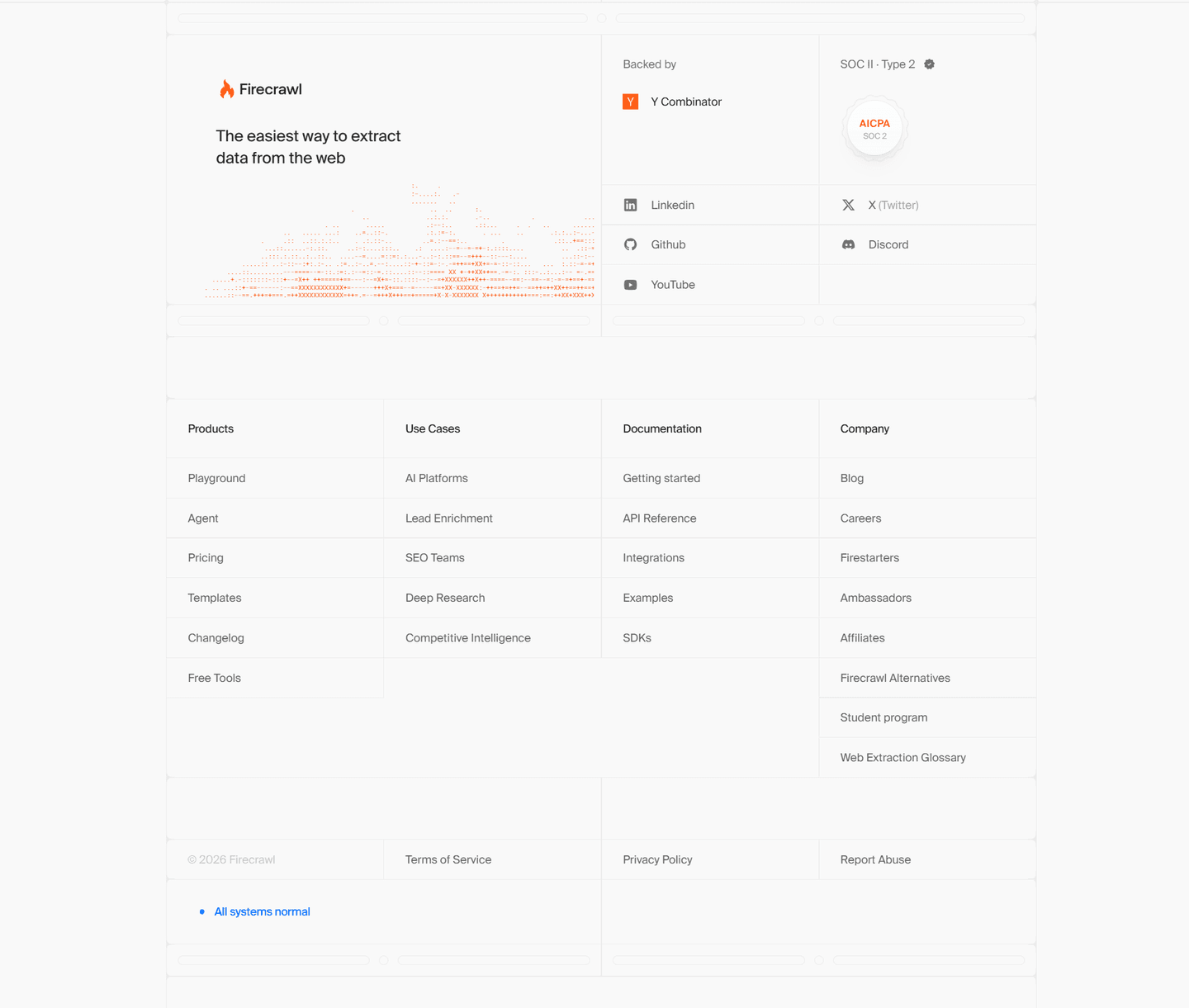
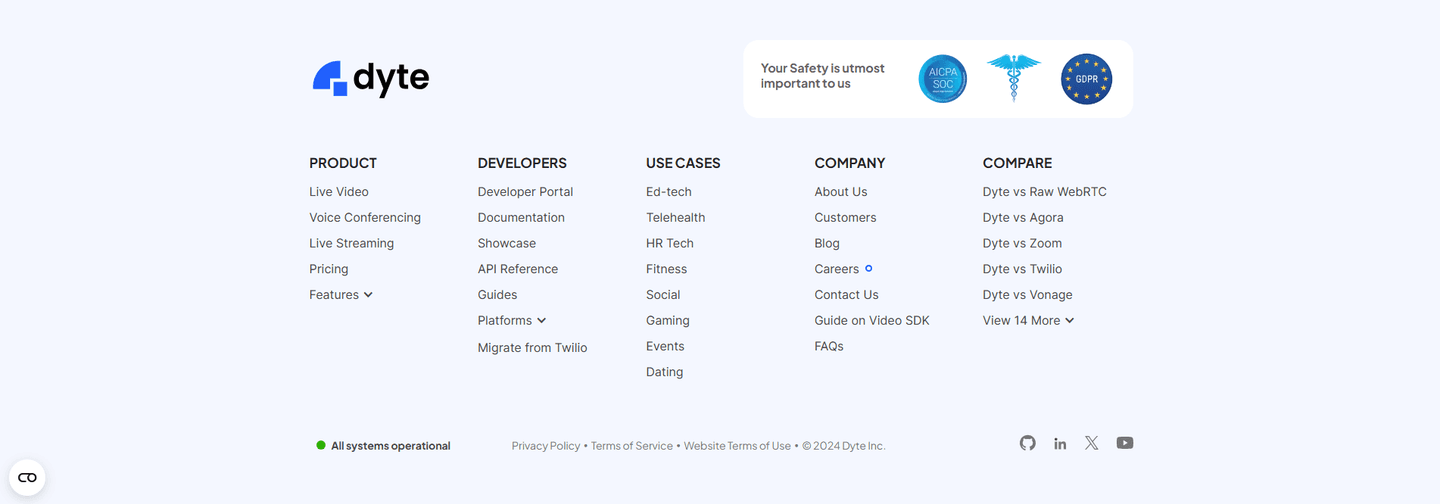
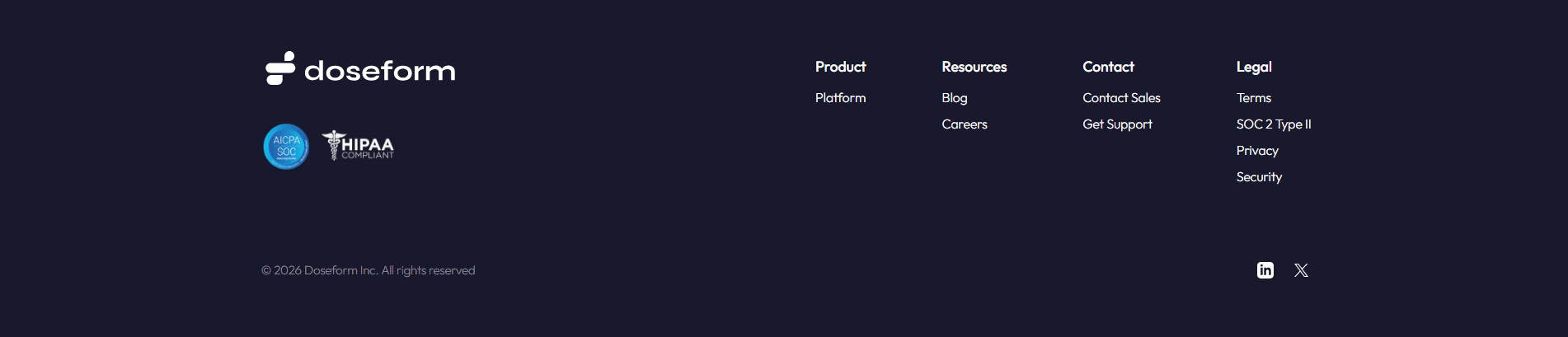
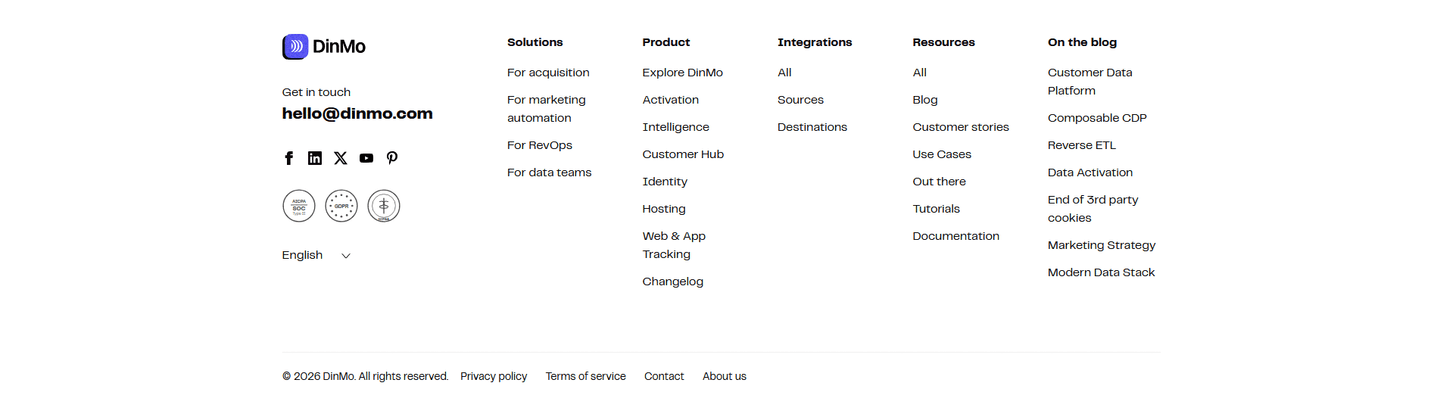

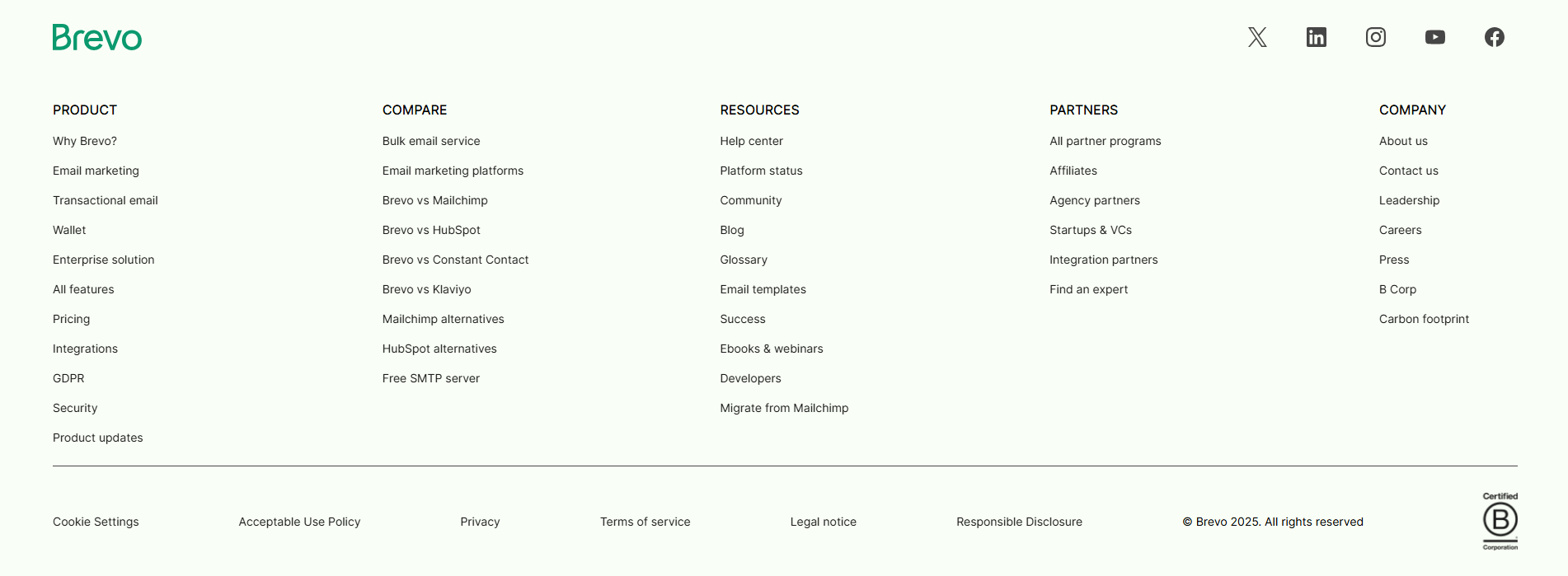
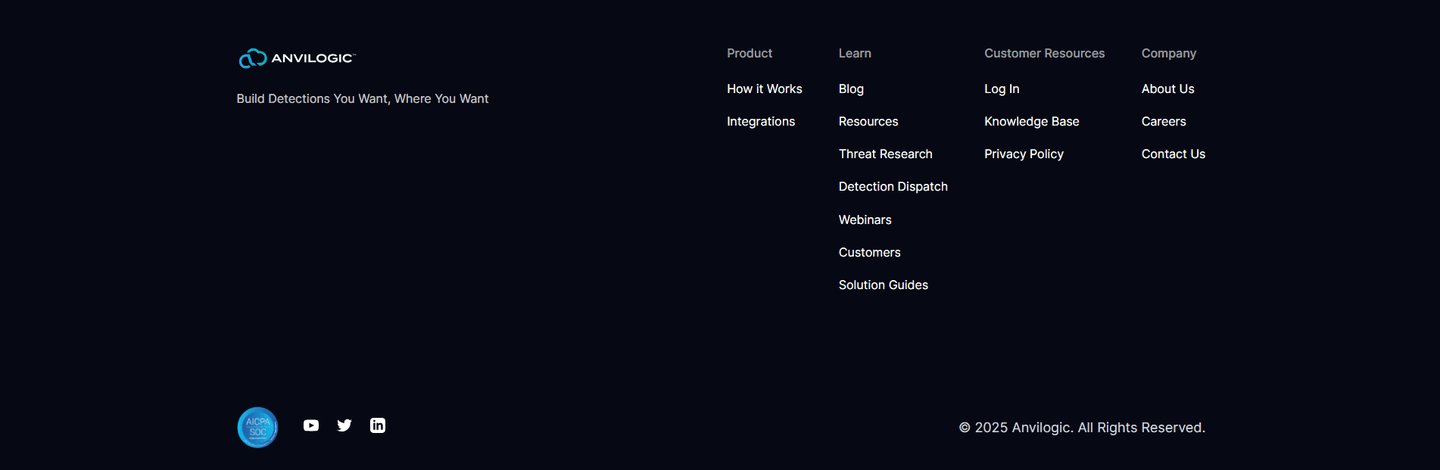

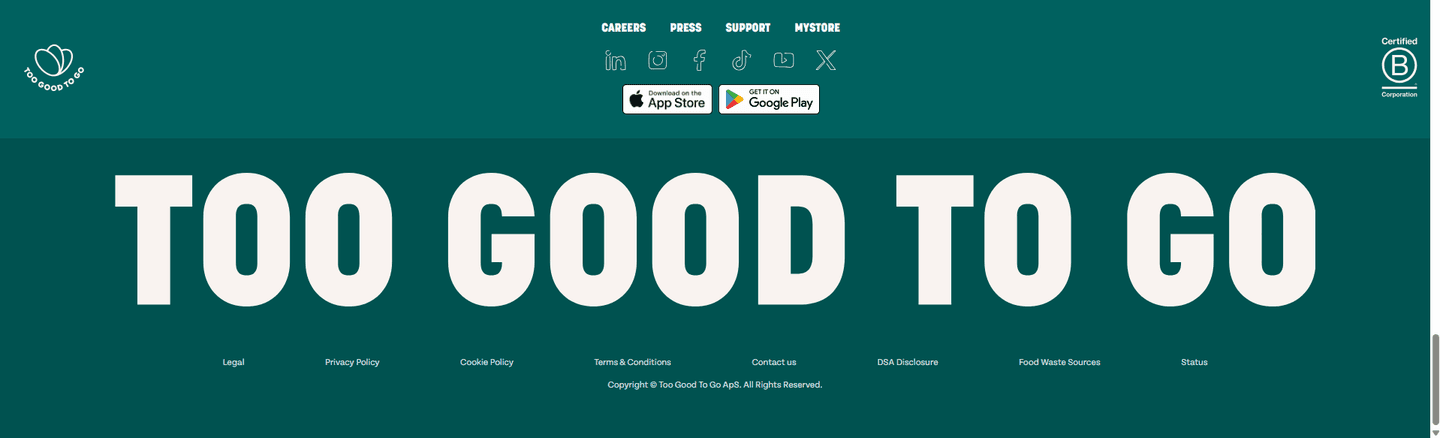
Browse every footer pattern by UX best practice.
Every footer is scored across 5 conversion best practices. Copy the best practice stack, not the design. See what converts and why.
Hand-picked from 650+ companies and analyzed by our AI conversion agent. Not a random dump of footers. Every entry earns its spot.
Found a footer you admire? Run yours through the same scoring engine. See where you stand on the same best practices, and what to fix first.
The footer is the strip at the very bottom of the page, the block a visitor lands on after reading everything else. Trust reinforcement treats that strip as a last chance to answer one question a careful buyer is still asking: is this product safe to hand data to? A page can make security claims higher up, but the footer is the final surface before the visitor leaves, so a compliance seal placed there catches the doubt at the moment it decides the outcome. A copyright line or a column of legal links is not trust reinforcement. The proof is an independent, audited mark, not a document.
The best footers use one of four forms, often more than one together:
A visitor who scrolled all the way to the footer read the whole page and is close to a decision. For anything that touches customer data, the last unanswered question is rarely about features. It is whether the company can be trusted to hold that data safely. A security or compliance seal at the bottom answers exactly that, and it answers it with an outside party's word rather than the vendor's own.
The placement is the point. A trust mark buried in a mid-page section reaches only the visitors still reading there. In the footer, it reaches everyone who made it to the end, including the security-conscious buyer who was going to leave to go check the trust center anyway. Ending the page on an audited seal means the last impression is proof, not a copyright line.
About half of the footers in our library repeat a security or compliance signal rather than closing on links alone. Across the examples below, the move that works is naming a standard the buyer already audits against and, where possible, the party that verified it. Cal.com closes with a row of ISO 27001, SOC 2, CCPA, GDPR, and HIPAA marks, and Monta ends on SOC 2 Type 2, B Corporation, and ISO 27001, so a procurement reviewer sees the exact certifications they screen for. CommandBar pairs a GDPR and HIPAA badge with a SOC 2 Type II seal for regulated buyers, and Firma.dev adds eIDAS with EU data residency for a legal-tech audience. Pulley goes one step further and names its auditor, Insight Assurance, on the SOC 2 line, while Shippit names AssuranceLab, turning a logo into something a buyer can verify. Yousign leans on a B Corporation Certified seal where mission credibility matters as much as security. A footer trust strip rarely stands alone, so many of these same pages also recover late intent with a footer call to action, and the full footer section library shows how the badges sit alongside the link columns and legal row.
60/100 0/100
0/100The usual failure is mistaking legal text for proof: a copyright line and a row of policy links close the page but attest to nothing, so a security-conscious buyer still leaves to go find the trust center. The second failure is a badge with no standard behind it, a vague "secure" or "encrypted" graphic that names no audit and no auditor, which a careful buyer discounts on sight. The third is over-stacking, a dense grid of unfamiliar logos where the two seals that would actually close the deal are lost among icons no one recognizes. Show the certifications your buyers ask for in procurement, name the auditor where you can, and keep the row focused enough that every mark is legible.

Curated by
Gabriel Amzallag , Founder, Web Anatomy
5 years CRO + SEO at Qonto (2021–2025). After advising 15+ SaaS on their websites (Payfit, Pigment…), the same patterns kept breaking, so I decided to build the source of truth on what works on the web: the intelligence layer every tool, builder, and team uses to ship sites that perform.
Paste your URL. Get a scored analysis of your footer, including whether it reinforces trust for the buyers who scrolled all the way to the bottom. Free, no signup.
The common questions about repeating security and compliance proof in the footer, with answers drawn from 75 scored examples.
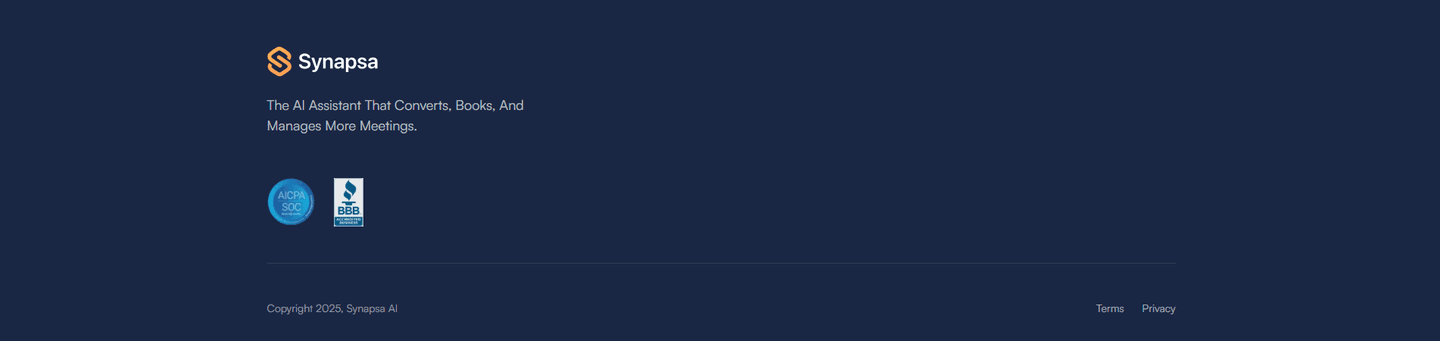
It is the practice of repeating a page's security and compliance proof at the very bottom, so the credibility signals follow the visitor all the way to the exit. The usual forms are an audit seal like SOC 2 or ISO 27001, a privacy mark like GDPR or CCPA, an industry certification like HIPAA, and vendor accreditations like a B Corporation seal. TestSprite carries an AICPA SOC 2 badge in the footer to reassure security-conscious buyers before they leave, and CommandBar places a GDPR and HIPAA badge next to a SOC 2 Type II seal. A copyright line or a list of legal links is not trust reinforcement on its own.
A visitor who scrolled to the footer has read the page and is deciding whether the product is safe to hand data to. The footer is the last surface before they leave, so a security or compliance seal there answers that doubt at the moment it matters most. Cal.com closes with a row of ISO 27001, SOC 2, CCPA, GDPR, and HIPAA marks, and Monta ends on SOC 2 Type 2, B Corporation, and ISO 27001 as a final credibility cue, so the page finishes on proof rather than on a bare list of links.
The ones a buyer in that market already recognizes. For most B2B software that means a SOC 2 audit seal, as with TestSprite, Instruqt, and Pulley, and ISO 27001, as with Monta, Saleshandy, and Hello Charles. Privacy marks like GDPR and CCPA matter for buyers handling European or Californian data, as with Lensmor's GDPR-Ready badge and Albacross's GDPR Compliant seal. Regulated industries add HIPAA, as with CommandBar and Firma.dev, and mission-led brands add a B Corporation seal, as with Yousign. The rule is to show the standards your buyer actually audits against, not every badge available.
A legal link points to a document: a privacy policy, terms of service, a cookie notice. It signals transparency and is expected, but it does not prove anything about how the product handles data. A trust badge is an independent attestation: a third party audited the company and issued a seal. Pulley makes the difference clear by naming its auditor, Insight Assurance, on the SOC 2 line, and Shippit names AssuranceLab on its SOC 2 Type 2 badge, which is far harder to fake than a bare logo. The strongest footers carry both, with the legal links for transparency and the audited seals for proof.
Yes. A wall of unfamiliar logos reads as noise, and a seal a buyer cannot place does no work. The badges that earn their space are the ones tied to a standard the visitor audits against or a name they can verify. A focused row of two or three recognized marks, the way Tigerhall shows SOC 2 Type II and GDPR Approved, does more than a dense grid of icons no one recognizes. Lead with the certifications your buyers ask for in procurement, and drop the rest.