Use Cases|
Naming a concrete result for each audience lets every visitor find the outcome that matches their role, instead of reading one feature list built for no one in particular.
Key takeaways
Showing 22–42 of 46 examples
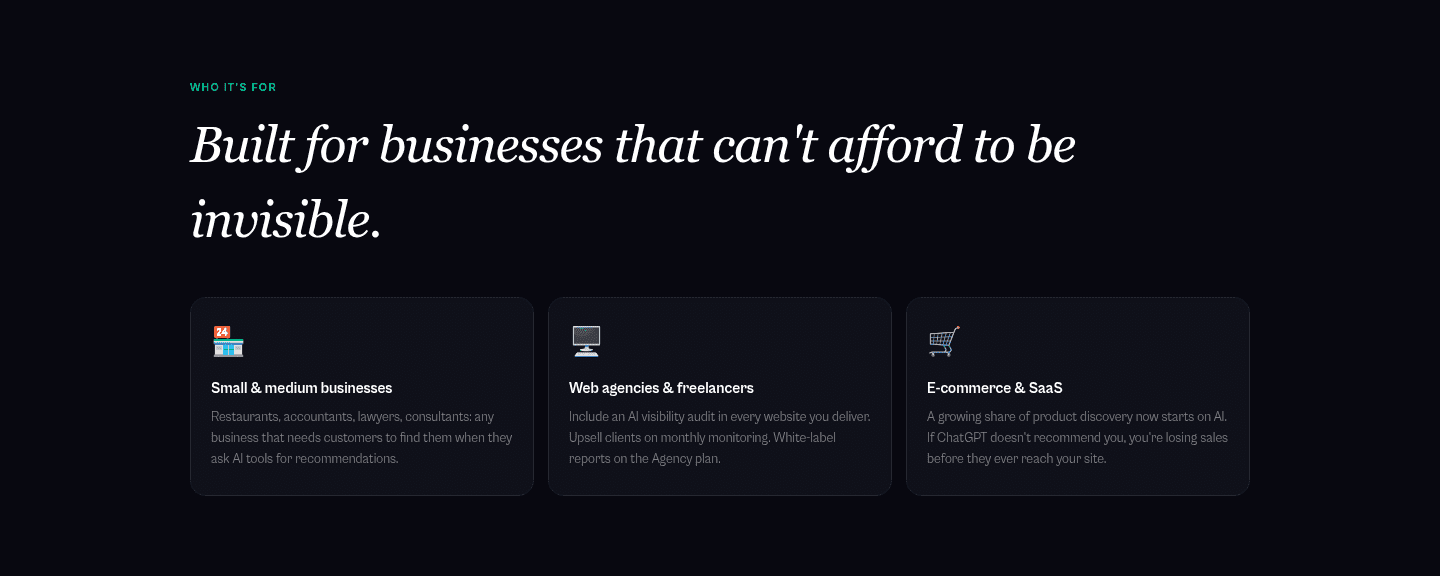
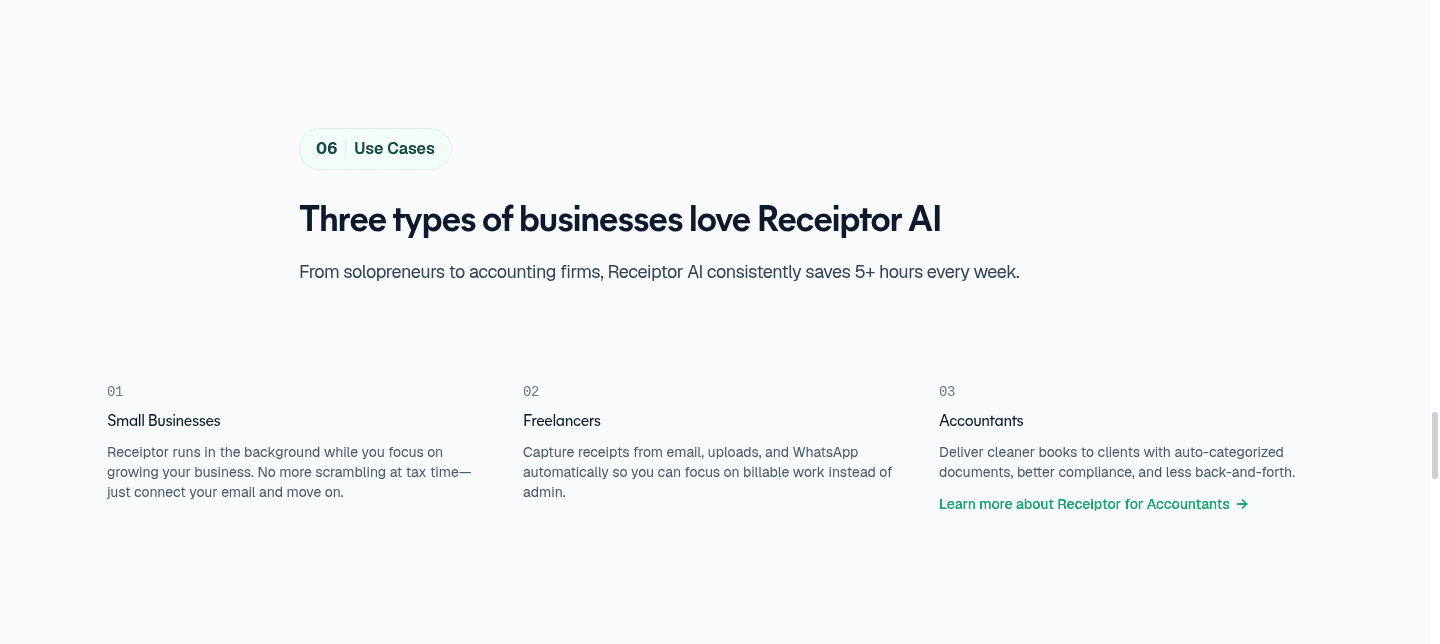
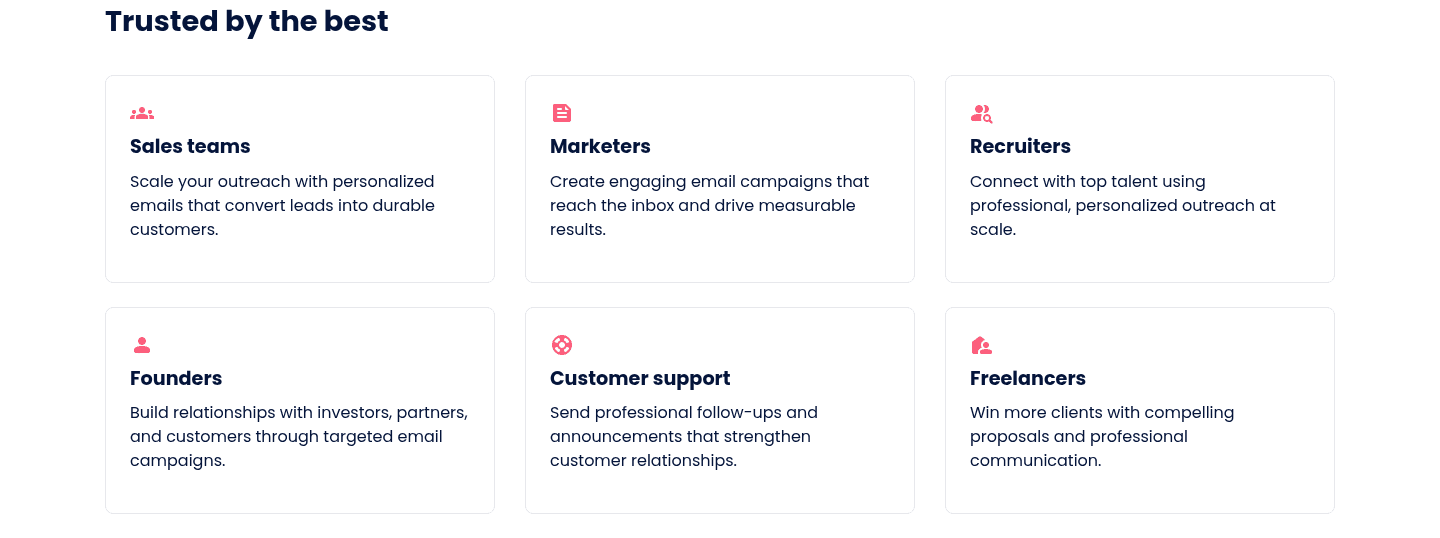
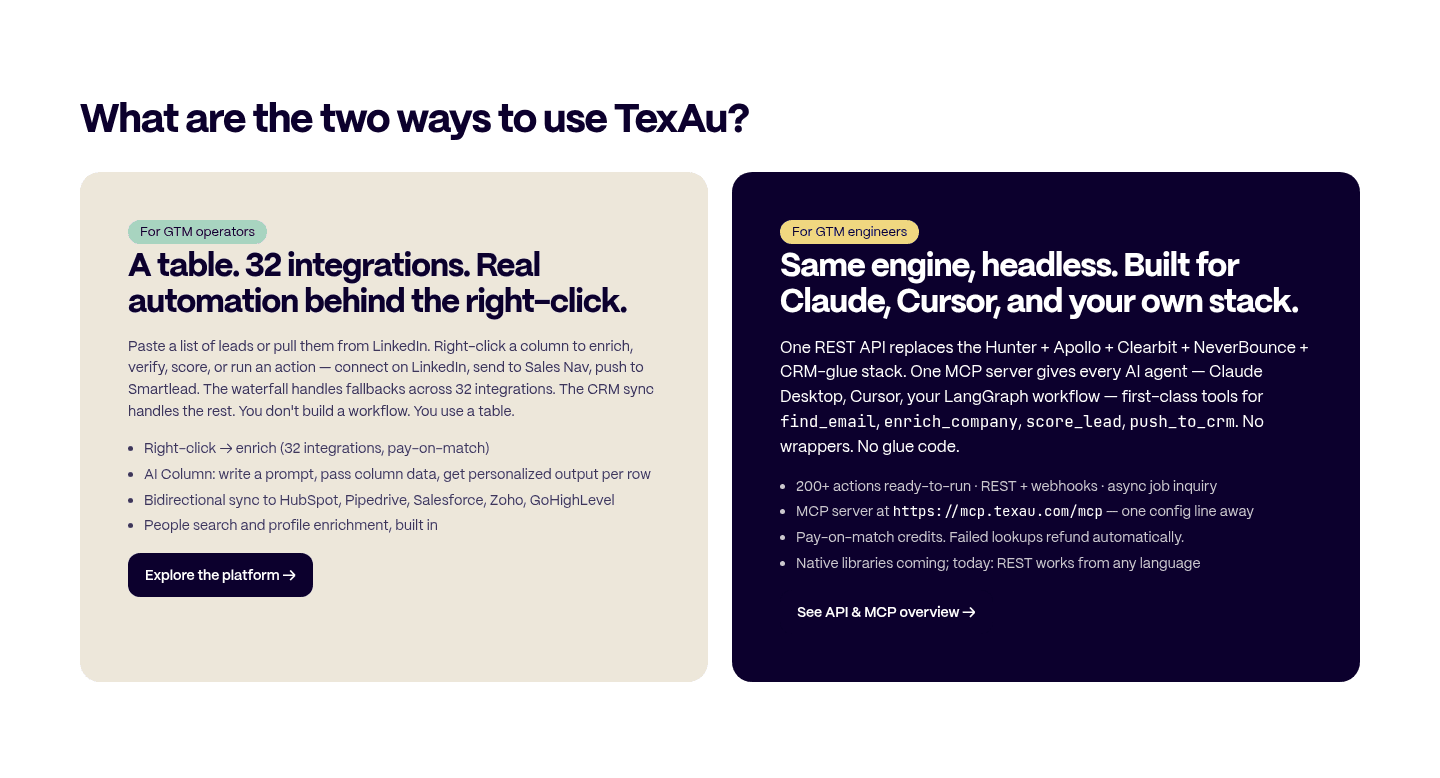
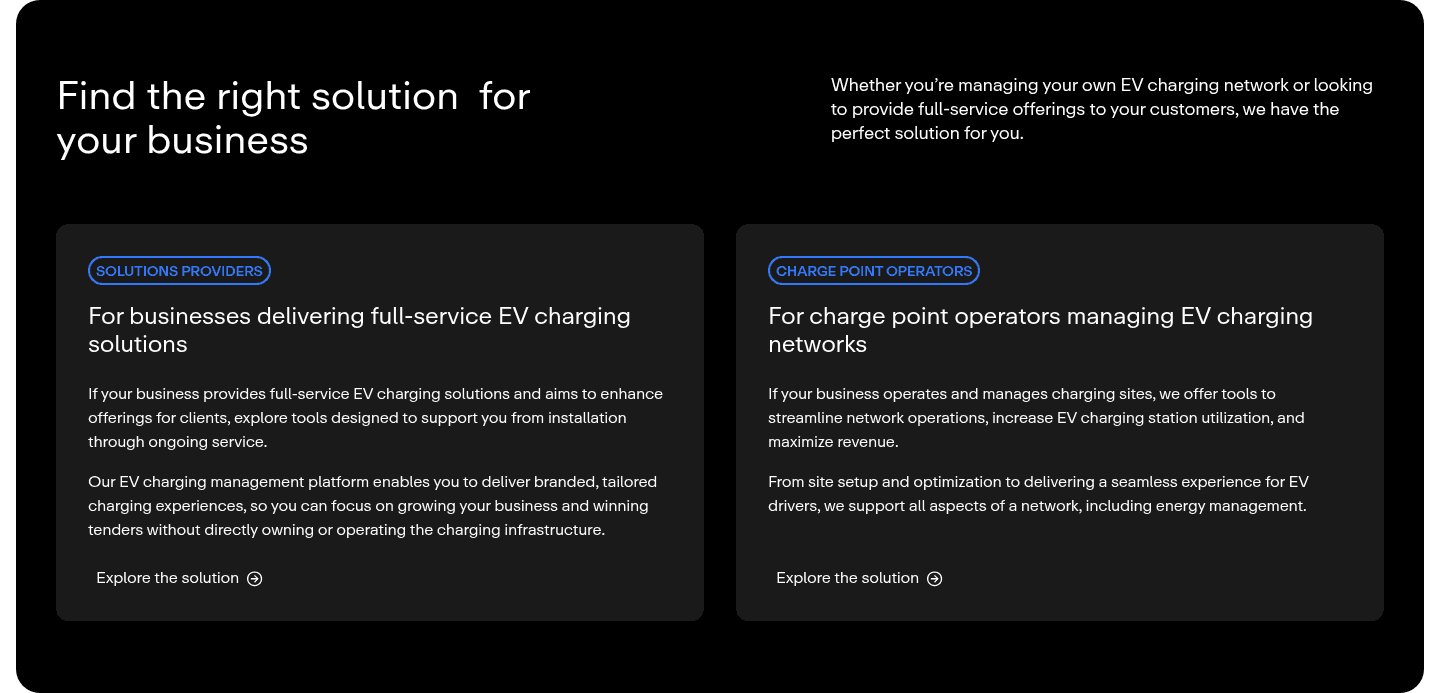

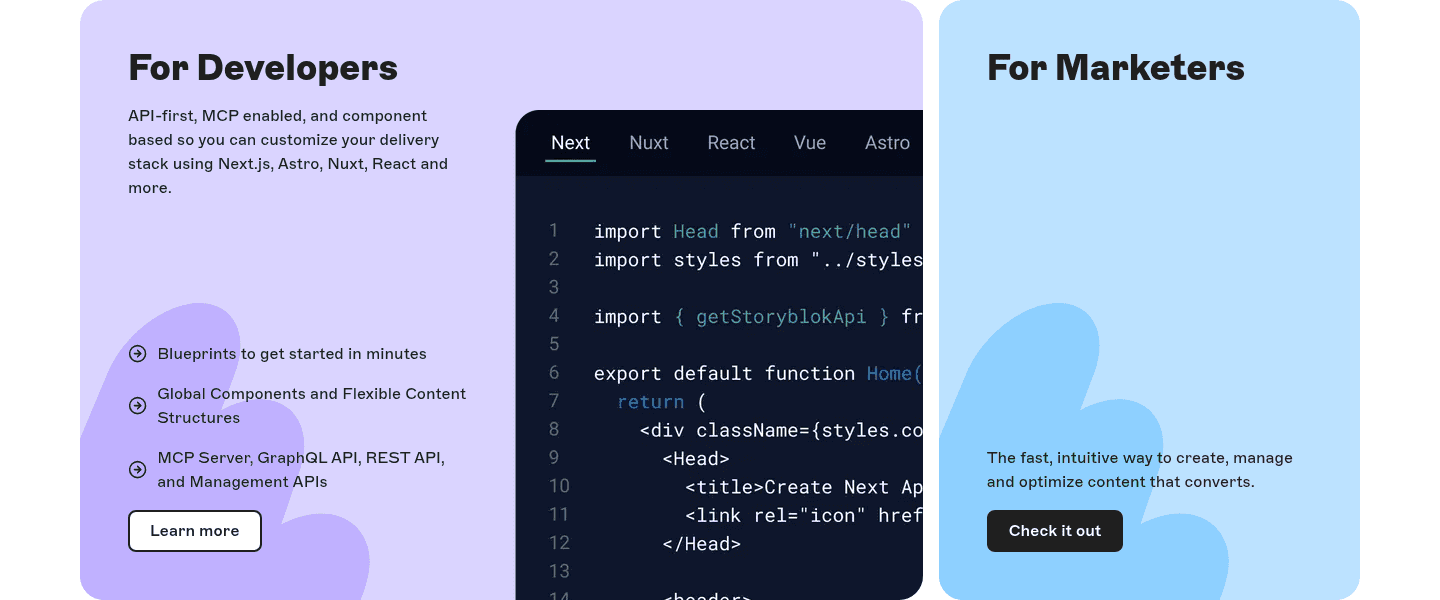
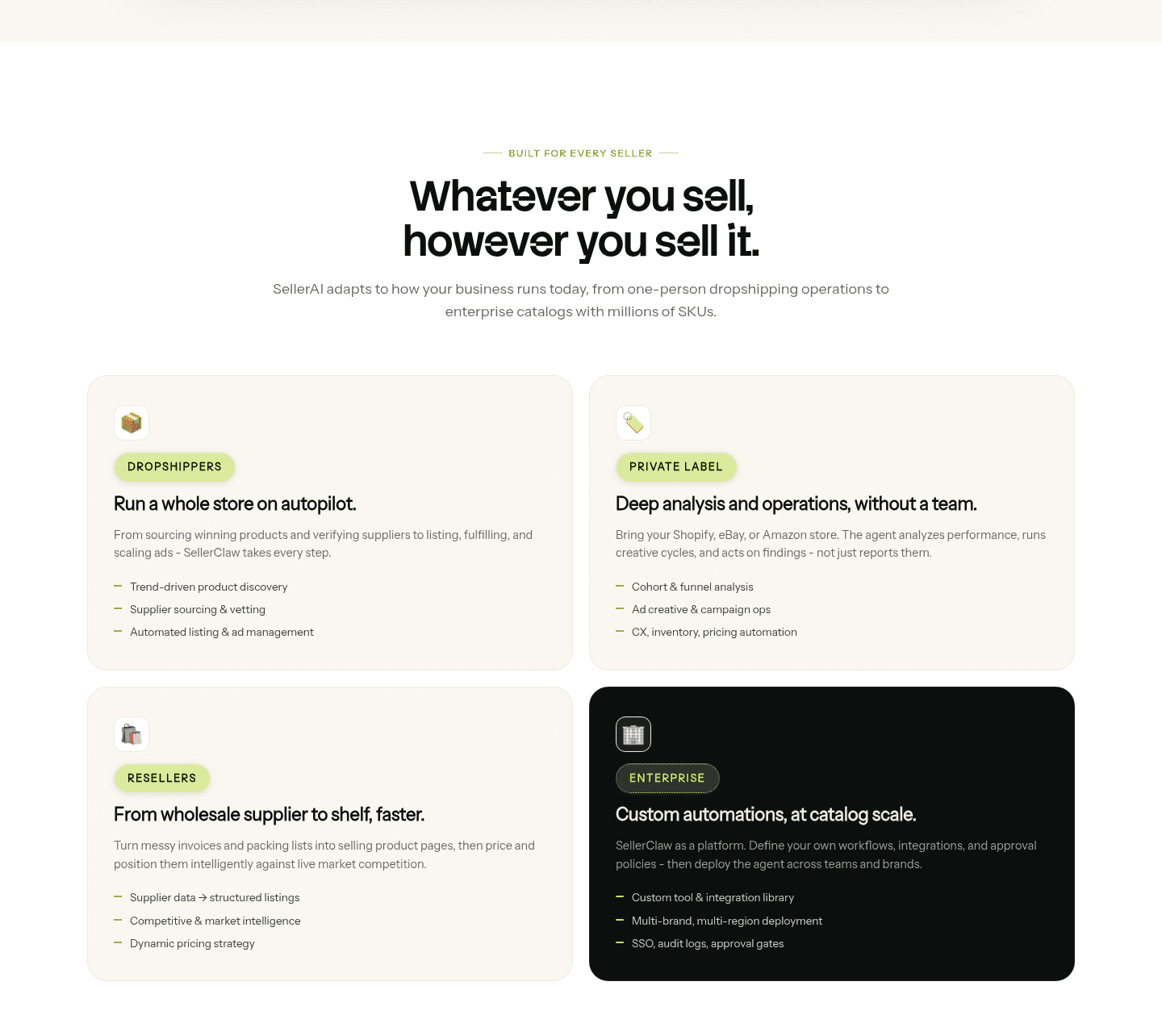

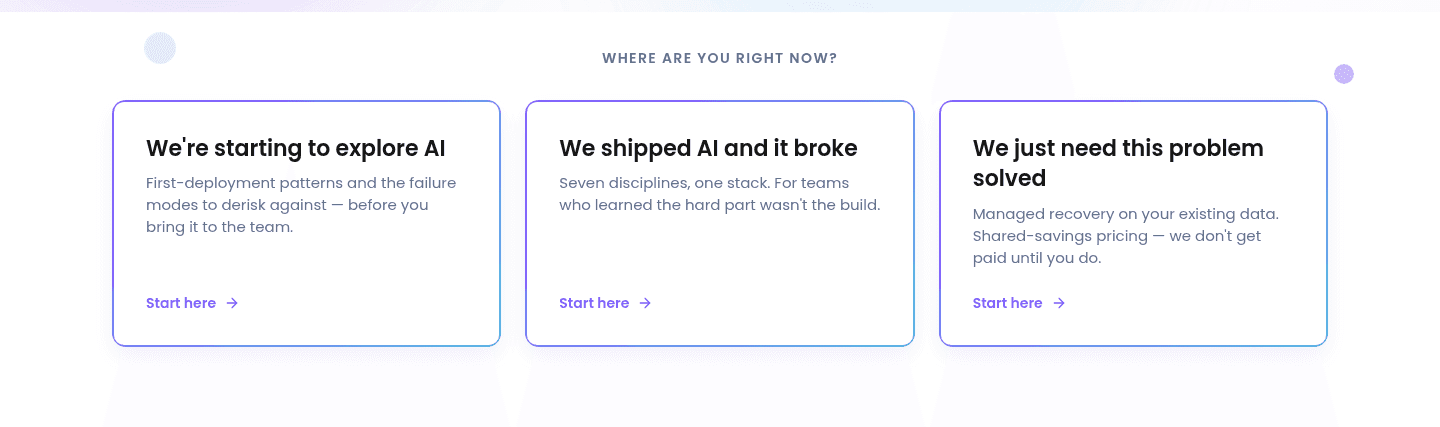
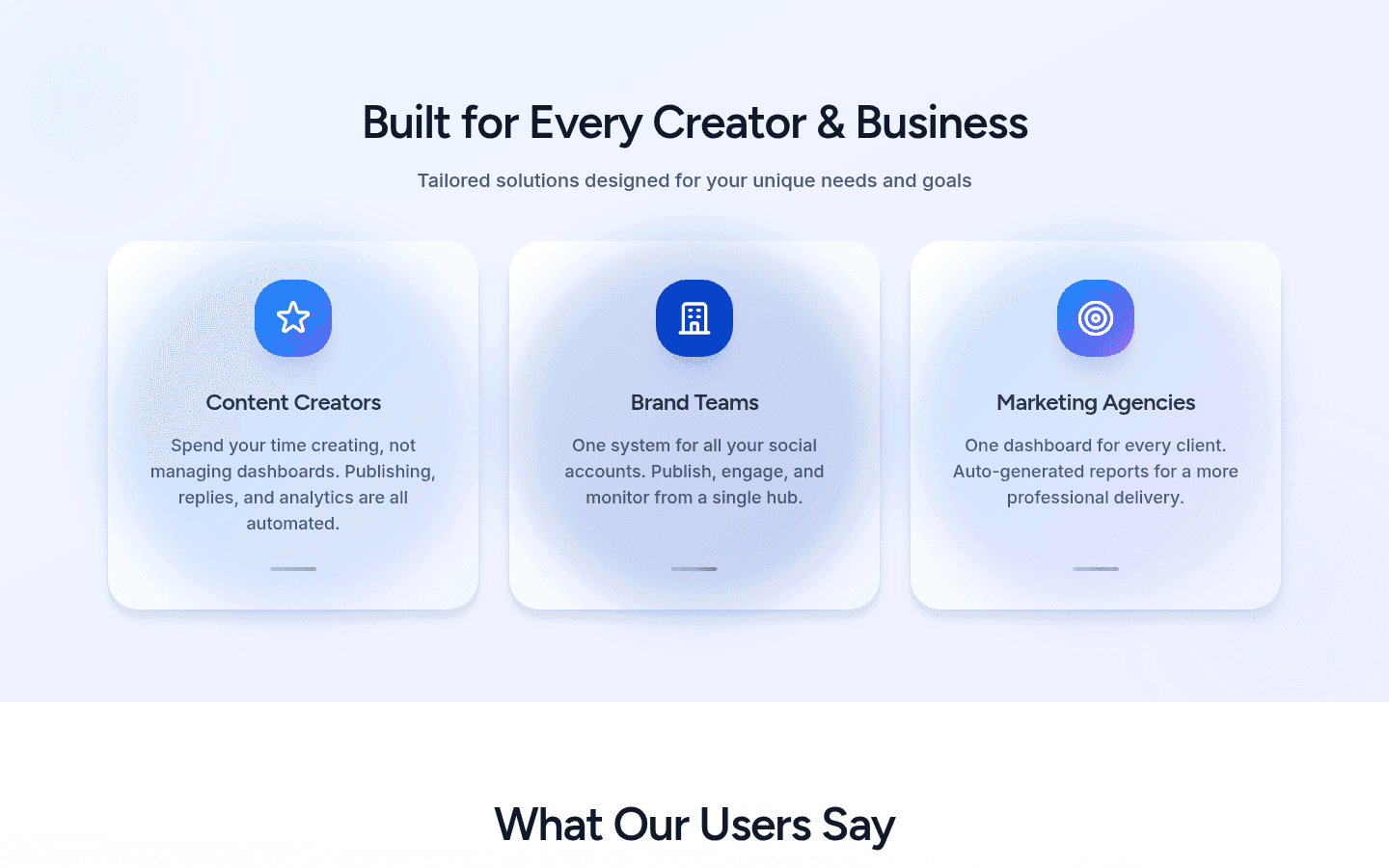
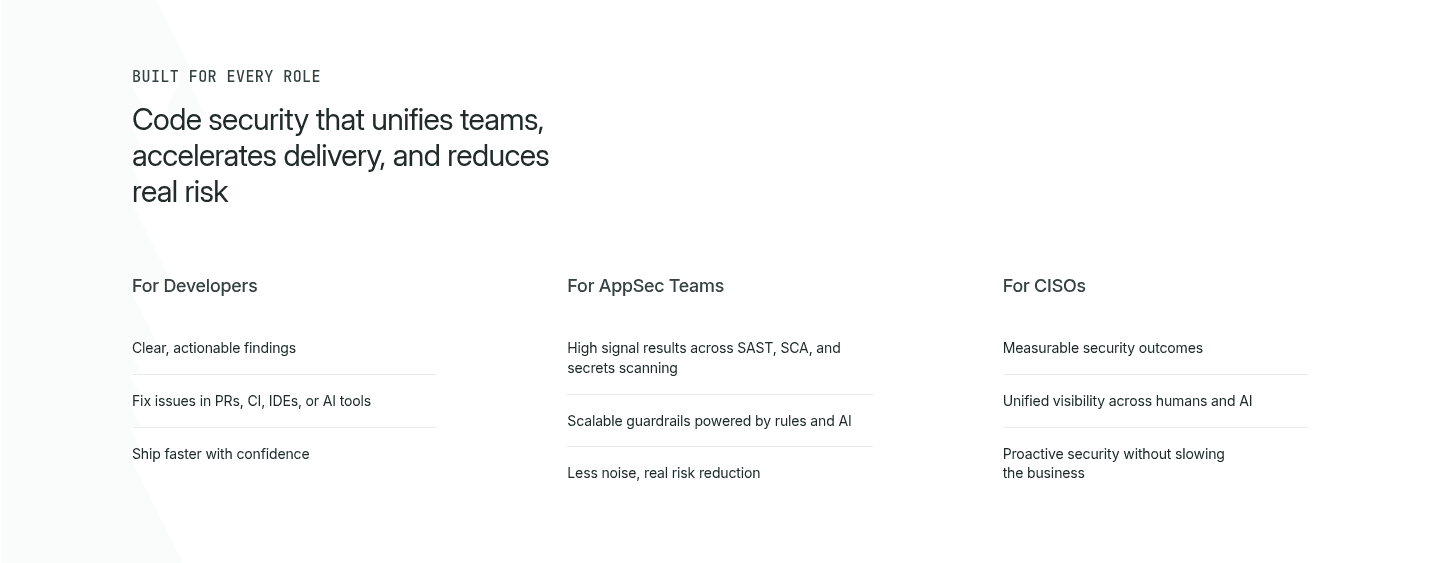
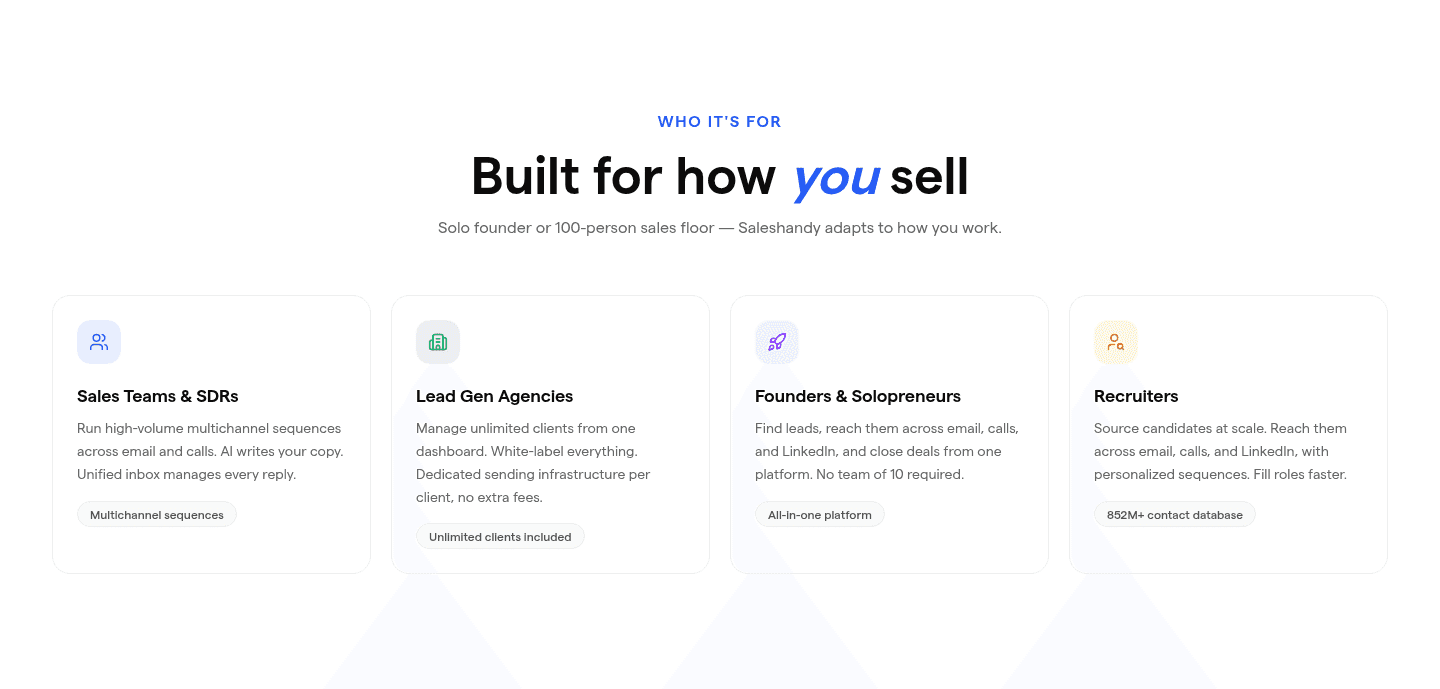
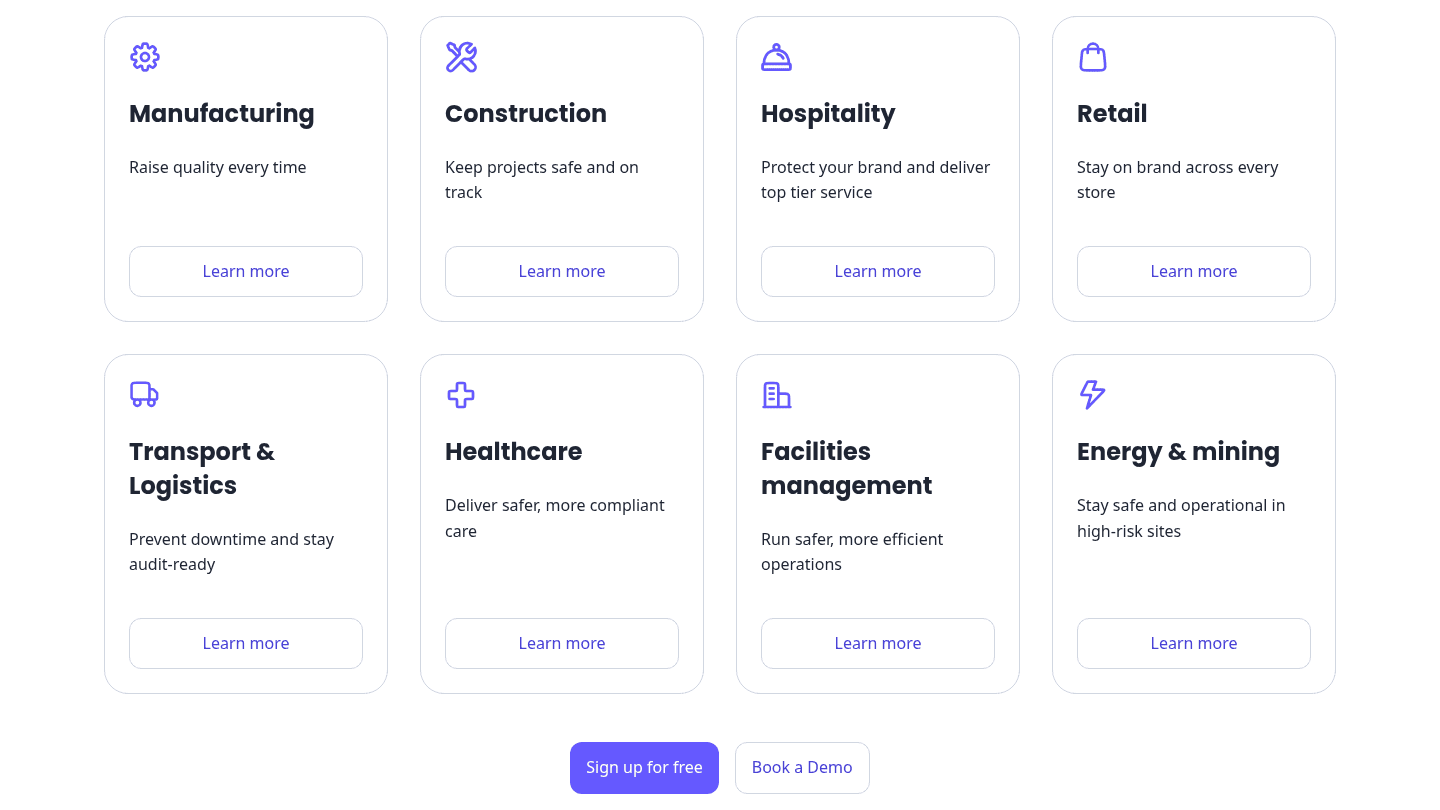
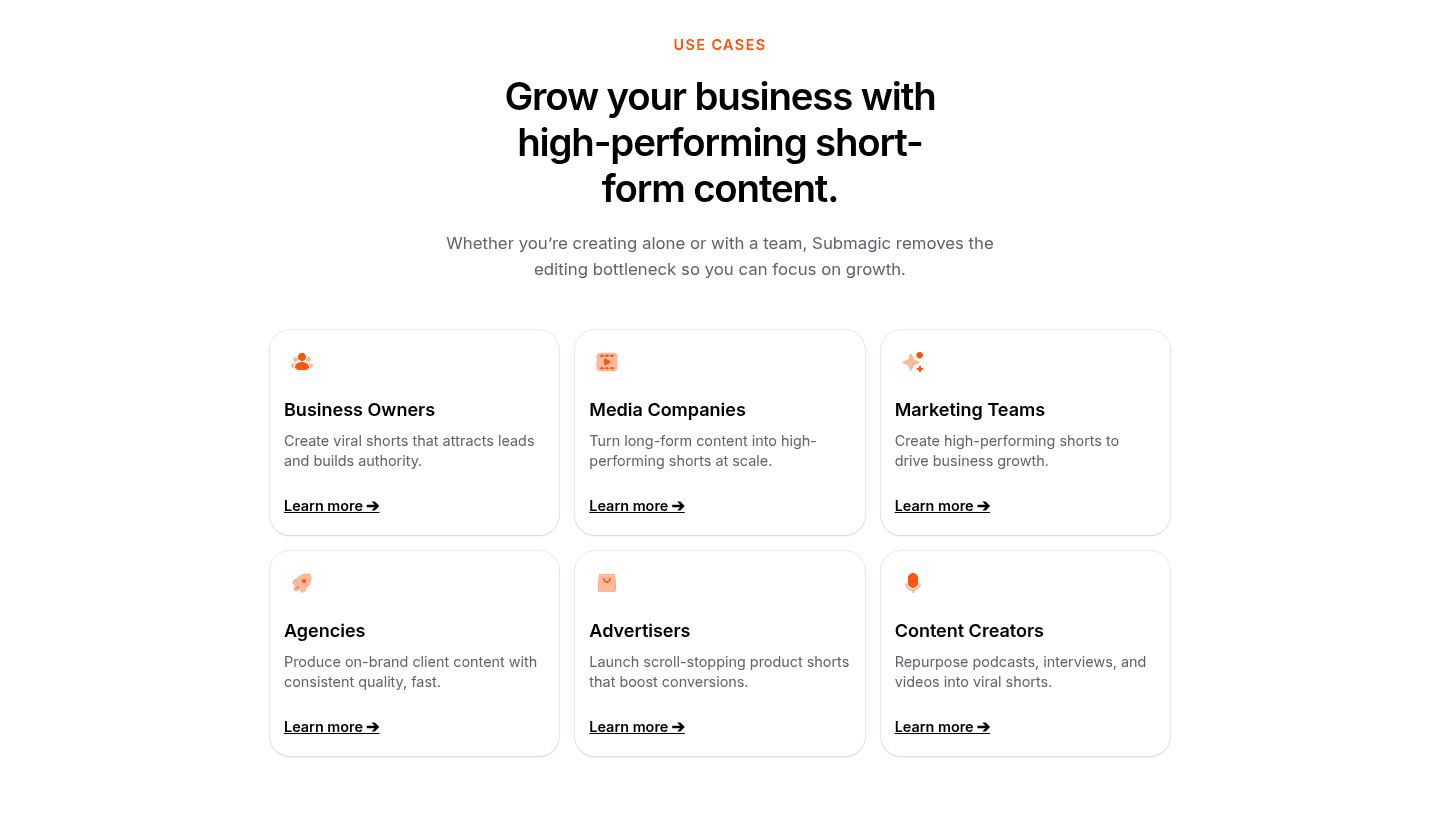
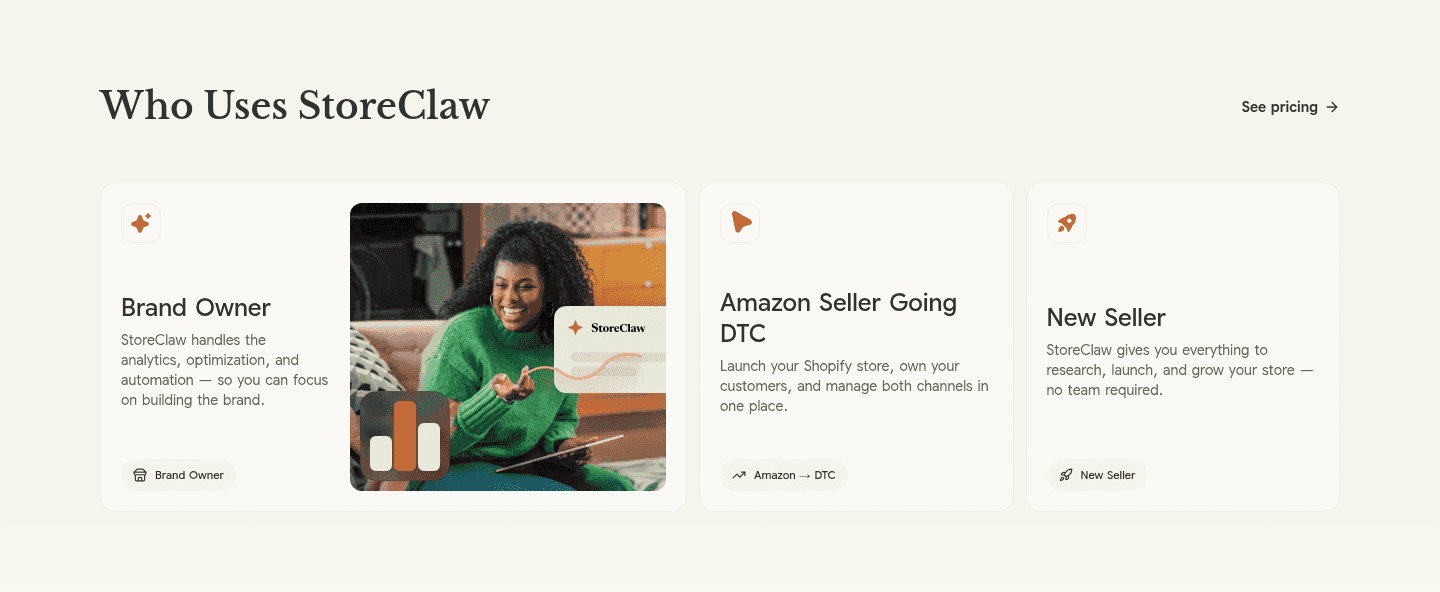
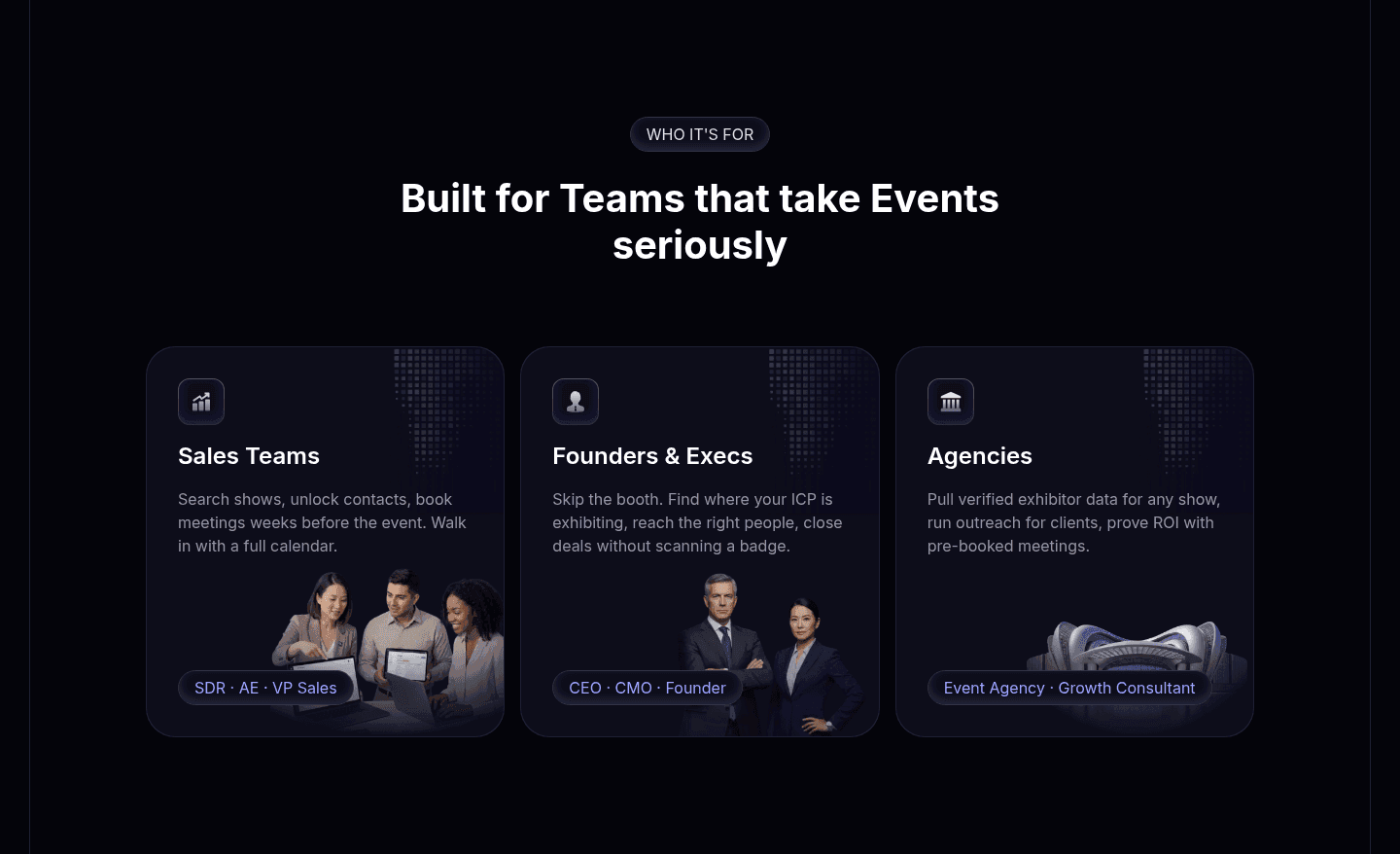
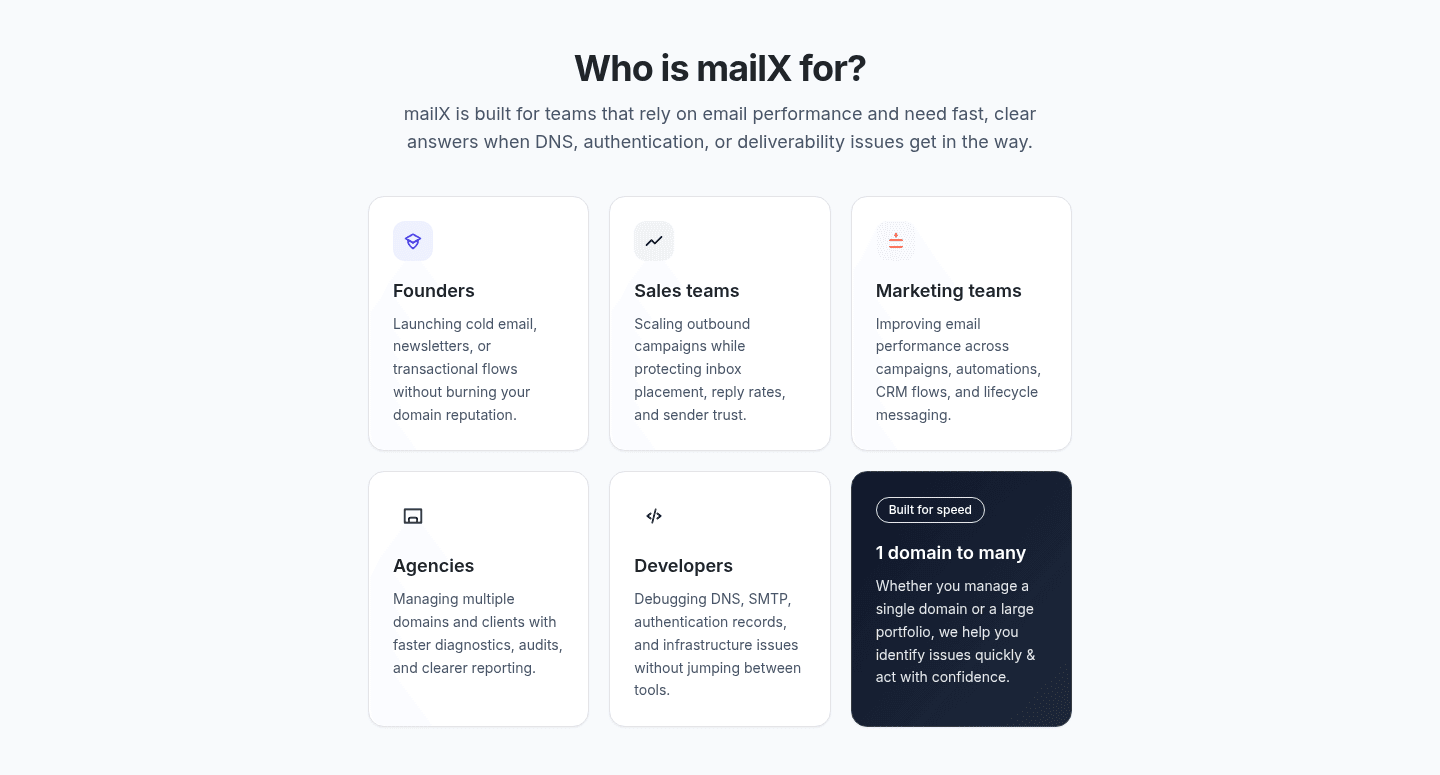
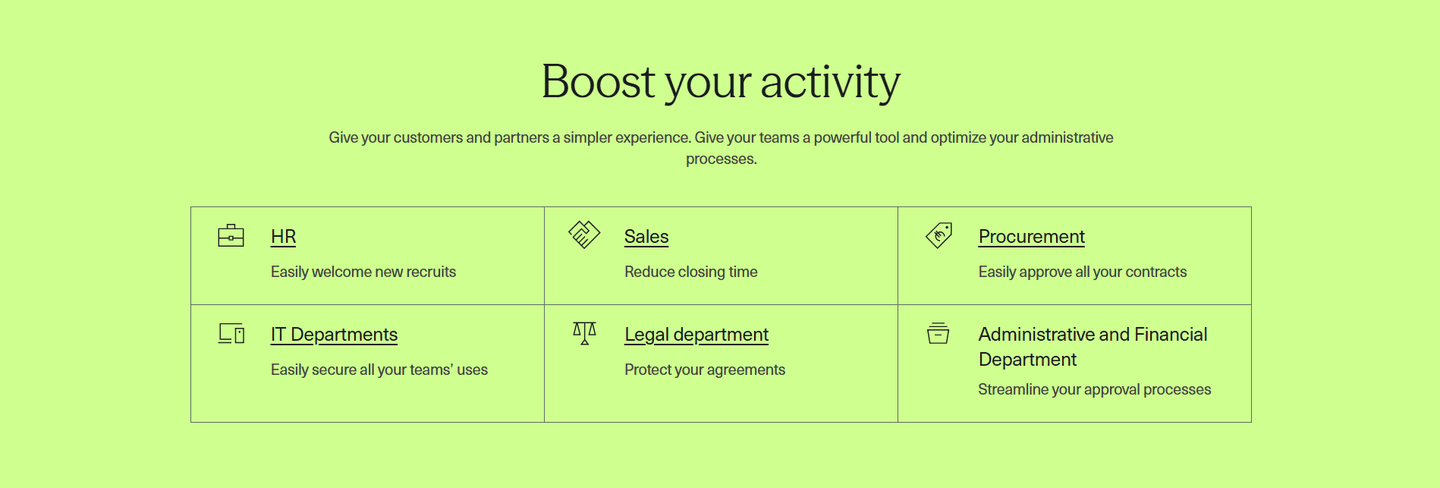
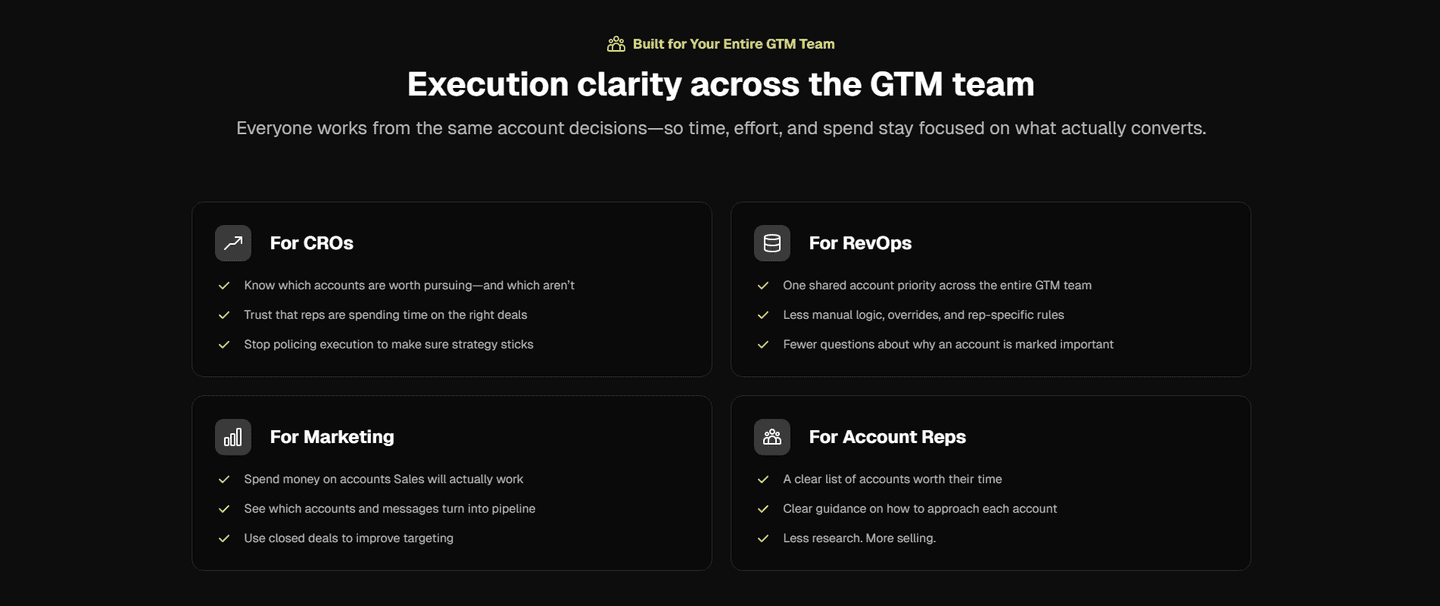
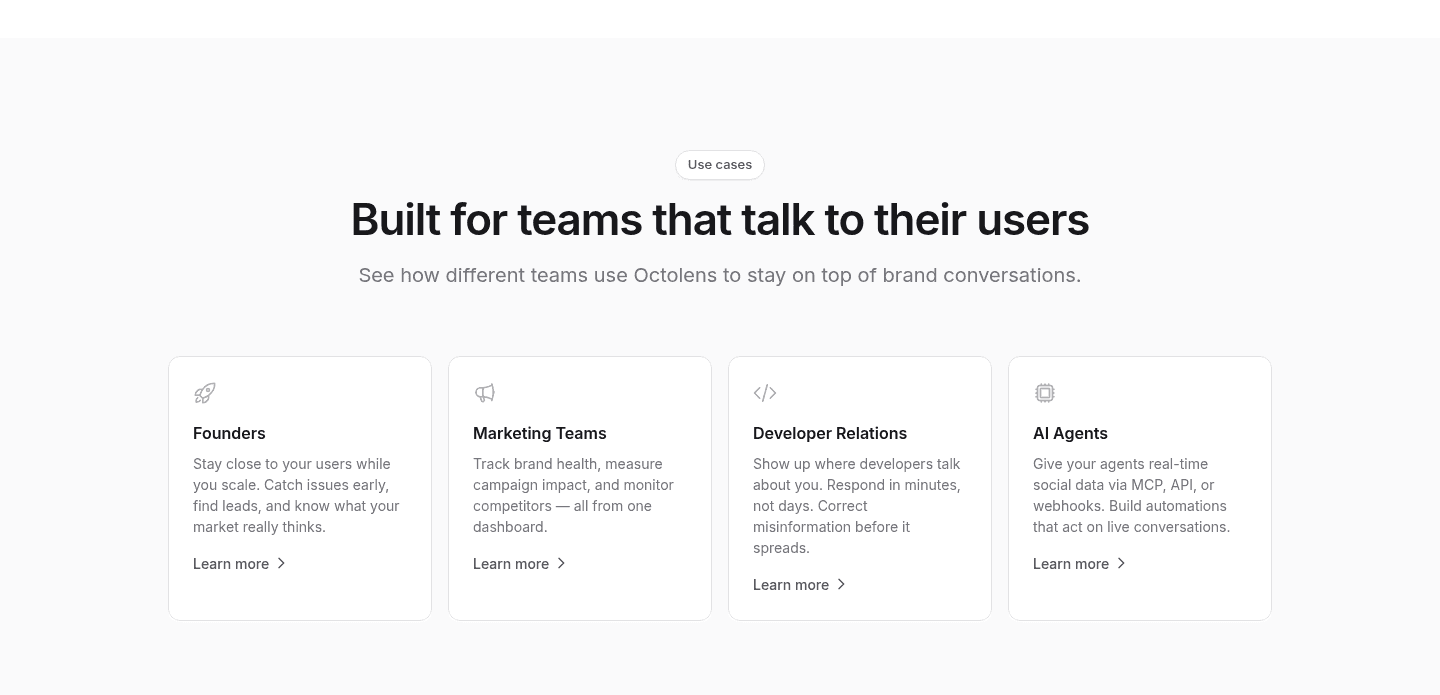
Browse every use cases pattern by UX best practice.
Every use case section is scored across 5 conversion best practices. Copy the best practice stack, not the design. See what converts and why.
Hand-picked from 650+ companies and analyzed by our AI conversion agent. Not a random dump of homepages. Every entry earns its spot.
Found a use case section you admire? Run yours through the same scoring engine. See where you stand on the same best practices, and what to fix first.
An outcome-per-persona use-case section is the decision to give each audience its own promise rather than one benefit reused across every role. A generic section says "here is what the product does." This pattern says "here is the result you, specifically, walk away with." When the copy names a visitor's job and the payoff that job cares about, the value stops being something the visitor has to translate and becomes something they recognize.
The best use-case sections use one of four forms, sometimes blended:
A landing page almost always speaks to several kinds of buyer at once, and a single feature list forces each of them to work out whether the product is really for them. That translation step is where visitors quietly leave. When the section names their role and states the result they want, the work disappears: the buyer sees their own job in the copy and reads it as evidence the product was built with their case in mind.
The pattern also lets the visitor self-select. Instead of scrolling past three roles that are not theirs to reach a fourth, they click their lane and see only what applies to them. That is faster, it feels more relevant, and it turns a broad page into one that reads as if it were written for a single reader.
Across the examples below, the sections that land hardest make the outcome concrete. Ahrefs pairs each persona tab with a role-matched testimonial and a hard number tied to that case. Amplitude backs its product tab with a quote from a Chief Product Officer, so the persona claim carries proof from the exact kind of buyer it targets. Crewdle AI goes further and names the everyday scenario a bakery owner recognizes, then closes on the specific payoff of hours saved each week. The discipline is the same in every strong example: a named audience, a distinct result, and specifics over adjectives.
Naming the outcome is only half the job. The best examples also pair it with an easy way to switch between roles, the discipline covered in use-case sections built for navigation clarity, so a visitor reaches their lane in one obvious click.
60/100 20/100
The usual failure is splitting the section by persona but handing every persona the same promise, so the tabs change labels while the payoff stays generic. A visitor who clicks two roles and reads an identical benefit learns the segmentation was cosmetic. The second failure is vagueness: a persona that gets "boost your workflow" instead of a named job or a real number gives the buyer nothing to recognize. And the third is too many lanes, where a section lists a dozen audiences with no clear way to find your own, so the visitor scans, gives up, and scrolls past the part of the page built specifically for them.

Curated by
Gabriel Amzallag , Founder, Web Anatomy
5 years CRO + SEO at Qonto (2021–2025). After advising 15+ SaaS on their websites (Payfit, Pigment…), the same patterns kept breaking, so I decided to build the source of truth on what works on the web: the intelligence layer every tool, builder, and team uses to ship sites that perform.
Paste your URL. Get a scored analysis of your use-case section, including whether each persona gets its own outcome. Free, no signup.
The common questions about naming a result for each audience in a use-case section, with answers drawn from 46 examples.
It means each audience the section addresses gets its own stated result, not one benefit reused across every role. A product team sees 'ship faster', a marketing team sees 'fuel growth', a finance team sees 'stay compliant'. The section pairs a named persona, industry, or team with the specific payoff that role cares about, so the value lands without the visitor having to translate a generic claim into their own situation.
A landing page usually speaks to several kinds of buyer at once, and a single feature list forces each of them to guess whether the product is for them. When the section names their role and the result they want, that guessing disappears. The visitor recognizes their own job in the copy, trusts that the product was built with their case in mind, and self-selects the path that fits them instead of bouncing.
Four show up most often. Role or team tabs, where one click swaps the whole panel for a chosen function. Industry tiles, where each sector gets its own labeled card. A grid of persona cards, each with an icon, a job, and a distinct payoff. And a first-person switcher, where labels read 'I am an agency' or 'I am a marketer'. All four let the visitor pick their lane, then pay off that choice with a result specific to it.
As specific as the section can honestly make it. A named job beats a category, a real number beats an adjective, and a concrete scenario beats a promise. The strongest examples reach for hard results tied to a role, like hours saved in the first month or a measurable lift, and back them with a role-matched quote or a case link. Vague outcomes reused across personas defeat the whole point of splitting by audience.
Enough to cover the real buying audiences without turning the section into a directory. Three to six labeled personas is the common range. Too few and part of the audience feels unaddressed, too many and no one can find their lane at a glance. Group the audiences the way buyers actually think of themselves, by role, team, or industry, and make switching between them a single obvious click.